For a long time, colour on E Ink screens was seen as a drawback.
It was so noticeable that many honest reviewers advised people to think of it as an extra rather than a main reason to buy.Earlier versions of the Kaleido technology produced colour that looked dull unless viewed in direct sunlight, and the difference between what was shown in marketing photos and what you actually saw when holding the device was large enough to make some buyers regret their purchase.
The BOOX Note Air3 C, which came out in late 2023 with the Kaleido 3 panel, changed this.
I didn’t expect it to make such a big difference until I used it for a while.The colour on the Note Air3 C is not like the bright and sharp screen of a phone. It isn’t overly saturated or as clear as a glossy photo. However, it is reliable, genuinely useful, and good enough that I stopped thinking about its shortcomings and started using it for tasks I’d previously avoided on E Ink displays.
This review offers a detailed look at the BOOX Note Air3 C from the perspectives that matter most to someone looking to buy in 2026.
Since its release, the device has been followed by the Note Air4 C and Note Air5 C models. As a result, the Air3 C can sometimes be found at a lower price point than when it first launched. Whether this affects its value will be addressed later in this review.
Why should you choose Note Air3 C:
To understand why someone would choose a colour E Ink tablet over a standard monochrome one, you need to think about the kind of work that monochrome makes more difficult.
A novel is fine in black and white.
A research paper with plain text is also fine. But a biology textbook with colour-coded diagrams, a financial report with multiple data series that use colour to differentiate, a PDF presentation that uses colour to separate information categories, or a handwritten notebook with different pen colours for note priority. All of these become harder to use when the colour is removed.
This is the problem the Note Air3 C was created to solve.
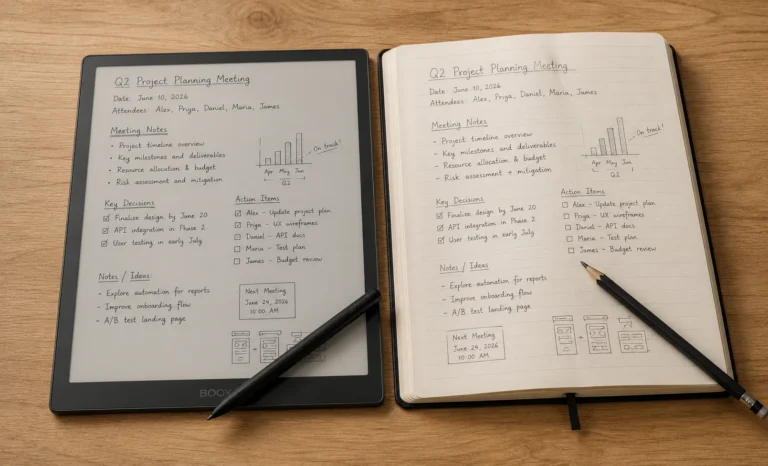
It manages to do so while keeping the key benefits of E Ink devices. That means low power usage, a reflective screen that doesn’t strain the eyes, and a stylus experience that feels more like writing on real paper than any other tablet.
After spending a lot of time with this device, I’ve come to the conclusion that the Note Air3 C isn’t for everyone, and it shouldn’t be marketed as if it is.
It’s specifically for those who work with content that relies on colour and need to do this work on a screen that doesn’t tire their eyes after a long session.For that person, it is truly excellent.
Design and Build:
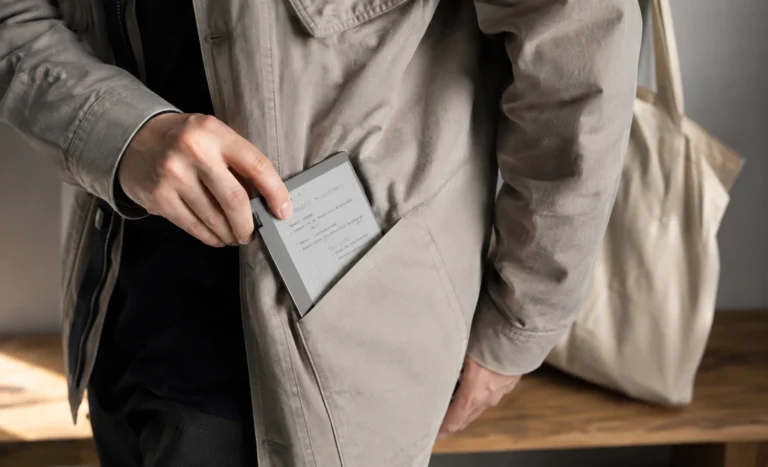
The BOOX Note Air3 C has a 10.3 inch display in a form factor that is now familiar to anyone who follows the E Ink tablet market.
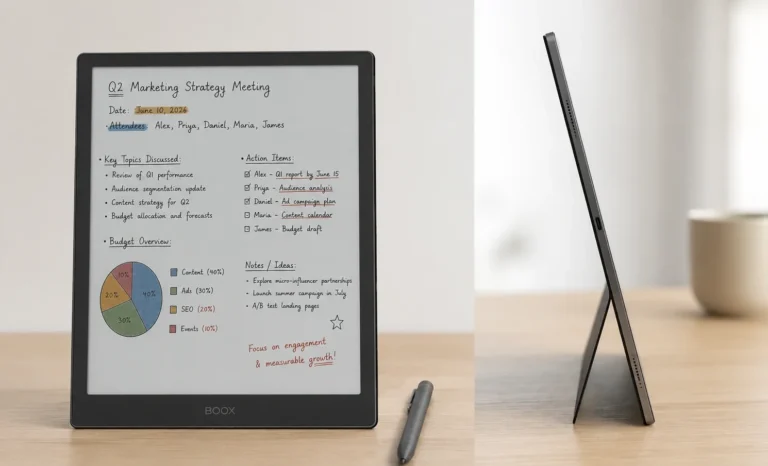
It has thin bezels on three sides, with a slightly wider one at the bottom to help with palm resting.It uses an aluminium finish that conveys quality without being too flashy. The weight is around 445 grams, which feels good for the size and won’t make your arm tired after a short while.
The front of the device is clean.
BOOX doesn’t put its branding on the front panel of the Note Air series. I think this is the right choice. It gives the device a sense of being a tool rather than a brand advertisement. The display takes up most of the front, and the transition between the glass and bezel is smooth, with no visible step or gap that could catch a fingernail or quickly collect dust.
The back of the device has a slightly textured matte finish that sticks naturally to both a desk and a hand.
It doesn’t slide around when used in a flat position, which is more important than most people realize until they spend a week using it for document annotation. The buttons are on the right edge: a power button with a physical click, and two page-turn buttons that are positioned where the thumb naturally rests during one-handed reading. These buttons are something I’ve come to appreciate more each week, as tapping the screen repeatedly for page turns during long reading sessions gets exhausting. A physical button eliminates that fatigue entirely.
The USB-C port is on the bottom edge, and there is also a microSD card slot for storage expansion.
This is a useful feature that many competing devices have left out. For a device aimed at people who carry large libraries of documents and colour heavy PDFs, the option to add external storage is definitely worth keeping.
Kaleido 3 Display:
I really want to tell you about the Kaleido 3 display. There is a lot of talk about the color E Ink. Some people forget to mention the key calibration step. This can be disappointing when you use the device in a room and the colors seem dull. I do not want that to happen to you so I will give you an explanation.
The Kaleido 3 panel has a color filter layer over the black and white E Ink base. Each color pixel is made up of a group of monochrome pixels underneath. The color comes from the filter and the clarity of the text comes from the monochrome layer beneath. This is why the text on the Kaleido 3 can appear sharp at 300 PPI even though the color output is at a 150 PPI. The text rendering bypasses the color grid. Uses the full monochrome resolution directly.
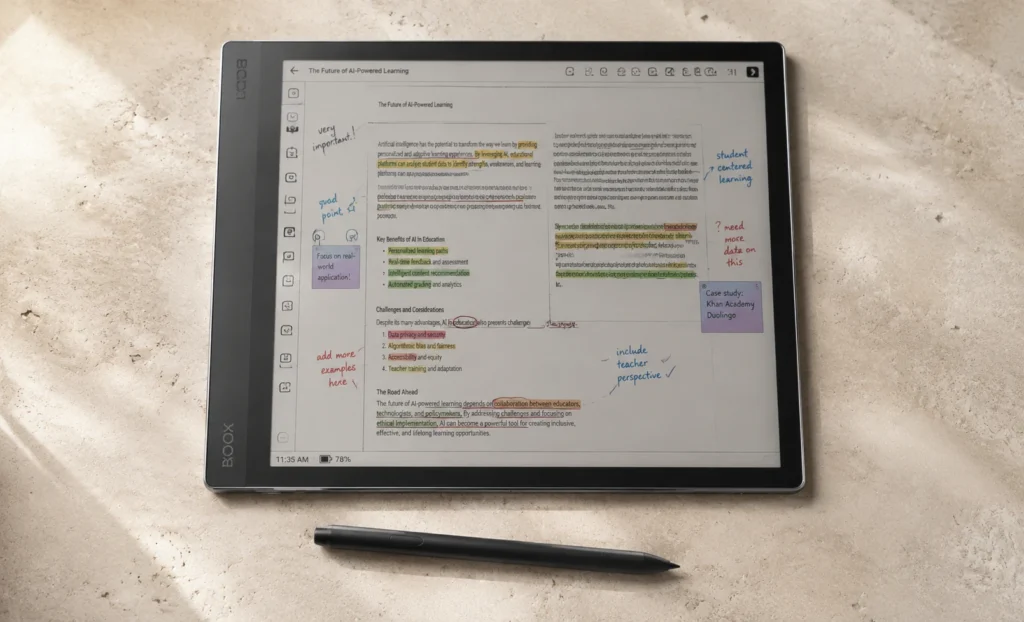
The color on the Kaleido 3 is better than on the Kaleido 1 and 2. It is not as vivid as the colors on a backlit screen. It is like the colors from a high-quality laser printer not like the colors from a camera. The greens and blues are clear and consistent. The reds and oranges may seem a little muted compared to what you are used to on a phone or monitor. The color on the Kaleido 3 is practical, accurate and nice to look at. It does not match the vibrancy of a typical display.
The front light on the Note Air3 C has both amber and cool white settings. This is important for the color display because the ambient light tone has an effect on color E Ink than on monochrome displays. Using the light in the evening creates a paper-like reading experience but it slightly shifts the cooler colors toward yellow. The cool setting maintains color accuracy better during the day. Once I understood this I stopped using a fixed light setting and started adjusting it like I would adjust the brightness on a monitor depending on the lighting conditions.
Writing and Annotation:
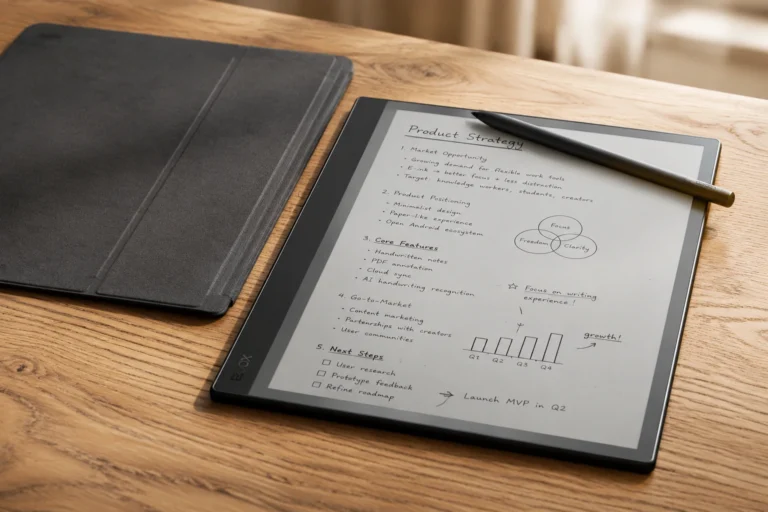
The Note Air3 C comes with a Wacom EMR stylus. I think the Wacom EMR standard is the choice for a device like this. The pen draws power inductively from the tablet. Does not have its own battery so it is always ready to write the moment you lift it from any surface. There is no process to start using it. It is simply a pen, not a complicated gadget with its own power issues.
The Wacom EMR standard also works with a lot of third-party styluses from brands like Lamy and Staedtler. This means that if you already own a Wacom- pen from another device it will work on the Note Air3 C without any extra cost. If you prefer a pen shape, weight or grip feel than the one that comes with the device you have practical options that are not available on devices that use proprietary styluses.
Writing on the surface of the Note Air3 C feels a little like writing on glass. It is smoother than the textured surface of the reMarkable Paper Pure. More similar to writing on coated paper with a ballpoint pen than in a notebook with a pencil. This is because the E Ink tablets use a glass cover than a plastic matte layer. Neither option is better than the other. Writers who like a smooth frictionless glide will likely prefer the Note Air3 Cs surface while those who enjoy resistance and drag will find the reMarkable more satisfying.
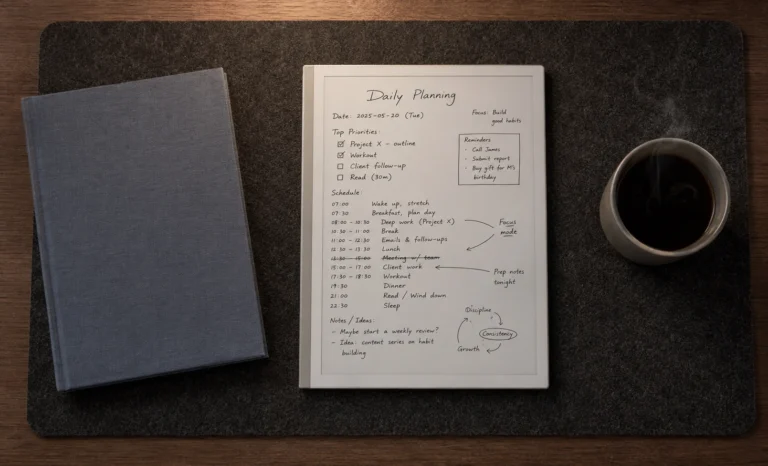
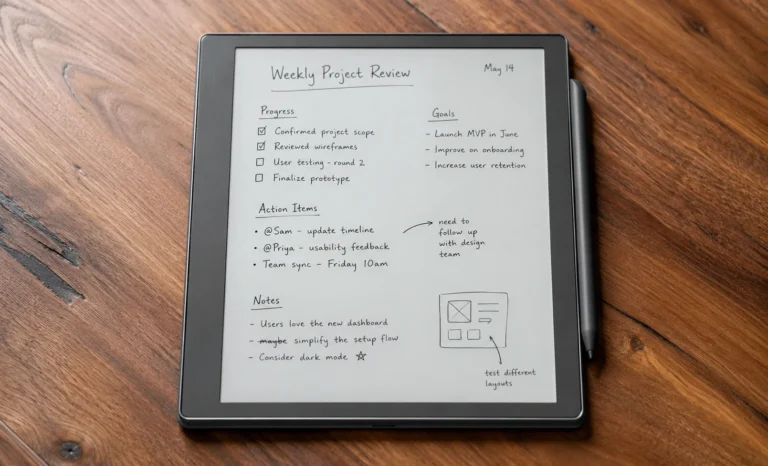
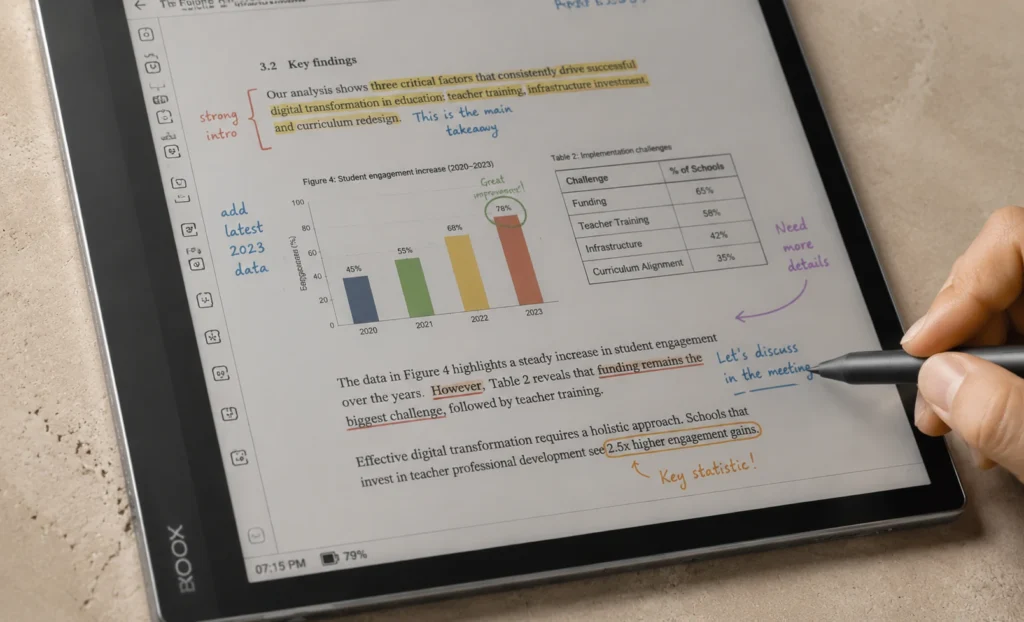
The ability to write in color using the color pen tools in BOOXs app is one of the Note Air3 Cs real standout features. When I annotate a document in the reader and switch between a blue pen for questions and a red pen for corrections the color distinctions show up on the screen and carry over to exported PDFs. It is a feature that becomes central to how you work after a few weeks of getting used to it. The Kaleido 3 display and the Wacom EMR pen make the Note Air3 C a great device, for writing and annotation
Android 12, Google Play, and the Software Experience
Running Google Play on an E Ink device sounds really easy. It is not as simple as it sounds. There is a difference between what you expect and what you actually get. This is something that people should know about before they buy this device because they might think it will be like using a phone on a screen that feels like paper.
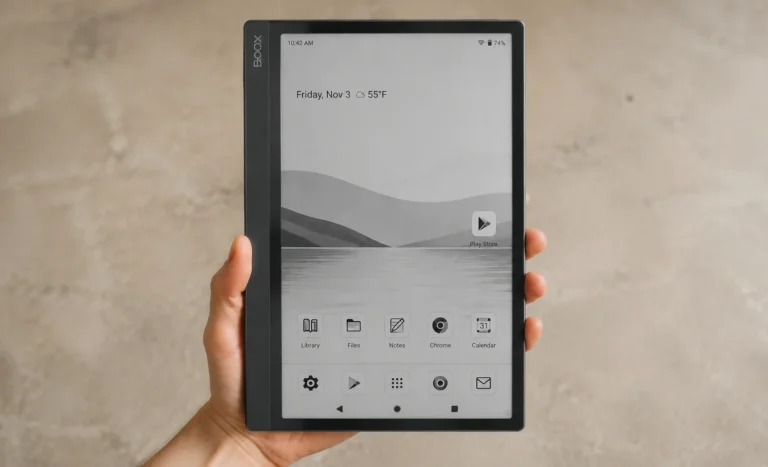
The Note Air3 C uses Android 12. You can get Google Play on it. This means you can install any Android app you want like the Kindle app for your Amazon books Kobo for the books you bought from them Libby for library ebooks Obsidian for notes that are connected and Google Drive for your documents in the cloud. This is an advantage over devices like the Kindle Scribe or reMarkable Paper Pure, which can only show things from their own systems.
It does not mean that all apps will work perfectly. Apps that have a lot of movement load videos quickly or have scrolling with pictures will not work well on an E Ink screen. This is because the screen is not made for things to change quickly. When the screen changes a lot it takes a time to refresh, which is normal for E Ink but it can be annoying for apps that need to show things right away.
BOOX has a way to deal with this by letting you choose display modes for different apps. Apps that are mostly text work well, in the mode. Apps that you use to write or draw work better in the A2 mode, which is faster but the picture is not as good. You need to set it up at first. Once you do it works really well and feels like it was made for this not just put together.
Pricing:
The positioning of the Note Air3 C in 2026 is interesting in a way that makes it worth buying under specific conditions and worth skipping in others.
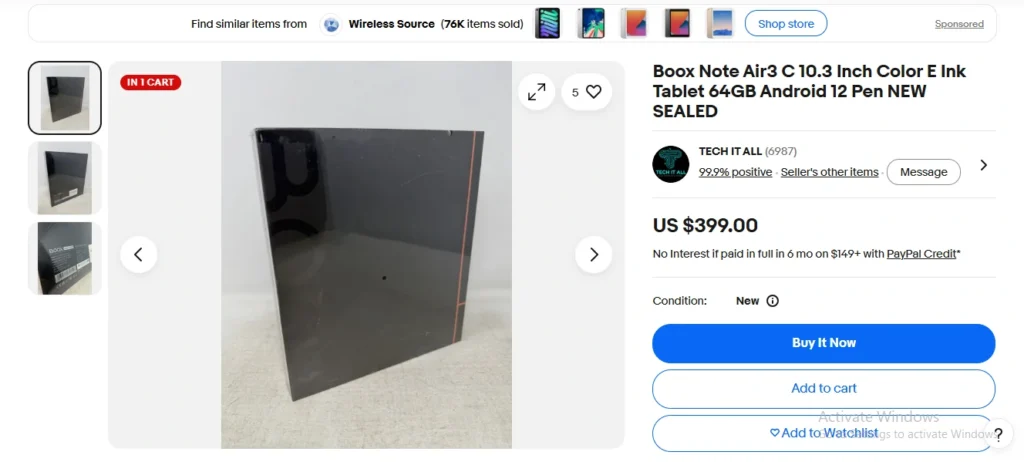
If you find the Note Air3 C available at a meaningful discount below its original $499.99 launch price, which is increasingly common as BOOX moves its colour lineup to the Air4 C and Air5 C, then the core hardware is capable enough that the savings are real rather than a sign of something wrong with the device. The Kaleido 3 display in the Air3 C and the Air4 C are from the same panel generation. The writing experience with the Wacom EMR pen is the same. The Android 12 operating system is older than what the newer models run, but it is stable and the BOOX software layer above it remains well-maintained.
If the Note Air3 C is priced at or near the Note Air4 C’s current price, the decision changes completely. In that scenario, paying the same money for newer internal hardware and a more recent Android version is the obvious choice and the Air3 C becomes difficult to recommend.
(CLICK BELOW TO BUY FROM EBAY OFFICIAL STORE)
Covers and Accessories:
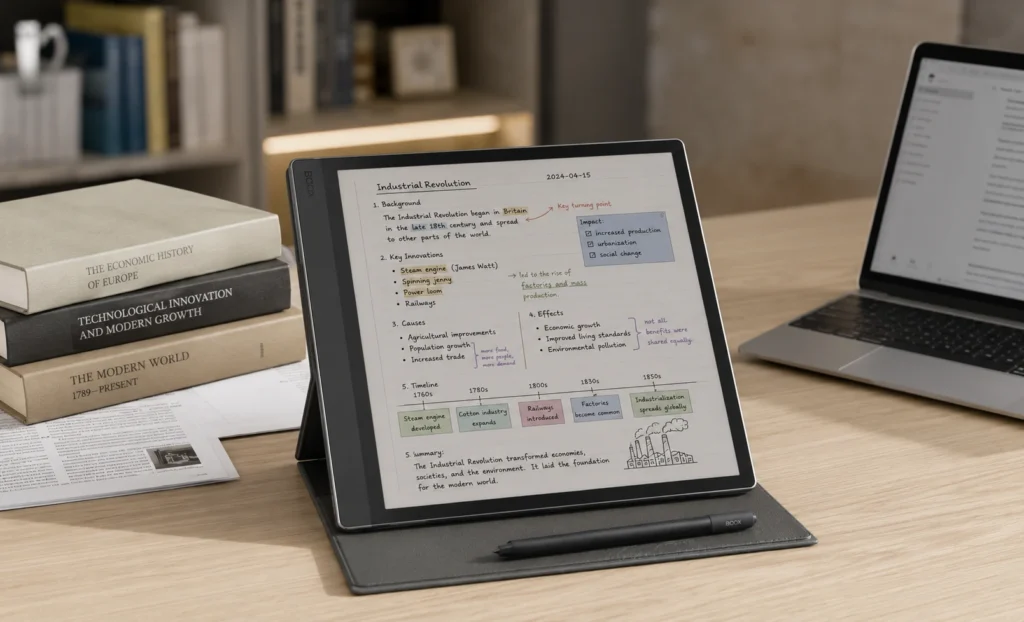
BOOX offers folio covers for the Note Air series in fabric and vegan leather styles. The magnetic attachment system works well: the cover sticks firmly doesn’t move when you hold it with one hand and the wake sleep function works properly when you open and close the cover. This is a important feature that becomes very noticeable when devices don’t have it.
The Note Air3 C has a shape to the Note Air2. And some accessories from the previous generation may work with it but this depends on the specific product. I would suggest checking compatibility before buying any accessory based on this idea.
The pen that comes with the device has a shape that some people find a little light for long writing sessions. The Wacom EMR support allows you to use a pen with a bigger body if you write a lot. The Lamy AL-star EMR for example is a choice, among E Ink tablet users who want a more traditional pen-like stylus.
Battery Life:
The Note Air3 C has a 3000mAh battery. This is smaller than some devices. We should talk about this clearly.
When you only read on the Note Air3 C with the light on it can last for multiple days.. If you use it a lot for writing reading PDF files using apps on Android and turning up the front light the battery will not last as long.
The Note Air3 C uses E Ink for its screen. This means the screen only uses power when what is on the screen changes. So if you are reading a book and not changing the page it uses little power. This is different from a tablet with a screen.
The Note Air3 C also has an Android processor and apps that use power all the time. The front light also uses power. So the battery life is not as simple as it seems.
My honest opinion is that the Note Air3 C will last for two to four days if you use it every day. This is not long as some other devices that only show black and white and do not have Android.. This is because the Note Air3 C has Android and can do more things. The Note Air3 C is a device it is just that Android uses more power, than some other systems.
Pros and Cons
A Personal Note on Who This Device Is Right For
In my time using the BOOX Note Air3 C, the pattern that came up about who it really works for is that it is the right device for someone who has a specific professional or academic need for colour document work and wants to do that work on a screen that does not tire their eyes.
For instance, I would say medical students looking at colour anatomy diagrams, architects checking out colour-coded floor plans, researchers going through illustrated reference material, teachers making colour annotated lesson documents. These are the people who get the measurable daily value from the colour capability instead of seeing it as a bonus feature they occasionally like.
For someone whose document library’s mostly black and white text the Note Air3 C is a more powerful Android E Ink tablet than most other options but its main feature goes to waste. In that case a monochrome version at a price would do the same job more effectively.
“Colour on an E Ink screen is not, for everyone.. For the person who needs it for their actual work it removes a frustration that they had previously thought was unavoidable.”
Frequently Asked Questions
Is the BOOX Note Air3 C still worth buying in 2026?
Yes, under a specific condition: it needs to be available at a meaningful discount below the current pricing of the Note Air4 C. The core hardware, including the Kaleido 3 colour display, Wacom EMR pen, and Google Play access, remains capable for daily reading and annotation work. The older Android 12 operating system and smaller battery are the main trade-offs compared to newer models. If the price gap is $50 or more below the Air4 C, it represents genuine value for a colour document workflow.
How good is the colour display on the BOOX Note Air3 C?
Better than the earlier Kaleido generations but calibrated expectations are important. Colour on the Note Air3 C is accurate and consistent rather than vivid. It reads closer to quality colour laser printing than to a phone screen or monitor. Colours are distinguishable and useful for annotating colour-coded documents, charts, and illustrated reference material. The colour is noticeably better in well-lit environments and under the cool front light setting than in dim rooms with warm light.
Does the BOOX Note Air3 C pen need charging?
No. The Note Air3 C uses a Wacom EMR passive stylus that draws power inductively from the tablet itself. The pen requires no battery and no charging at any point. This also means any Wacom EMR compatible stylus from third-party brands like Lamy or Staedtler will work with the device, giving pen choice flexibility that devices with proprietary active pen systems do not offer.
What is the difference between the BOOX Note Air3 C and the Note Air5 C?
The Note Air5 C is the 2025 to 2026 current flagship in BOOX’s colour lineup. It runs Android 15 versus the Air3 C’s Android 12, has a Snapdragon 750G processor versus the older Snapdragon in the Air3 C, 6GB of RAM versus 4GB, and uses an updated Kaleido 3 panel implementation. The Air5 C switched from the passive Wacom EMR pen to the active InkSense Plus stylus, which requires charging but offers improved latency and pressure response. The Air5 C costs $529.99 and is the better choice if budget allows. The Air3 C makes sense primarily as a discounted value option.
Can I use the Kindle app on the BOOX Note Air3 C?
Yes. The Note Air3 C runs Android 12 with full Google Play Store access, and the Kindle app is freely available to download and use. Your entire Kindle library, reading progress, highlights, and notes are accessible through the app exactly as they appear on any other Android device. The same applies to Kobo, Libby for library ebooks, and any other reading app available through Google Play.
Explore More Reviews
Best E Ink Android Tablet Guide 2026: Every Model Compared
Boox Note Air2 Full Specs, Buying Guide, Onyx Official Price
Supernote A5X Review: Lightest E Ink Notebook With Zero Subscription Fees
Amazon Kindle Scribe: Finally A Tablet That Writers Actually Want In 2026
Boox Note Air4 C: The 64GB Color E Ink Tablet Review
E-Ink Tablets Comparison: 6 Digital Notebooks Tested Head to Head
3 Best E Ink Tablets In 2026 Detailed Review
The Future of E-Ink Tablets: Revolutionizing Your Reading Experience
The reMarkable Paper Pure (reMarkable 3) Surprised Me in Ways I Was Not Expecting at All
Viwoods AI Paper Full Review 2026