There are a lot of E Ink tablets on the market right now. Most of them make the same promise in slightly different packaging like paper like writing, long battery life, distraction free environment. Some deliver on that promise better than others, and a few genuinely move the category forward in ways that are hard to ignore once you have spent real time with them.
The Viwoods AI Paper is one of those devices for me. Viwoods AI Paper has arrived from a Chinese brand that most people in the E Ink community had not heard of two years ago, and it has been quite successful to earn a reputation that the more established names probably did not see coming.
It is not the cheapest option in this category. It is not the simplest either. But it weaves a genuinely useful AI layer directly into the paper tablet experience in a way that does not feel like a gimmick after the first week, which I guess none of the other brands have figured out.
This review covers everything across the full Viwoods AI Paper lineup, the flagship 10.65-inch AiPaper, the more portable AiPaper Mini, and the phone shaped AiPaper Reader, with current pricing, real observations on the display and writing experience, the latest V3.14 software update, available covers and accessories, and an honest take on where it excels and where it still has real work to do.
Viwoods AI Paper Roots
Viwoods is a relatively young hardware brand with Chinese roots, and like a few other E Ink players that emerged from that space, they came in with engineering ambition that older brands were simply not expecting. The AiPaper first appeared in late 2024 in the US market and arrived in Australia by March 2025.
People were talking not just about the hardware which is genuinely impressive, but the name itself. Every other writing tablet in this category names itself something minimal and poetic: reMarkable, Supernote, Kindle. Viwoods called theirs the AI Paper, put a dedicated physical AI button on the device and actually backed that claim up with functional AI tools which was built directly into the native software.
That combination of hardware confidence and software ambition is what set it apart early, and the most recent V3.14 firmware update released in June 2026 pushed that advantage further with full line AI upgrades and noticeably smoother PDF handling across the entire lineup.
The Display
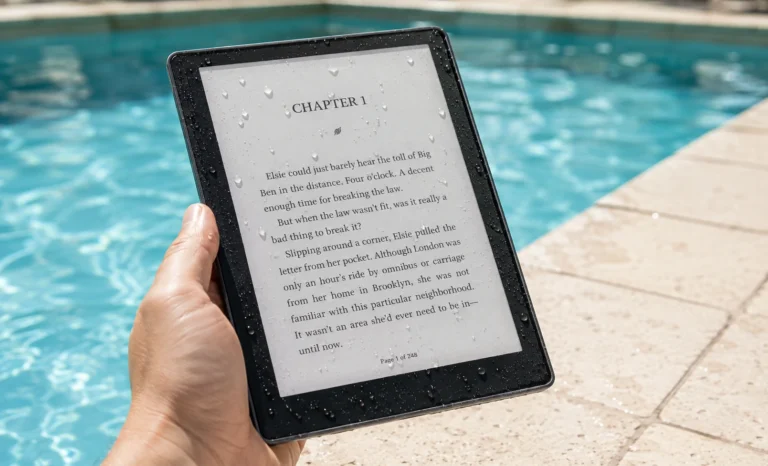
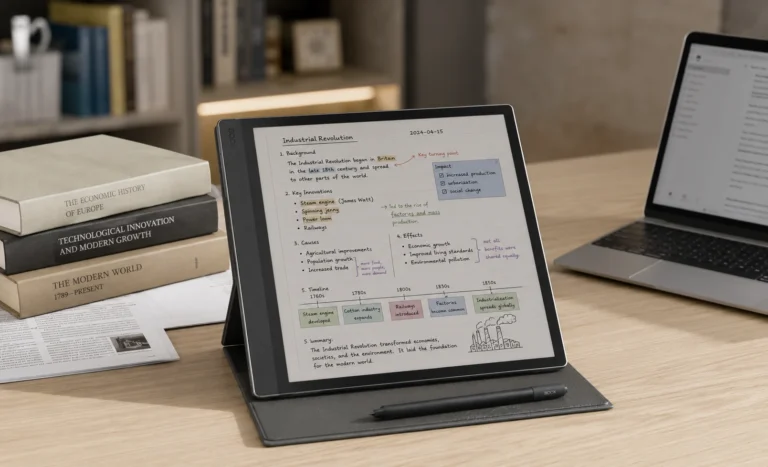
The top layer of the screen is E Ink Carta 1300. It is the same panel generation which is used in the reMarkable Paper Pure, the Kindle Scribe and other premium devices at the top of this category.
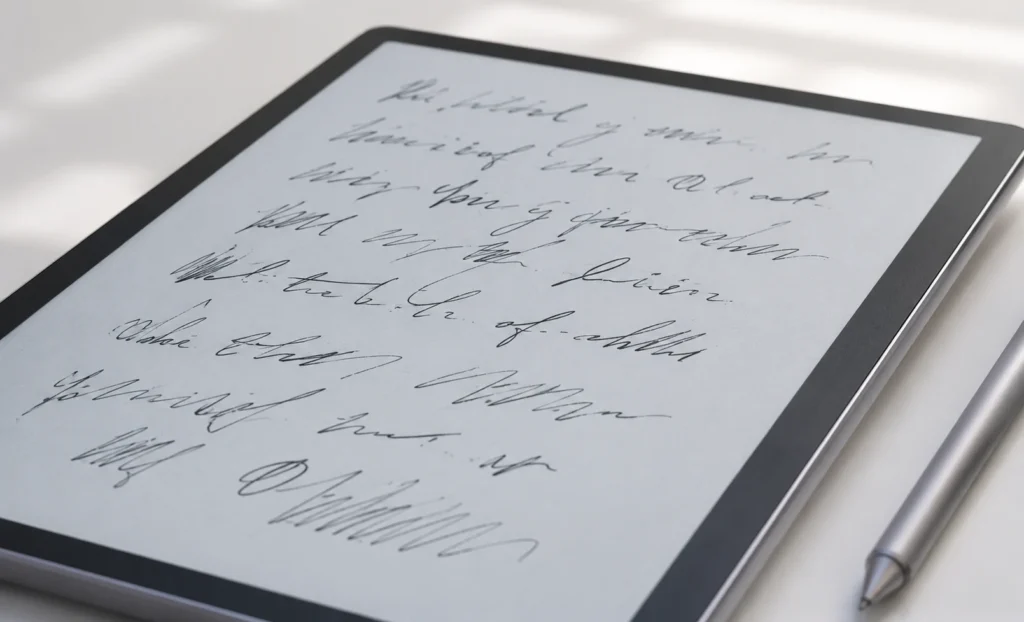
It delivers the same 300 PPI resolution and excellent contrast that Carta 1300 is known for. According to my personal view, what makes the AiPaper genuinely different is the base layer sitting underneath which uses E Ink Mobius technology. It’s a flexible substrate rather than a rigid glass one. Viwoods says this flexible base creates a subtle paper like rebound feeling when the stylus presses into the surface, giving the writing experience a slight physical give that mimics the way a pen sinks into thick notebook paper rather than sitting entirely on top of a hard surface.
The screen display runs at 1920 by 2560 pixels across 10.65 inches which lands at the sharp end at 300 PPI of what E Ink currently produces commercially. The text looks crisp whether you are reading a dense research PDF, reviewing handwritten meeting notes, or annotating a textbook with margins full of your own observations.
Build Quality and Physical Design
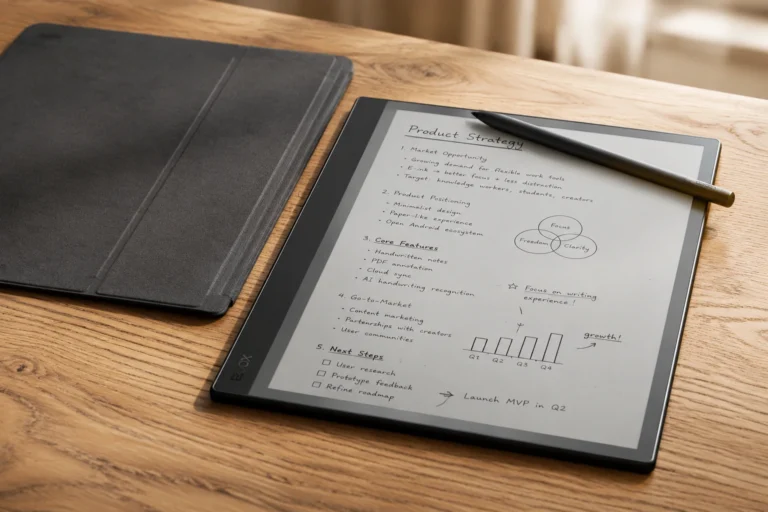
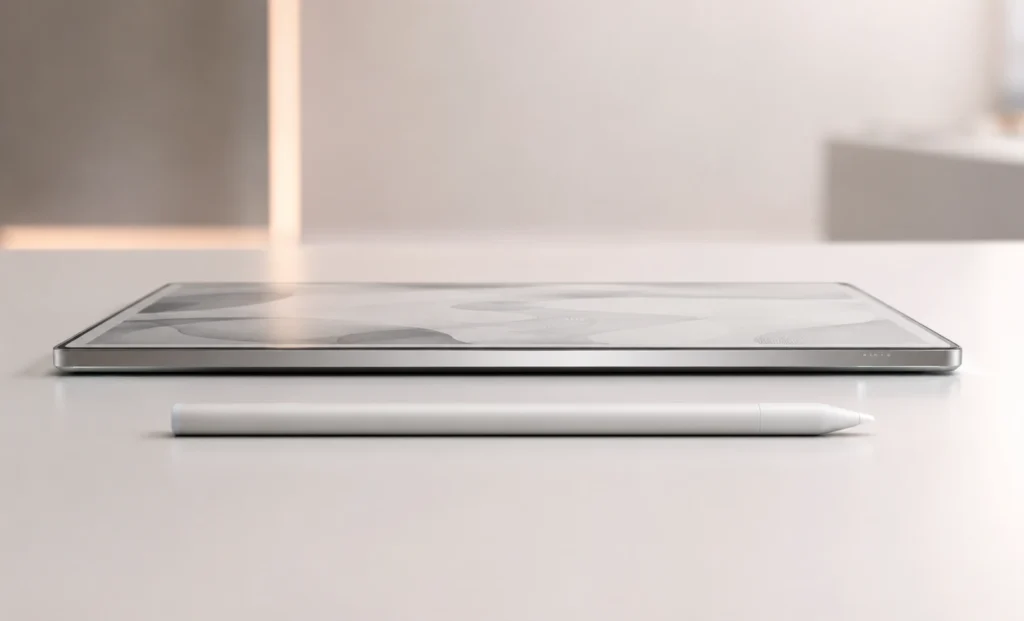
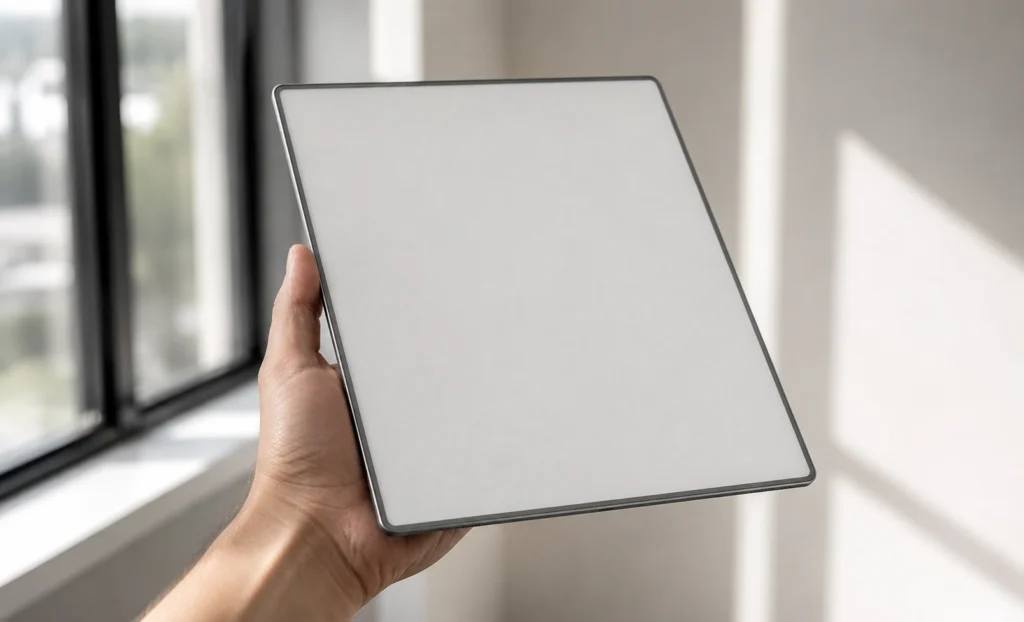
At 4.5mm thick and 370 grams, this device is among the slimmest and most deliberately considered-feeling E Ink tablets currently available anywhere.
The bezels are notably tight on the top, left, and right edges, which give the AiPaper a footprint that sits comparable to similarly sized or smaller competitors despite the larger screen diagonal. The lower bezel is wider than the others because it houses three capacitive touch buttons, a back button, a home button with long press for the task switcher, and the dedicated AI button that is probably the most distinctive hardware choice Viwoods made on this device.
A long press on that AI button activates the voice command input through the built-in microphone, which adds an input method that very few E Ink tablets offer and that turns out to be more practically useful in daily use.
Battery Life
The Viwoods AiPaper flagship is rated for approximately one week of daily use and up to four weeks on standby, and if those numbers sound like marketing stretch, they are genuinely not, at least not in the way most tech specs tend to inflate such things.
The reason E Ink battery life feels different from any other device category comes down to how the display actually works at a hardware level. The screen only draws power at the exact moment the image on it changes. When you stop writing mid sentence and put the pen down, the display is holding whatever was on screen while consuming essentially zero energy.
Compare that to any LCD or OLED screen on a regular tablet which is actively powering millions of pixels every single second whether anything on screen is moving or not, and the math behind multi week battery life starts to make more sense immediately.
For people who use the AI features heavily throughout the day, the realistic battery window is closer to five or six days rather than a full seven, which is still better than anything in the regular tablet category and better than the BOOX Note Air5 C’s approximately one week estimate under heavier Android use.
There is a practical habit worth building from day one with any E Ink tablet and the AiPaper is no different. That is to turn Wi-Fi off when you are not actively syncing files. The wireless radio is one of the larger passive battery draws on any Android device, and on an E Ink tablet where everything else is already so efficient, the radio represents a disproportionate drain during a session where you are simply writing and not transferring any files.
Flipping Wi-Fi off during a two hour writing session and back on when you are done is a small habit that noticeably extends how far into the week you get before needing to reach for a cable.
One honest observation I feel is worth mentioning about the battery comparison is the reMarkable Paper Pure’s three week estimate and the Kindle Scribe’s two week figure both benefit from closed operating systems that run nothing in the background.
The AiPaper runs Android 13 and Android always has something ticking quietly behind the scenes even when the screen appears idle. This is not a flaw in the AiPaper specifically, it is simply the trade off that comes with an open and flexible operating system on an E Ink device and this is why BOOX devices land in a similar weekly range to the AiPaper despite using the same underlying E Ink display technology.
The AI Layer In Viwoods AI Paper
The name AI Paper creates an expectation and the question every serious buyer needs answered before spending $549 is simple that does the AI actually do anything useful after the first week, or does it become one of those features you enabled once and never touched again?
Based on everything what Viwoods has confirmed through their FAQ and holding the device in my own hands, the honest answer is that the AI integration earns its place in the daily workflow more consistently than most similar implementations in competing devices.
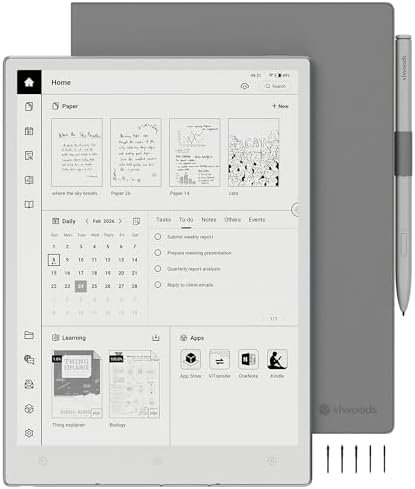
The dedicated hardware AI button opens a floating assistant window from anywhere in the operating system without losing context from whatever you are currently working on.
This sounds like a small convenience at first until you compare it to other devices where accessing an AI tool requires navigating away from your current document entirely, which breaks the focused flow that E Ink tablets are supposed to protect in the first place.
“The AiPaper’s AI integration is seamlessly woven into the experience. Purposeful and well implemented — not a marketing addition bolted on after the fact.”
V3.14 Firmware Update
The V3.14 update deserves its own dedicated section because it is not a minor maintenance patch. Viwoods released it in early June 2026 across the full product lineup and it has changed the experience meaningfully.
The pace of software updates from Viwoods has been very encouraging. The team is updating frequently enough that the device you buy in July 2026 will feel noticeably different from the device reviewers tested in early 2025, which is a meaningful sign that the company is treating this as a long-term platform rather than a hardware launch with minimal post sale support.
The AiPaper Reader
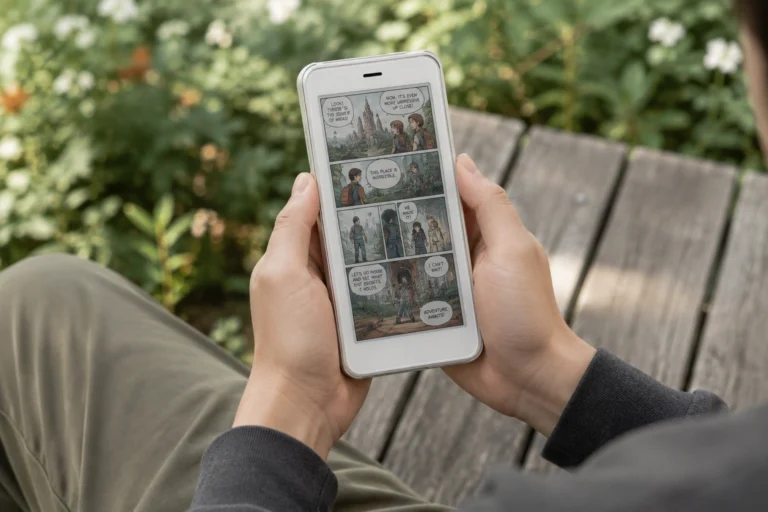
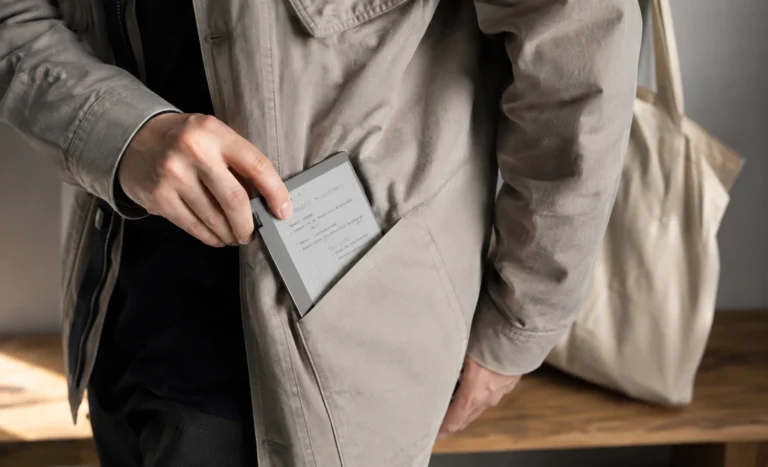
The AiPaper Reader weighs just 138 grams, which is less than most pocket notebooks and roughly the weight of a large smartphone. At 6.7mm thick it slides into jacket pockets without any bulk. The phone like form factor means reading posture is vertical and one handed in a way that larger tablets cannot comfortably match, and the volume buttons on the right side double as page-turn buttons in supported reading apps, allowing one handed operation without touching the screen at all.
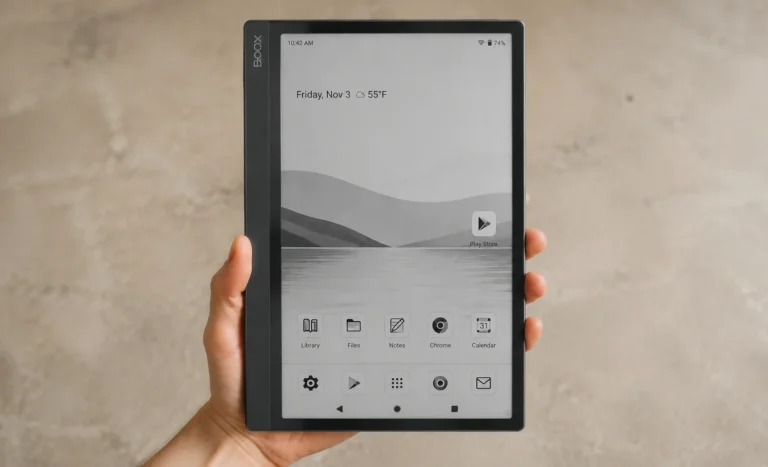
The Reader runs Android 16 and includes full Google Play Store access, which immediately separates it from the larger AiPaper and Mini in terms of app flexibility. Both the Kindle and Kobo apps come preinstalled, meaning for readers who maintain libraries across either ecosystem, the Reader is operational within minutes of unboxing.
Price,Pros & Cons and Final Thoughts
The Viwoods AI Paper is one of the most ambitious E Ink tablets released in the past two years and the ambition is mostly earned. The hardware is genuinely premium, the display is among the sharpest and whitest in the category. The build at 4.5mm is visibly impressive, and the AI integration is the most practically implemented of any paper like display tablet currently available.
The gaps are real but they are navigable. The flagship’s lack of a front light is the single biggest limitation for buyers who work in varied lighting. The Mac file transfer issue needs a firmware fix. And the Google Play gap on the AiPaper and Mini puts it behind BOOX for pure app flexibility.
At $419 on current sale pricing, the AI Paper mini and Viwoods AI Paper at $549 are competing directly and credibly with everything else in this tier. It is not a perfect device, but in 2026 it is probably the most genuinely interesting one in the E Ink writing tablet category, and that matters more than perfect right now.
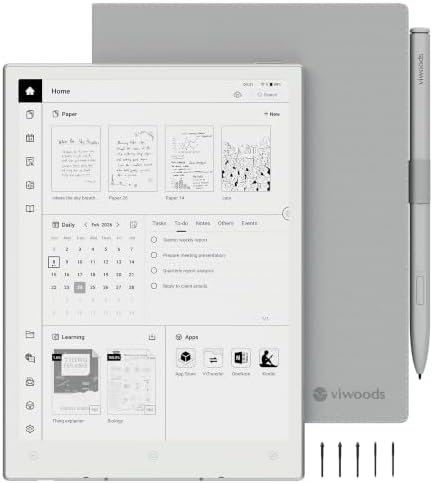
- Portable 8.2″ E Ink Tablet for Daily Reading:At just 230g, AiPaper Mini works as a compact e-paper tablet, ebook reader,…
- Eye-Friendly Reading with Adjustable Warm Light:The 8.2″ 292 PPI E Ink display reflects ambient light like paper, with 2…
- Paper-Like Writing with W2 Stylus Pro Pen:The included W2 pen supports precise note-taking, PDF annotation, sketches, to…
FAQs
Does the Viwoods AI Paper have a front light?
The 10.65-inch AiPaper flagship does not have a front light. In good ambient lighting the display looks excellent but in dim or dark rooms it becomes difficult to read comfortably. The AiPaper Mini includes a front light with adjustable brightness and is the better choice for evening or low-light use.
Does the Viwoods AI Paper have Google Play Store?
Not on the AiPaper or AiPaper Mini. Both use Viwoods’ own app store and APK Pure instead. The AiPaper Reader and Reader Colour both run Android 16 with full Google Play access. If Google Play is essential to your daily workflow, the Reader lineup or a BOOX device would be a better fit.
Is the Viwoods AI Paper better than the reMarkable Paper Pro?
They prioritize different things. The AiPaper wins on storage with 128GB versus 64GB, adds Android flexibility, AI tools, and a physical AI button. The reMarkable Paper Pro wins on front light, a more refined and polished writing experience, and a cleaner closed software ecosystem with no configuration needed. For AI-assisted productivity the AiPaper is stronger. For pure distraction-free writing reMarkable is cleaner.
Does the Viwoods AI Paper require a subscription for AI features?
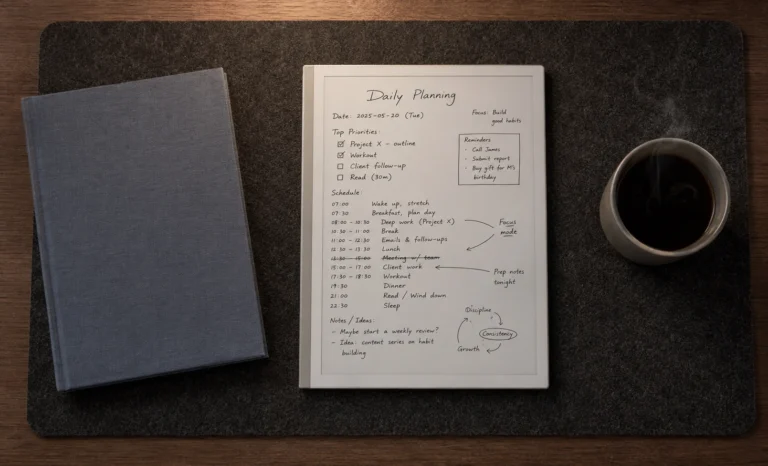
No. All AI features are included in the purchase price with no ongoing subscription fees. This includes handwriting-to-text conversion, the AI assistant, voice input, and the Daily workspace. Viwoods confirmed there are no subsequent fees to access complete device functionality.
What cases and covers are available for the Viwoods AI Paper?
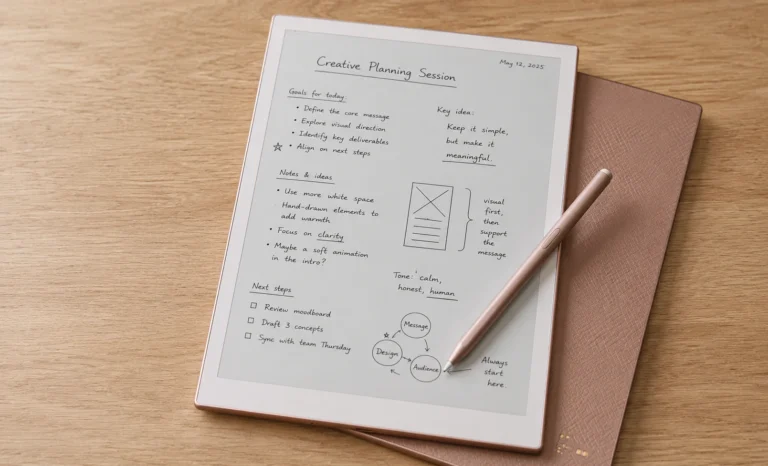
Viwoods sells two case types through their accessories store: an eco-friendly fabric texture folio for lighter daily carry, and a premium genuine leather folio for a more formal or desk-focused environment. Both are available separately for the AiPaper, AiPaper Mini, and AiPaper Reader series. The included plastic clip-on cover protects corners and edges but leaves the sides exposed, so a proper case is strongly recommended for anyone carrying the device regularly.
Explore More Reviews:
Best 10 Inch E Ink Tablets Under $700 in 2026
E-Ink Tablets Comparison: 6 Digital Notebooks Tested Head to Head
The Future of E-Ink Tablets: Revolutionizing Your Reading Experience