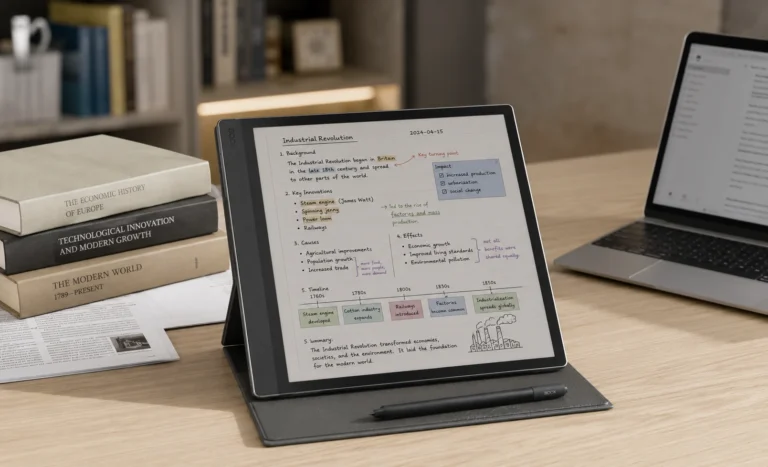
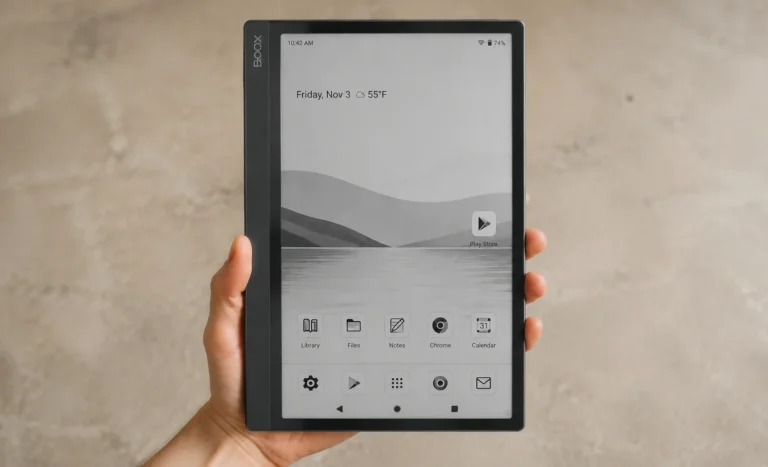
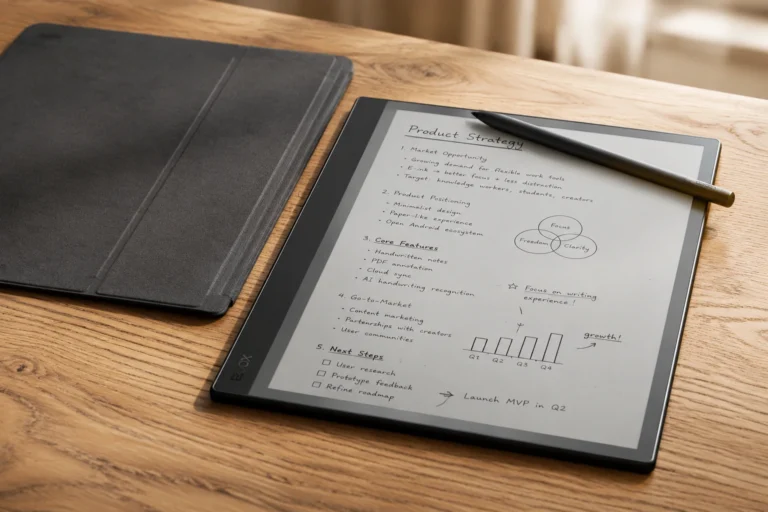
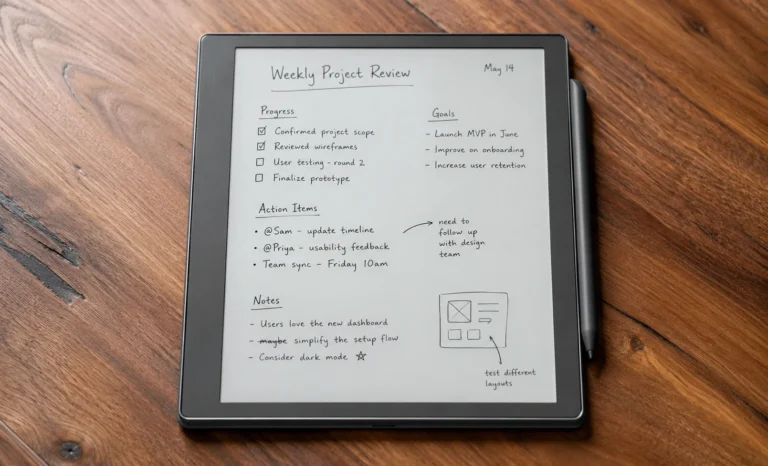
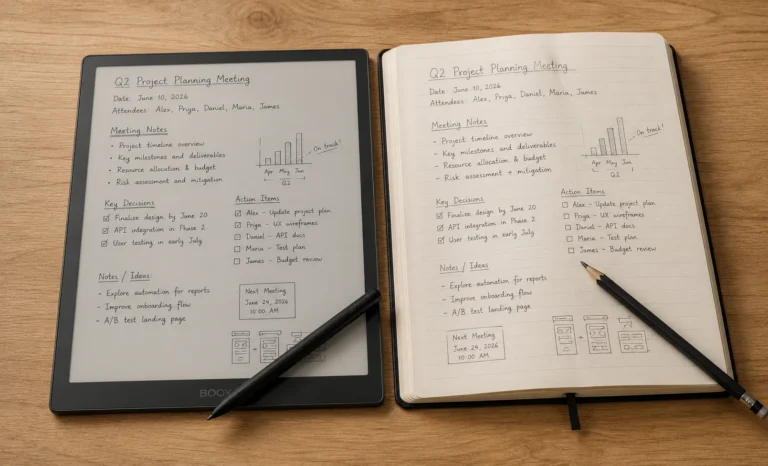
The struggle to find some best 10 Inch E Ink Tablets Under $700 range is actually real and you are breathing at the right place to end it right away.
Spending $400 to $650 on a tablet that cannot play YouTube, cannot run Instagram, and cannot even browse the internet properly sounds like a hard sell on paper. When you first mention it to someone, they look at you the way people look at someone who admits they still use a paper planner in today’s age, with a kind of polite confusion that borders on concern.
But as a user of E-Ink Tablets myself, this is not true at all and quite far from what I felt after using them one after the other. Something quietly shifts around week three of actually owning one.
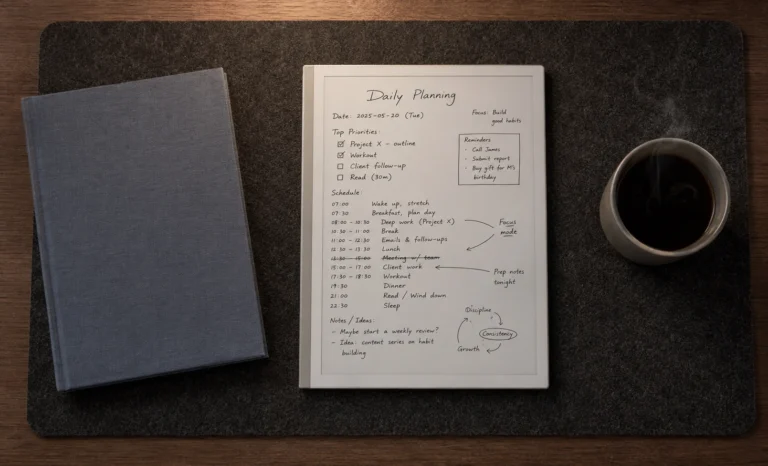
You pick it up to write or read and you just do that. Nothing interrupts you, nothing pulls you sideways, nothing loads in the background while you are trying to finish a thought.
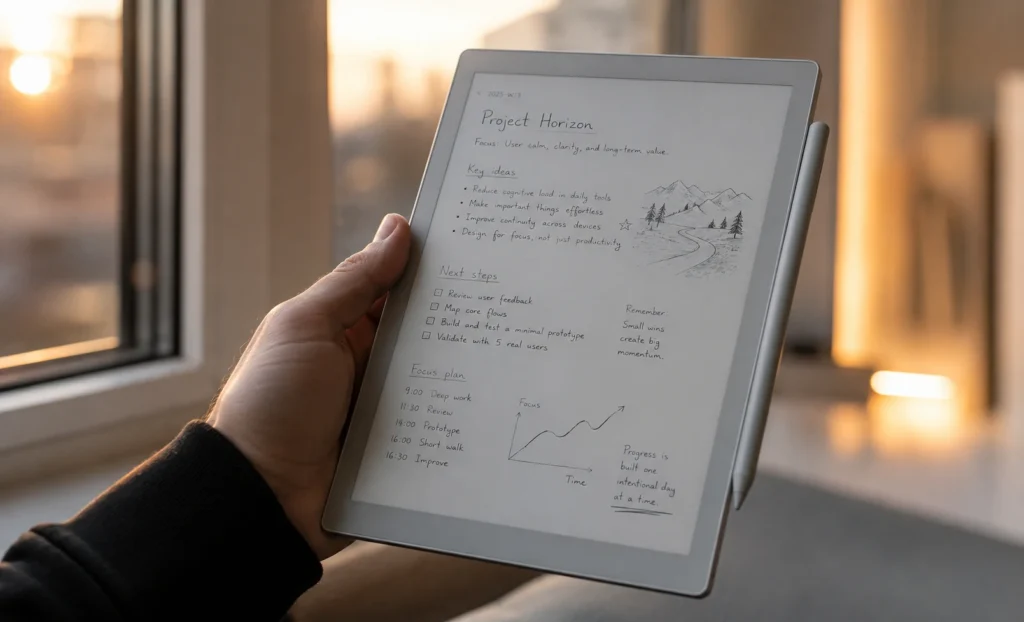
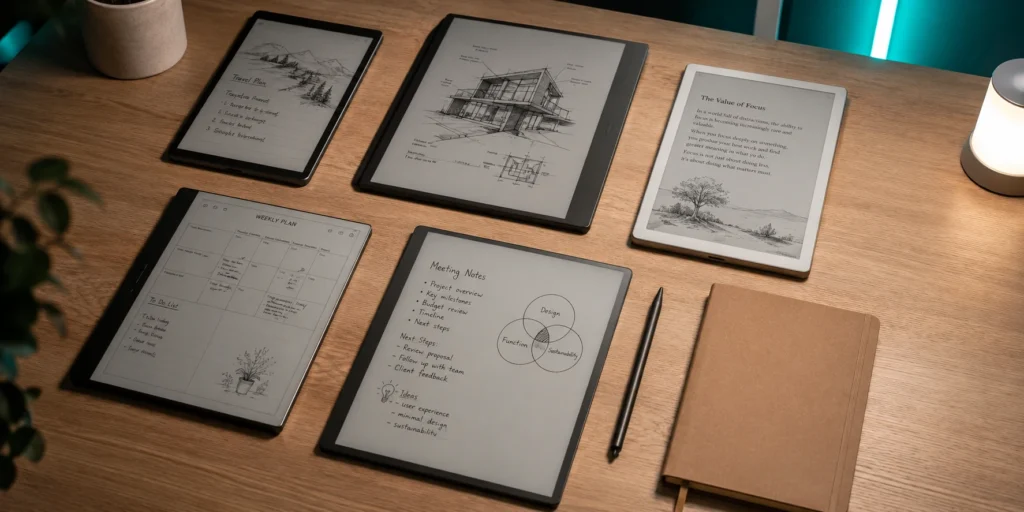
The 10 inch E Ink display is large enough to feel like a real page in front of you rather than a phone screen you are squinting at, and the paper-like surface does something to your writing and reading habits that is genuinely difficult to explain until you have lived with it for a few weeks.
I have drawn a complete comparison table at the end of the article after spending weeks with the devices and experiencing them on my own so you can make a clean, confident decision before spending real money. I had no one to guide me on this but lucky you got my back.
The Ideal Tablet Size
Before getting into individual devices, it is worth spending a moment on why the size has become the default choice across this entire category, because it is not an accident.
Seven and eight inch E Ink tablets exist, and they are genuinely fine for casual reading. But the moment you try to write a full page of notes, annotate a dense academic PDF, or sketch out a rough diagram with any real detail, a seven inch screen starts feeling cramped within the first twenty minutes. You run out of room on the page faster than you expected, you spend more time scrolling than thinking, and the whole experience starts feeling less like writing in a notebook and more like writing on a sticky note.
The 13-inch models exist too and they are impressive in their own right, but they are a little heavier, harder to hold comfortably for long stretches, and also they push the price above $700 without much effort. For most people, carrying a 13-inch E Ink tablet around feels like a commitment rather than a habit.
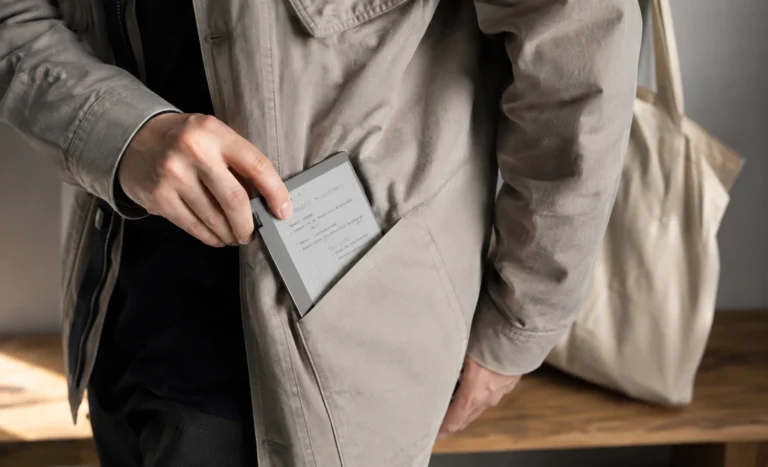
The ideal ten inches screens are large enough to feel like a real page, light enough to hold in one hand without your arm starting to complain after forty minutes, and priced within reach for serious buyers who are not quite ready to spend laptop money on a paper tablet.
1. reMarkable Paper Pure
The first time I picked up a reMarkable device, I was in the middle of a chaotic stretch of work where every tool I owned seemed designed to multiply the number of things competing for my attention. A colleague had the reMarkable 2 on her desk, and during a long meeting I watched her write three pages of notes without once glancing at a notification or opening another window. So I borrowed it that evening and she didn’t hesitate too, fully expecting to find it underwhelming once the novelty wore off.
It did not wear off.
The Paper Pure, which launched in May 2026 as the direct replacement for the reMarkable 2, is the most recent and refined version of that same idea. Everything that made the original reMarkable philosophy compelling is still here, and the hardware problems that were making the reMarkable 2 feel dated in 2026 have been quietly and meaningfully fixed.
The processor is faster than before. The storage jumped from 8GB to 32GB, which was an overdue correction. The battery improved from 3000mAh to 3820mAh, pushing real world life close to three weeks under normal daily use. And the display moved to E Ink Carta 1300 with noticeably better contrast than its predecessor, the kind of improvement that is immediately visible even without a side by side comparison.
The writing experience on the Paper Pure is, in my time across multiple E Ink devices, the most naturally paper-like of anything in this price range. The 21ms pen latency is close enough to instant that the mental adjustment period most new E Ink writers go through shortens considerably here compared to other devices. Within a few sessions, the screen stops registering as a screen in your mind and you just write.
One thing worth knowing before you buy: the Paper Pure dropped the passive Wacom EMR pen system of the reMarkable 2 in favor of an active USI stylus that charges magnetically by snapping to the side of the device. In practice, because the pen docks on the device between uses, it charges passively whenever you are not writing. Most people forget about it entirely within a week.
The only people for whom this becomes an actual nuisance are those who have the habit of storing the pen separately from the tablet, and if that describes you, it is worth building the snap-to-side habit from day one before the alternative becomes instinct.
What the Paper Pure will not do is anything beyond writing and reading. There is no app store, no browser, and no way to install anything. The software is closed and intentional and built entirely around the notebook experience. If you want Android flexibility, look at BOOX. If you want a device that disappears while you work, then this is the one.
Add To Cart: (reMarkable Paper Pure)
“The Paper Pure is not trying to impress you from across the room. It earns its place quietly, session by session, until the day you realize you have read more this month than you did in the previous three combined.”
2. BOOX Note Air5 C
If the reMarkable Paper Pure is a quiet room with one desk and good lighting, the BOOX Note Air5 C is a well organized office with actual tools inside it, a proper filing system, and a window that opens onto the rest of the internet when you need it to.
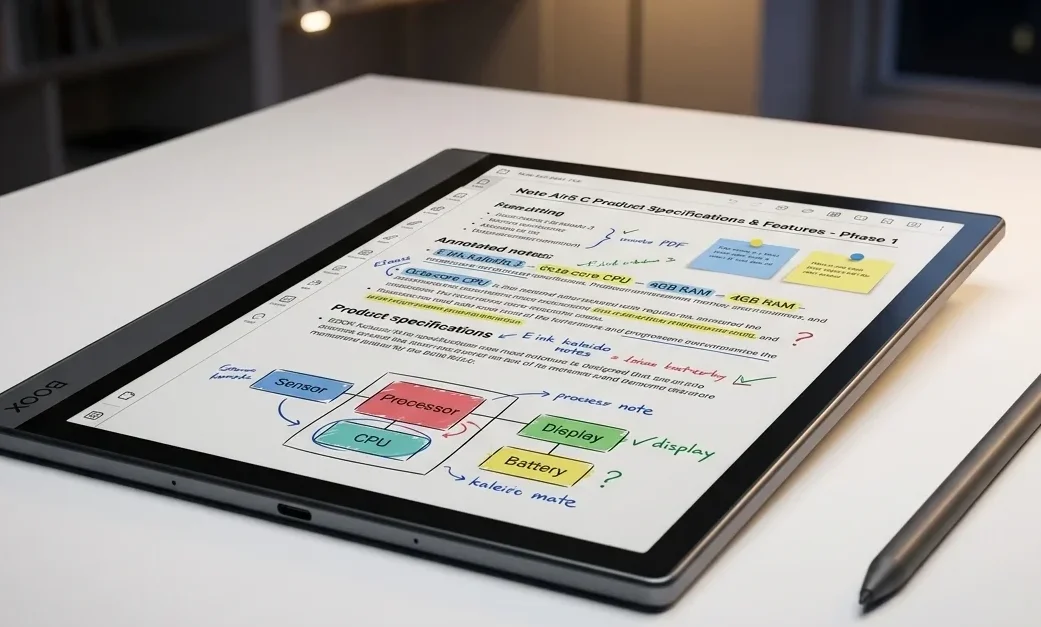
The Note Air5 C runs Android 15 with full Google Play Store access, which means you can install the Kindle app, Obsidian, OneNote, Google Drive, Pocket, or practically any Android application you use on your phone. For someone who needs one device doing several jobs rather than one device doing one job with exceptional devotion, this changes the value proposition entirely.
The color screen deserves honest framing before you get excited about it, because the word color means something different on an E Ink display than it does everywhere else. The Note Air5 C uses Kaleido 3 technology, which can display up to 4,096 colors, and for things like highlighted PDFs, color-coded notes, annotated research papers with different colored pens, and basic diagrams it works genuinely well and adds real clarity to your workflow.
One personal observation I want to share is that the color display on the Note Air5 C is significantly more useful if you develop a deliberate annotation system before you start using it rather than after. Deciding in advance that pink highlighting means priority items, blue means follow up questions, and green means completed points sounds like something an overly organized person would do, and it probably is.
But to be honest, the payoff when you open a PDF you annotated three weeks earlier and immediately understand the structure without re-reading a word is entirely worth the five minutes of upfront planning.
The hardware itself is well-built with no flex and no rattle, and the new Pen3 stylus that ships with the device in the box is a meaningful step up from earlier BOOX pens, with proper tilt sensitivity, 4,096 levels of pressure detection, and a cap on the top that stores three replacement nibs for travel.
The writing experience is smooth and accurate, though it does not quite match the textured, analog quality of writing on the reMarkable Paper Pure.
The trade off that shows up most consistently in daily use is it’s weight. At around 420 grams, the Note Air5 C is noticeably heavier than the reMarkable Paper Pure. It is not uncomfortable in isolation, but if holding the device in one hand for forty-five minutes to an hour is part of your routine, it is something to factor in before deciding.
A useful trick for BOOX users:
The device has multiple screen refresh modes and most people leave it on whatever the default is. If you spend ten minutes customizing which apps use which refresh mode, can make a bigger difference to the daily experience than any hardware upgrade.
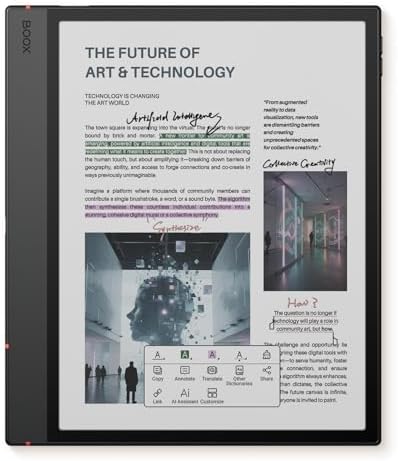
- Screen: 10.3″ Kaleido 3 (4,096 colors) glass screen with flat cover-lens. Resolution: B/W: 2480 x 1860 (300 ppi). Color:…
- OS: Android 15 Document Formats: PDF, CAJ, DJVU, CBR, CBZ, EPUB, EPUB3, AZW3, MOBI, TXT, DOC, DOCX, FB2, CHM, RTF, HTML,…
- Button: Power Button with Fingerprint Recognition USB-C Port (Supports OTG or use as an audio jack) microSD Card Slot Bu…
3. Supernote Manta (A5X2)
The Supernote Manta is genuinely difficult to explain to someone who has not come across it before, and that difficulty is actually a feature rather than a problem.
Made by a small company called Ratta based in China, the Manta is a 10.7-inch black and white E Ink tablet that runs a locked down Android based operating system called Chauvet. There is no Google Play Store, no front light, and no color display.
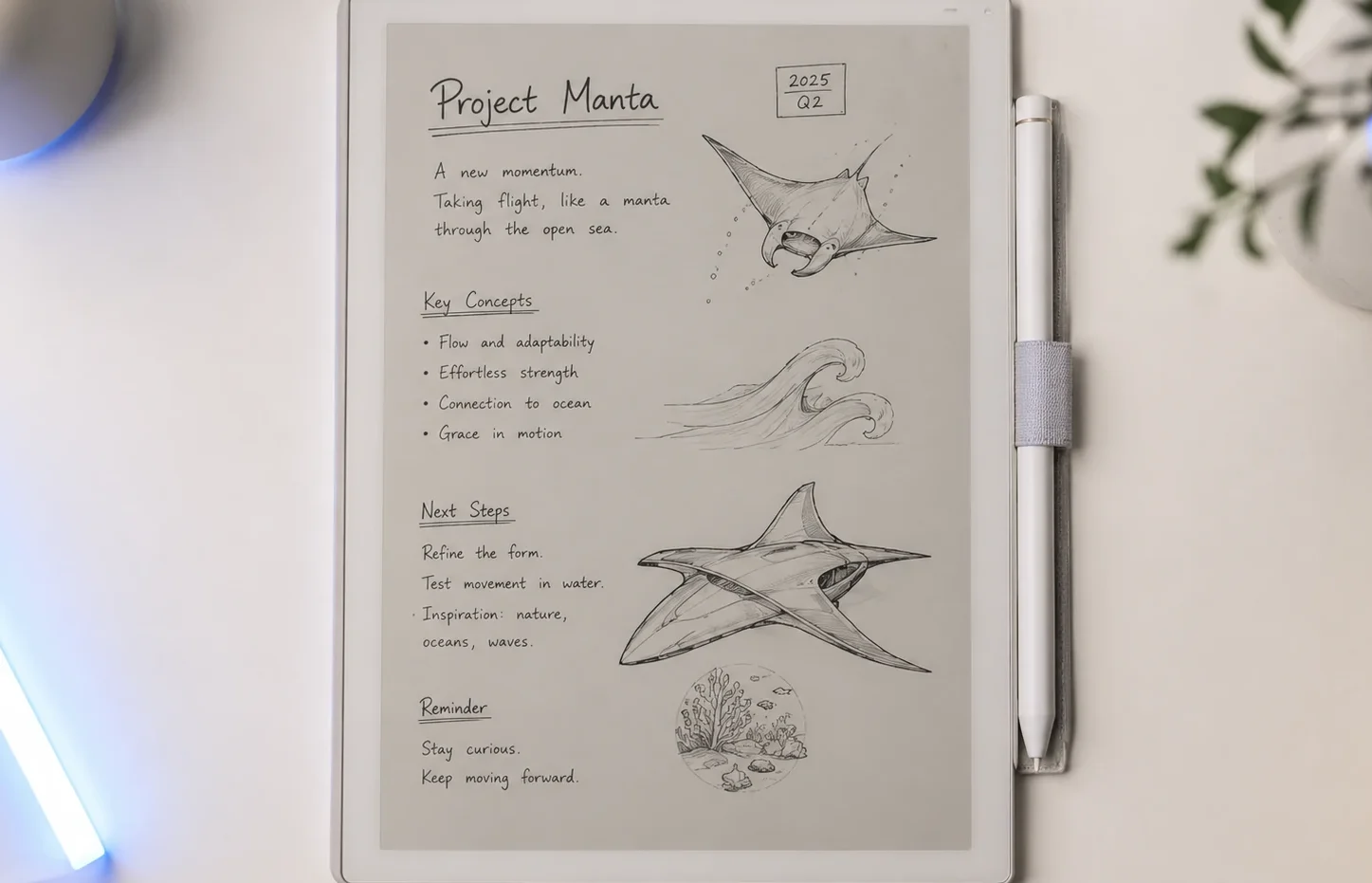
I will start with the pen. The Manta uses a ceramic nib stylus, and unlike the felt or polymer nibs used by reMarkable, BOOX, and Kindle Scribe, ceramic does not wear down. Ever. Other devices require nib replacements every few months for heavy daily users, which is an ongoing expense most buyers do not factor into the purchase price.
A reMarkable Marker Plus ships with six replacement tips, which sounds generous until you are deep into a busy semester or a manuscript and find yourself ordering another pack. The Supernote ceramic nib has essentially zero ongoing cost. Pick it up in 2026 and the pen experience should feel identical in 2030, which is a genuinely rare thing to be able to say about any stylus.
The screen protector of Supernote deserves a mention too. The Manta ships with something called FeelWrite 2, a matte film with a self-healing property where pressure marks and minor surface scratches from the pen gradually recover over time. The writing surface essentially maintains its condition across years of use rather than slowly degrading the way a standard matte film does.
The battery is user-replaceable. The motherboard is upgradeable. Ratta designed this device to be repaired and improved rather than thrown away when the next model arrives, and in a product category where planned obsolescence is the norm, that position is quietly remarkable.
If the battery starts degrading after three years, you replace it yourself rather than buying a new tablet which is genuinely hard to ignore as for their effort. That is almost unheard of in consumer tech in 2026.
4. Kindle Scribe (Standard and Colorsoft)
Amazon does not always get credit for the quiet but meaningful way it iterates on hardware, but the 2026 Kindle Scribe refresh is worth paying attention to because it changed what was previously a capable but slightly underpowered device into one of the more well-rounded options in this category.
The standard Kindle Scribe gives you an 11-inch E Ink display, a front light with adjustable warmth, 32GB of storage, and a magnetic stylus that never needs charging which I think after reading about the various pen charging arrangements on other devices, probably sounds more appealing than it did thirty seconds ago.
The pen simply attaches magnetically to the side of the device, and it is always ready to write. There is no battery indicator to check, no charging ritual to remember, and no moment of picking up the pen mid meeting only to discover that it is at zero.
For someone who already has a Kindle library with years of highlights, reading history, and purchased books, the Scribe is the most frictionless entry into a writing tablet you will find anywhere around in today’s time.
You do not need to learn new software, import your library through a workaround, or spend an afternoon configuring cloud sync. Everything is already just there.
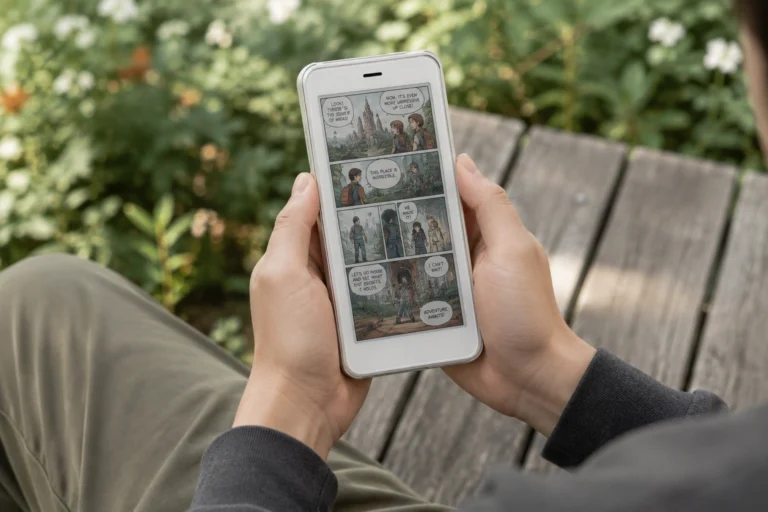
The Kindle Scribe Colorsoft adds color using the same Kaleido 3 technology as the BOOX Note Air5 C. For readers of illustrated books, annotators who use color coded systems, or professionals who work with documents that rely on color formatting for structure, the Colorsoft version adds real and visible value. The color is not vivid in the way your phone screen is vivid, but it is consistent, functional, and meaningfully better than working with a monochrome display when your documents were designed with color in mind.
One thing about the standard Scribe is that the monochrome display is perceptibly sharper for plain text reading than the Colorsoft version, because the color filter layer that enables the Kaleido 3 color display introduces a slight softening effect on the underlying black and white image.
If you predominantly read novels, research papers, and text-heavy documents, the standard Scribe at $499.99 is the cleaner and sharper reading experience. If you read illustrated content, graphic novels, or color-formatted documents regularly, the Colorsoft at $629.99 earns the extra $130 fairly quickly.
Amazon has also confirmed a forthcoming AI feature called Ask This Book, which will allow readers to ask questions about whatever they are currently reading directly from the device, with answers sourced from the book itself rather than the general internet.
It is genuinely a compelling addition that no other E Ink device in this category is currently offering, and it is expected to arrive through a software update later in 2026 at no extra cost.
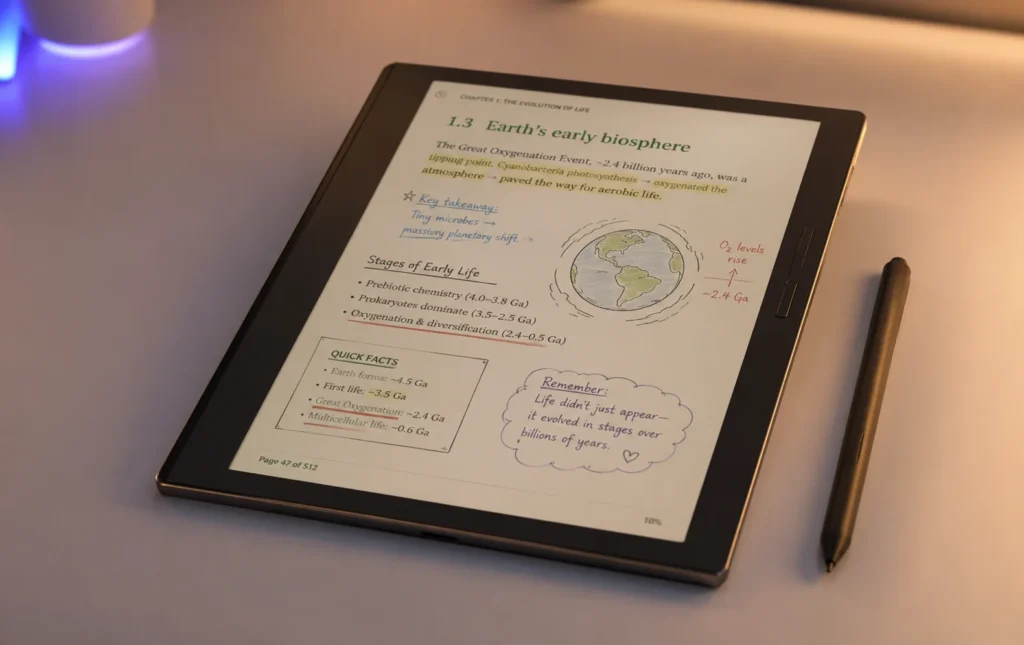
“The Kindle Scribe does not try to be an everything device. It knows exactly who it is for and it executes on that person’s needs better than anything else in the category. The problem only starts if you are not that person.”
Full Side-by-Side Comparison
Things Nobody Tells You Before You Buy One of These
This is the section I wish had existed the first time I bought an E Ink tablet, because there are a handful of things that come up consistently after a few weeks of ownership that almost never appear in the pre purchase research phase.
Every E Ink display flashes when it does a full refresh. This is a fundamental part of how the technology works, and not a defect, not a sign the device is broken, and not something that varies by brand or price point.
The particles physically rearrange themselves inside the panel when the page changes, and the flash is that process happening. It stops being noticeable entirely after a few weeks, but if you see it for the first time without warning it looks alarming enough that several people have reportedly returned perfectly functioning devices thinking something was wrong with the screen. Now you know.
Pen latency feels unusual for the first few days on any device, even the fastest ones with 21ms response times. Your hand spent years writing with ballpoint pens where ink appears at zero milliseconds and your nervous system built its expectations around that. Even a very small digital latency is technically perceptible until your brain finishes its recalibration, which on the Paper Pure takes about three or four sessions and on slightly slower devices can take a week or more.
Large PDF handling varies enormously across this list in ways that the spec sheets never fully communicate. The BOOX Note Air5 C, running a full Android operating system with 6GB of RAM and a Snapdragon processor, handles dense hundred page academic PDFs significantly better than any closed system on this list.
If reading long form PDFs is genuinely central to why you are buying an E Ink tablet, that difference alone is worth factoring into your decision. The reMarkable Paper Pure handles PDFs well up to a certain complexity, and the Kindle Scribe handles formatted ebooks beautifully but was never quite designed for heavy PDF work.
The advice here is simple: give any new E Ink tablet at least a week of real use before forming a judgment about the writing feel.
Eddie Omar (The Great Kahuna of Tech World)
If you write more than you read, and you want a device that will not tempt you into doing anything else while you are working, the reMarkable Paper Pure is the most focused option at the most reasonable entry price on this list. The absence of a front light is the single real dealbreaker, and if your writing and reading happens mostly in well-lit rooms or during daylight hours, it will probably never bother you in practice.
If you need Android flexibility and the ability to run your existing apps on an E Ink screen, the BOOX Note Air5 C gives you more total capability than any other device here. The color display is a genuine bonus for the right workflows.
You just need to understand that Android on E Ink requires a patient configuration period before it starts feeling natural, and the battery life will ask more of you than the other three devices on this list.
If you think about what your setup costs over five or seven years rather than just at checkout, the Supernote Manta makes an argument that strengthens with every month you use it. A ceramic nib that never wears down, a battery you can replace yourself, a device designed to be updated rather than discarded. The long term cost is effectively the lowest of all four.
Take Away For You
The fact that four meaningfully different devices exist at meaningfully different price points under $700 is good news for anyone shopping in this space right now.
There is no single correct answer here to which one is better and which is less one. The reMarkable Paper Pure for focused writers. The BOOX Note Air5 C for people who want flexibility and color. The Supernote Manta for long-term thinkers who care about sustainability and repairability. The Kindle Scribe for anyone whose reading life already belongs to Amazon.
The right one is the one that fits the life you actually have, not the one with the most impressive spec sheet on paper.
And for what it is worth, after months across all of them, I still reach for different ones on different days depending on what I am trying to do. That is probably the most honest endorsement any of them could ask for.