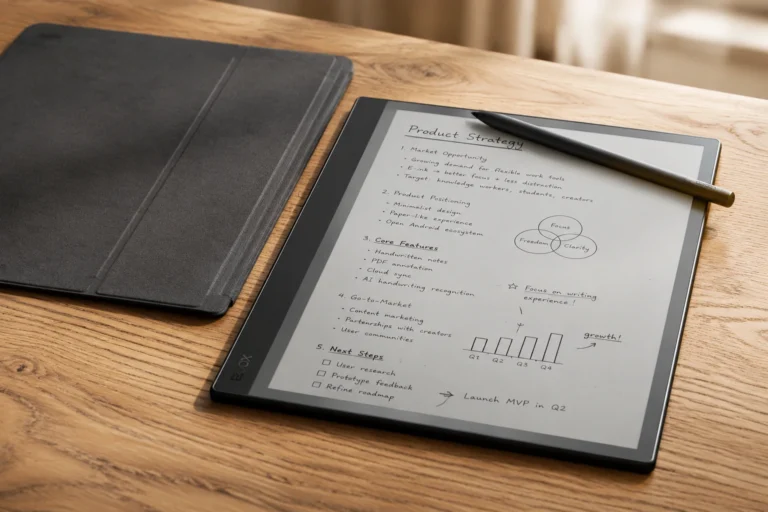
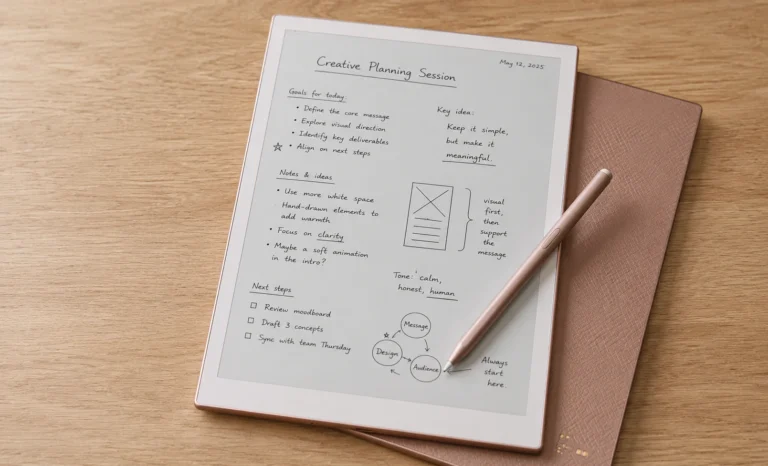
Most people come to E Ink tablets through frustration rather than curiosity.
I mean, whose eye doesn’t strain after too many hours at a laptop? A note-taking habit that somehow turned into a distraction habit on a regular tablet, and that specific tiredness that settles in after reading on a backlit screen for an hour when all you wanted was to actually rest your eyes and think.
If any of that sounds familiar, you have already found your way here through the right door.
The BOOX Go 10.3 is a device that sits at an interesting crossroads in the E Ink tablet market in 2026. It is not the cheapest option available, nor is it the most focused writing device in the category, a title that arguably still belongs to something like the Boox Note Air4C, with its color display and fuller Android feature set. But it manages to be genuinely beautiful, genuinely thin, and genuinely capable in a combination that very few competing devices have pulled off.
I have spent real time understanding this device from every angle, what makes it work, what does not, what kind of buyer it actually fits, and what the Gen II upgrade in March 2026 changed and what it did not. This article covers all of it, slowly and honestly, from the design through to the software and everything in between.
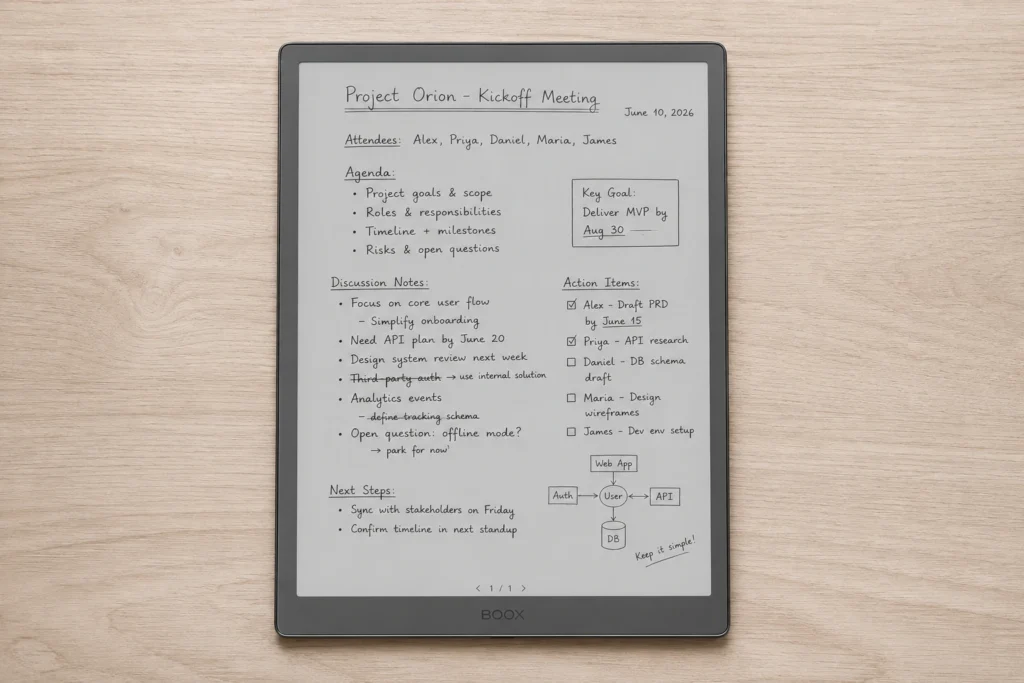
Why the BOOX Go 10.3 Caught People Off Guard
BOOX has been building E Ink devices since 2009 and they have always been known more for hardware capability than for hardware elegance. Their Note Air and Tab series were serious, capable, and built for productivity, but they were never the kind of device you would describe as visually striking in the way a well-designed object earns that description.
The Go 10.3 changed that reputation somewhat, and it did so without announcing itself aloud. It came in at 4.6mm thick, which puts it a fraction of a millimetre slimmer than the reMarkable 2 at 4.7mm, a device that held the thinnest E Ink tablet title for four consecutive years.
The front of the Go 10.3 carries no BOOX logo at all, which strips away the corporate branding that makes so many tech products feel like advertisements for themselves rather than tools.
The off-white bezels, the silver metallic edges, and the vertical light coloured strip running down the left side of the device give it an identity that reads more like a quality notebook than a tech gadget.
Full Specifications: Gen I vs Gen II
The Display
Before talking about what this display can do, it helps to understand one thing about E Ink resolution that most buyers only learn after living with a device for a few weeks.
The 300 PPI figure on the BOOX Go 10.3 sits at the highest density currently available in standard E Ink panels.
What this means in practice is that individual pixels become invisible to the human eye at normal reading distances, so the text on the screen has the same visual smoothness as a page from a high quality printed book. The sharpness is not something you notice consciously after the first hour. It becomes the background assumption, and you only remember it when you pick up an older or lower-resolution device and suddenly the difference becomes obvious in the other direction.
The background of the display on the Go 10.3 leans toward a genuinely white tone rather than the grey or cream tint that some E Ink panels produce.
This has a practical effect on reading comfort. The contrast between text and background is strong enough that long reading sessions feel less demanding than they do on displays where the background is softer. Whether you are reading academic PDFs with dense formatting or a straightforward ebook in the Kindle app, the display does not ask you to squint or adjust repeatedly.
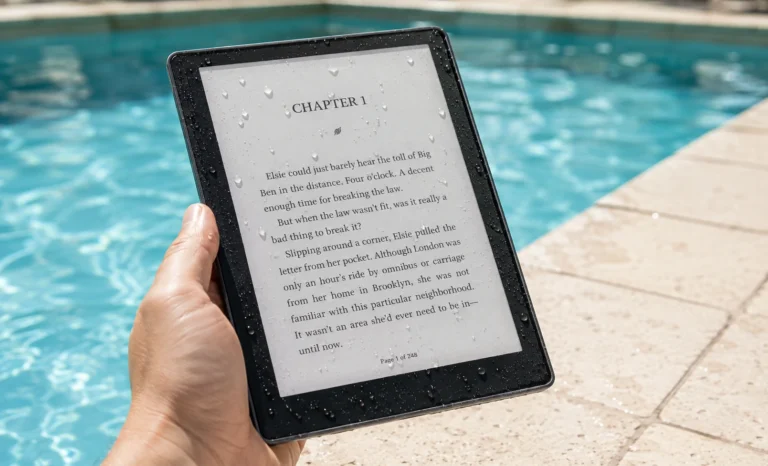
The standard model has no front light whatsoever. The display operates entirely on reflected ambient light, the same way a printed book does. In a well-lit room or natural daylight, this is genuinely excellent. The display looks its most paper-like without any additional light layer sitting above the panel. But in a dim bedroom or on an evening train with poor overhead lighting, the absence of a built-in light becomes a real limitation that the spec sheet alone does not fully communicate.
The Gen II Lumi version addresses exactly that limitation with a dual-tone adjustable front light that offers both warm and cool settings. The Lumi adds 0.2mm of thickness, bringing the device from 4.6mm to 4.8mm, and costs $30 more at $449.99. For anyone whose reading environment changes throughout the day, that $30 is arguably the most efficient upgrade available in the entire Go 10.3 lineup.
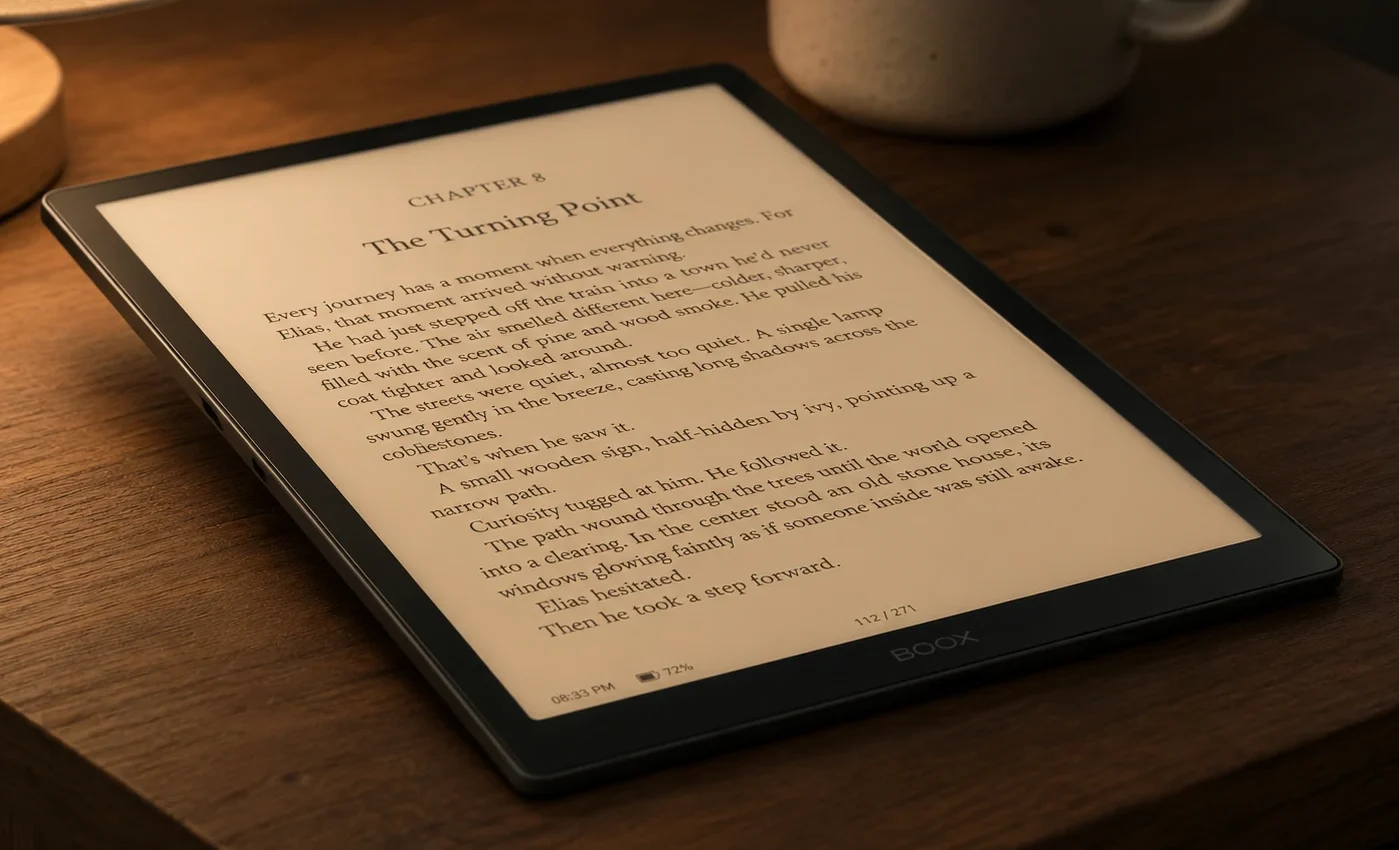
Build and Physical Layout
There is a very specific sensation that happens when you pick up the Go 10.3 for the first time and hold it at the edge with one hand. The device is thin and distributed light enough, that you half-expect it to flex slightly or feel hollow. But it does neither.
- A vertical strip of lighter colouring runs the full length of the left edge, visually distinct from the rest of the chassis. A detail specific enough to feel like a genuine design decision rather than an accidental material variation.
- The chassis holds its shape completely from one end to the other, with no flex or give when gripped at a corner or pressed through the centre. This is the kind of structural confidence you associate with a well-made hardcover notebook rather than a budget device that compensates for thin construction with a thick case.
- The power button sits on the top right edge with a slight protrusion and a genuine physical click on press, which sounds trivial until you have spent time with a device whose power button is completely flush with the chassis, requiring you to locate it by guesswork every single time.
- The USB-C port is centred on the bottom edge, which allows the device to charge normally while sitting flat on a desk with the case closed. This is an obvious placement decision that BOOX‘s own earlier models did not make, since the Note Air series placed the USB-C on the left side to make charging with a cover attached often requiring the cover to be removed entirely, as it looked physically awkward.
- The rear panel is finished in a textured material that provides meaningful grip both in the hand and against a flat desk surface, with a quality that reads as deliberate design rather than a compensatory measure added because the smooth chassis was slipping.
- The silver metallic edges run continuously around all four sides of the device, with corners rounded enough to sit inside a palm without creating pressure points during extended reading or writing sessions.
Here’s the sentence with both worked in naturally:
My personal read on the design is that BOOX made a device that looks like it should cost more than it does, closer to what you’d expect from a reMarkable than from most E-Ink Tablets in this price range. The Go 10.3 does not announce itself as a tech product. It sits on a desk and looks like something a thoughtful person chose deliberately, which is a harder thing to achieve in industrial design than the tech industry generally acknowledges.
The Stylus Situation
The original BOOX Go 10.3 came with a Wacom EMR passive stylus. In the EMR system, the pen contains no battery of its own. Instead it draws energy inductively from the tablet through electromagnetic fields, using that borrowed power to track position and pressure. The practical result is a pen that is always ready, always at full capability, and requires exactly zero maintenance from the moment you unbox it until the day the pen physically breaks.
This was one of the things people genuinely appreciated about the Gen I experience. The pen felt like an extension of the device rather than a separate gadget that needed its own attention. You picked it up, you wrote, you put it down.
The Gen II replaced this with the InkSense Plus active stylus, a pen with its own battery that needs periodic charging.
The reason for this switch is technical. Active pen systems can achieve lower latency and more responsive pressure detection than passive EMR at comparable manufacturing cost. The writing experience in terms of raw performance is arguably better on the Gen II.
But the zero-maintenance quality of the Gen I pen was something many users valued specifically and found themselves missing when the Gen II arrived.
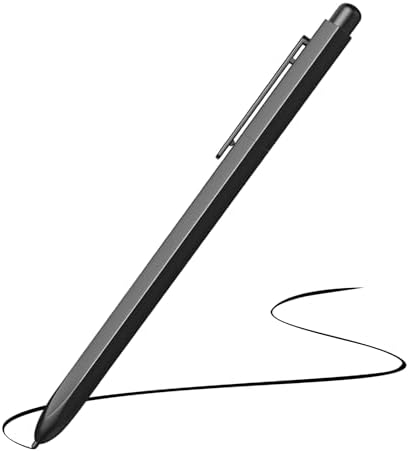
- 【Wide Compatibility】This stylus pen is designed for devices with WACOM EMR protocol technology, such as ReMarkable 1/2, …
- 【4096 Pressure Sensitivity &Tilt Function】The 4096 Pressure Sensitivity, allowing for precise control and accuracy even …
- 【Palm Rejection & Eraser Function】EMR technology only recognises the pen tip and ignores the palm, enables you to place …
The writing experience itself remains good and comfortable. At 360 grams and 4.6mm, the physical act of holding the device while writing does not strain the hand or wrist over long sessions the way heavier tablets can. The surface provides enough texture through the glass overlay to give the pen tip meaningful friction without feeling grippy or slow.
I honestly feel that the active stylus produces a noticeably smoother writing motion and the pressure detection is more consistent than the Gen I passive pen. But I understand completely why long-time BOOX users who already owned Wacom EMR pens from earlier devices felt like this change was made for BOOX’s benefit rather than theirs. Both positions are fair.
Picking up a pen that never needs charging is the kind of thing you stop noticing until the day it is taken away from you.
Android 15, Google Play, and the Software Experience
Running Android 15 on an E Ink display is a more interesting experience than that sentence suggests, and it takes a few days to understand why.
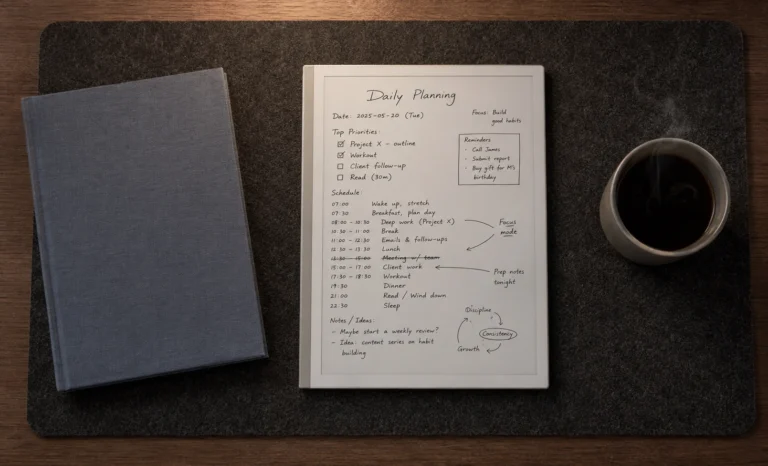
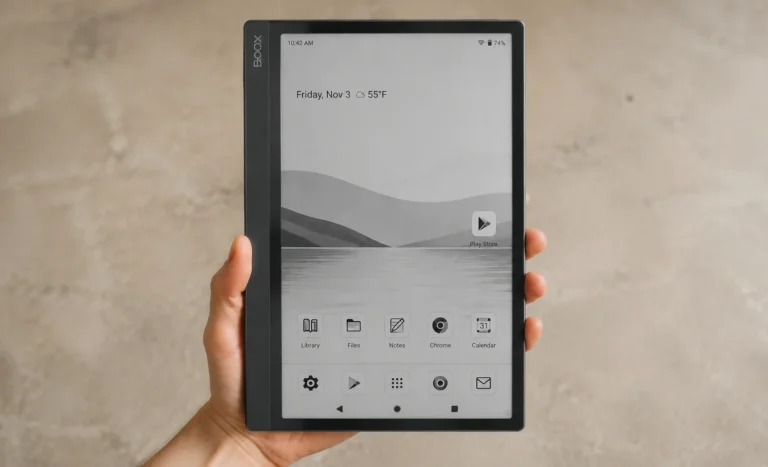
The Go 10.3 does not behave like an Android phone on an E Ink screen. BOOX built a purpose-specific home environment on top of Android that organises your library, notes, apps, and settings in a way that feels native to the tablet’s purpose rather than adapted from a general-purpose platform.
The home screen puts your books and documents front and centre. App icons are present but do not dominate the initial experience. The quick settings panel is designed to work without covering the entire screen, which matters enormously on a display that takes a brief moment to fully refresh.
Google Play is present and fully functional, which means the Kindle app, Kobo, Obsidian, Notion, Google Drive, Dropbox, Moon Reader, and any other Android reading or productivity application you rely on is available without any side-loading or workaround. This is the most significant structural advantage the Go 10.3 has over closed-system devices like the reMarkable Paper Pure and Kindle Scribe.
Those devices are excellent within their ecosystems. The Go 10.3 contains its own ecosystem and everyone else’s at the same time.
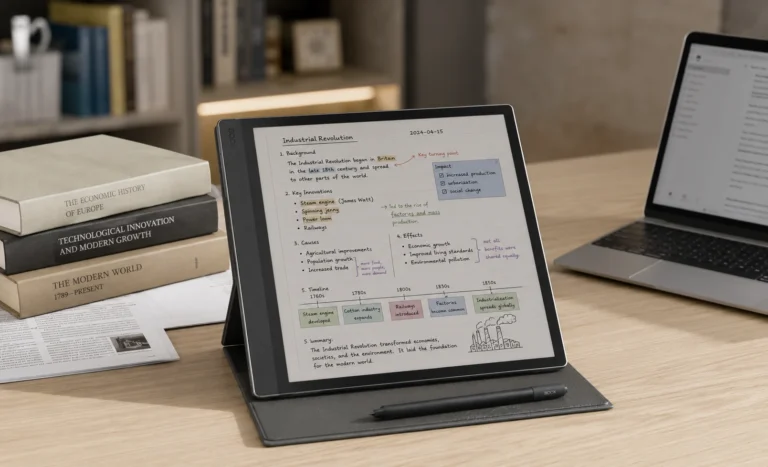
The split screen feature works reliably and is genuinely useful for reading a source document on one side while taking notes on the other. The E Ink display limits anything that involves fast motion or video, but for static and semi-static work, the system handles multitasking without the lag that plagued earlier BOOX devices under heavier workloads. Android 15’s improved background process management helps here noticeably compared to what the Gen I offered on Android 12.
Pricing, Bundles, and What Comes in the Box
The Gen II bundle contents represent a meaningful shift from how BOOX historically approached product packaging, and it is worth naming specifically. Most E Ink tablets in this price range ship with the stylus and expect you to source a case separately, often from the same brand at an additional cost of $30 to $60.
The Go 10.3 Gen II includes the pen, a magnetic folio case, replacement nibs, and a USB-C cable all at one price. When you compare this to the reMarkable Paper Pure at $399, which includes only the Marker stylus and requires a separate purchase for any case, the effective cost difference between the two devices becomes considerably smaller than the list prices suggest.
The included folio case is made from a faux suede material. It is a style choice that some people find appealing, and others find impractical for a device that gets handled daily.
The magnetic closure has a weaker pull than the case thickness might suggest, and the mechanism that holds the cover shut when not in use can come loose inside a packed bag. It is functional and adequate, rather than the element of the package that earns the most praise.
(Buy BOOX Go 10.3 at shop.boox.com)
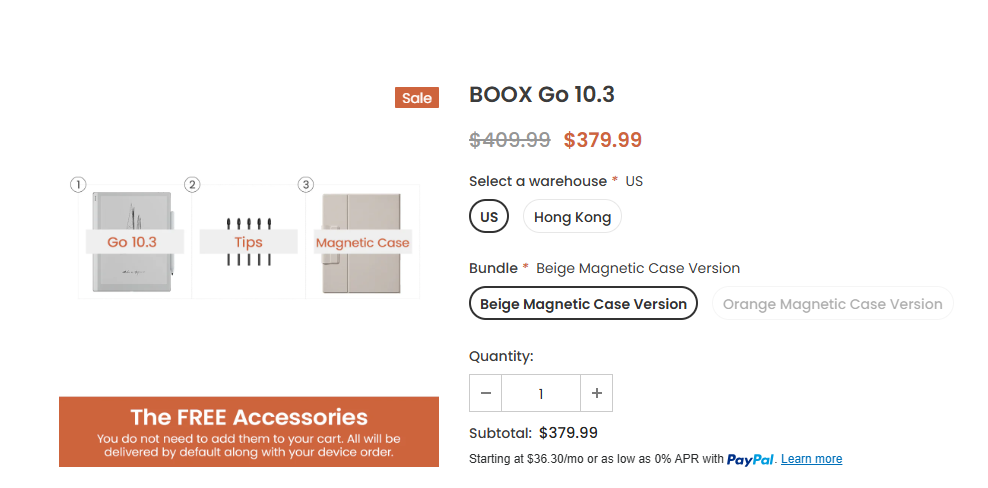
(Below is the link for Amazon Buy)

Comparison
Battery
The 3700mAh battery in the Go 10.3 is well sized for an E Ink device, and the way E Ink panels consume power means that battery number translates to real world endurance far beyond what the same capacity would deliver in a regular tablet.
E Ink only draws power when the display content changes. During a reading session where you turn a page every few minutes, the screen spends the vast majority of its time holding a static image at essentially zero energy cost.
This is fundamentally different from LCD or OLED screens, which power every pixel continuously regardless of whether anything on screen is changing.
In practice, a full week of daily use involving a mix of reading, writing, and occasional app use is achievable and realistic. Heavier use of Android apps, more frequent writing sessions that trigger many screen refreshes, or keeping the front light on the Lumi version at high brightness will bring that estimate down toward five or six days. Lighter reading-focused use can push it well past seven.
(A Personal Note on Who Should Add This Device to Their Cart)
After spending time thinking carefully about the Go 10.3, the buyer it fits most clearly is someone who has been using E Ink tablets for a while and has one specific frustration with their current device: the feeling of being locked in.
- Locked into reMarkable’s ecosystem with no Kindle app and no way to install anything new.
- Locked into Amazon’s world with the Kindle Scribe and no way to read Kobo books.
- Locked into a static reading experience without the ability to pull in an RSS reader, a cloud notes app, or a dictionary you actually like.
The Go 10.3 removes that locked-in feeling entirely. You can read from every ebook ecosystem, take notes in any app that runs on Android, sync to any cloud service you already use, and do all of it on a screen that asks nothing of your eyes. The compromise is that more options means more decisions, and if you find freedom distracting rather than useful, a more focused closed-system device will serve you better.
But for people who want the E Ink screen experience without the ecosystem commitment, this is the most elegantly packaged version of that combination currently available.
Final Thoughts
The BOOX Go 10.3 is the device that showed BOOX could build something people want to look at, not just use. The Gen II builds on that with Android 15, a better bundled accessories package, and the option for a front light that the original lacked, all without changing the dimensions or weight that made the original so striking.
The active stylus switch is the most contested decision in the Gen II update and that frustration from the community is understandable. But the writing experience remains competent, the display is excellent, the design continues to earn attention, and the Android 15 base gives the device a software lifespan that closed systems struggle to match.
At $419.99 for the standard model and $449.99 for the Lumi with front light, the BOOX Go 10.3 Gen II sits at a fair price for what it delivers and what it includes in the box. For readers who want app freedom, it is genuinely hard to find a more refined argument for Android on E Ink than this.
FAQs
Is the BOOX Go 10.3 Gen II worth buying over the original Gen I?
It depends on two things. If you value a passive pen that never needs charging and already own Wacom EMR accessories, the Gen I is the version worth seeking while stock remains. If Android 15 and the bundled case and accessories matter more to you, the Gen II at $419.99 is the stronger overall package, especially since it includes items the Gen I does not.
What is the difference between BOOX Go 10.3 standard and Lumi?
The standard Gen II has no front light and measures 4.6mm thick at $419.99. The Lumi adds an adjustable dual-tone front light with warm and cool settings, measures 4.8mm thick, and costs $449.99. Both include the same pen, case, nibs, and cable in the box. The Lumi is worth the extra $30 if you read or write in any situation with limited ambient light.
Does the BOOX Go 10.3 have Google Play Store?
Yes. Both the Gen I and Gen II have full Google Play Store access. This means you can install any Android app that is compatible with the device, including Kindle, Kobo, Obsidian, Notion, Google Drive, Dropbox, and reading apps like Moon Reader. This is one of the key advantages over closed-system devices like the reMarkable or Kindle Scribe.
Can the BOOX Go 10.3 replace a reMarkable for writing?
For pure writing feel and distraction-free focus, the reMarkable Paper Pure is still the more refined experience. The reMarkable’s surface texture and pen latency produce a more convincingly paper-like sensation under the stylus. The BOOX Go 10.3 is a better choice for people who want writing capability alongside real app flexibility rather than instead of it. The two devices serve different working styles rather than the same one at different prices.
Is there a color version of the BOOX Go 10.3?
Not currently. Both the Gen I and Gen II BOOX Go 10.3 use a black and white only E Ink Carta 1200 display. BOOX’s color E Ink tablets in 2026 are the Note Air5 C and Note Air4 C, which use Kaleido 3 color technology at higher price points. The Go 10.3 line has remained monochrome through both generations.
Explore More Reviews
Boox Note Air4 C: The 64GB Color E Ink Tablet Review
E-Ink Tablets Comparison: 6 Digital Notebooks Tested Head to Head
3 Best E Ink Tablets In 2026 Detailed Review
The Future of E-Ink Tablets: Revolutionizing Your Reading Experience
The reMarkable Paper Pure (reMarkable 3) Surprised Me in Ways I Was Not Expecting at All
Viwoods AI Paper Full Review 2026