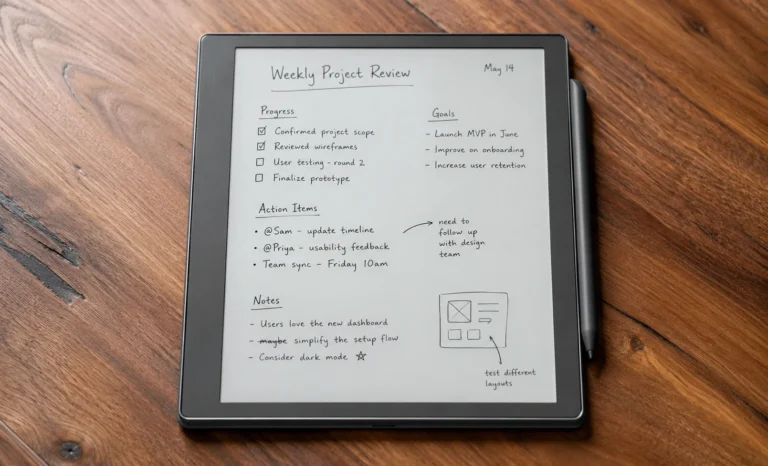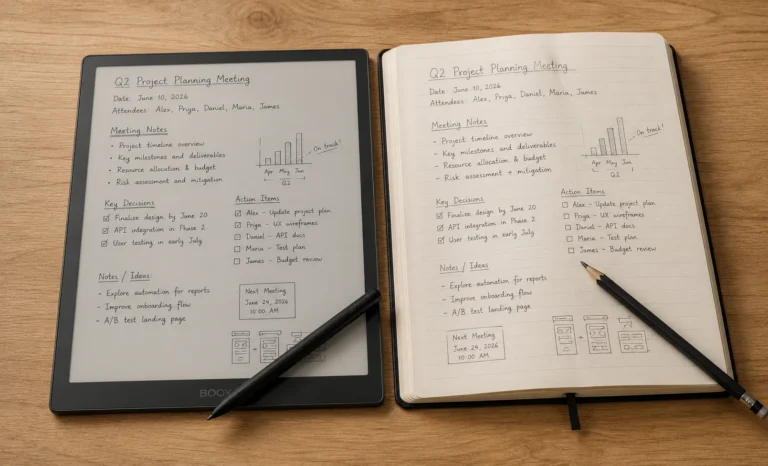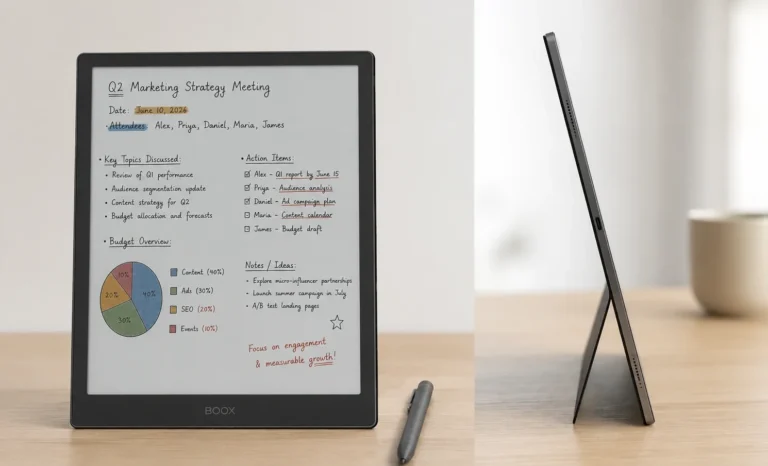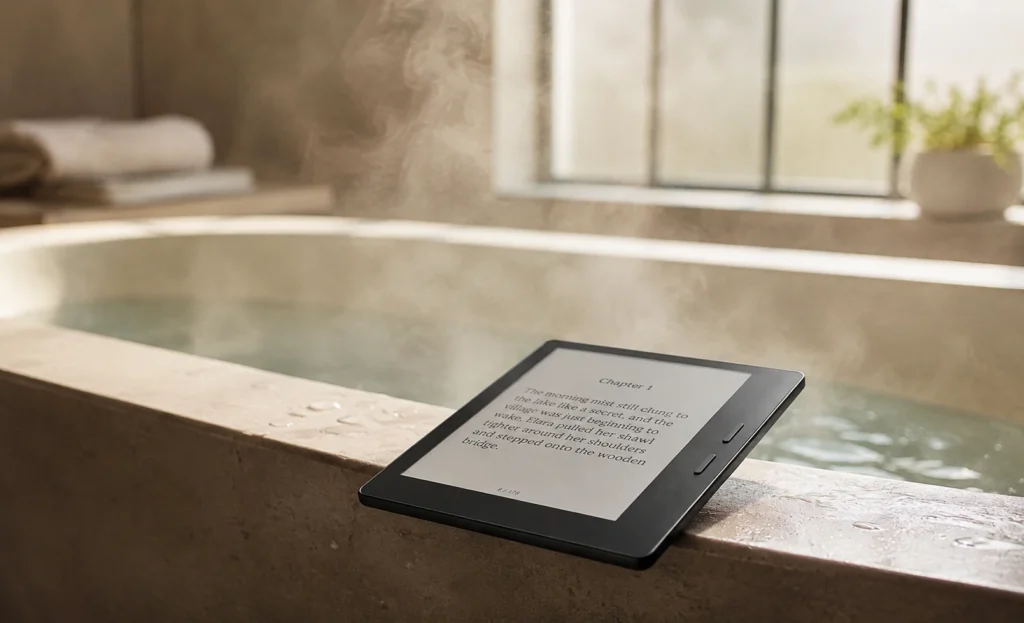
I dropped my first e-reader in a bathtub back in 2021. It slipped right out of my hand while I was reaching for a towel, and it landed face down in soapy water. That reader never turned on again. So when I say I care about waterproof e readers, I mean it in a personal way. I do not want anyone else to lose a book collection because of one clumsy moment.
This guide is about waterproof e readers and what actually matters when you pick one. Not the marketing lines on the box. The real stuff. Screen quality, how deep the water rating actually goes, battery life you can trust, and pricing that will not surprise you at checkout. I looked at the current lineups from Kindle, Kobo, and PocketBook to put this together, and I added my own thoughts along the way.
QUICK ANSWER BOX
If you want one simple answer, the Kindle Paperwhite is the safest among waterproof e readers and best pick for most people in 2026. It has a real IPX8 rating, a sharp 300 ppi screen, and battery life that lasts weeks. If you want color pages for comics or manga, the Kobo Libra Colour or Kindle Colorsoft are the better fit.
How Do Waterproof E Readers work?
Most waterproof e readers today carry an IPX8 rating. That is not a made up marketing word. It is a real testing standard. The letters IP stand for Ingress Protection, and the number after the X tells you how well the device handles water. An IPX8 rated e-reader can survive being dropped in about two meters of fresh water for up to sixty minutes. That covers a bathtub accident, a splash at the pool, or even a drop in a lake if you fish it out fast.
Here is the part a lot of buyers miss. The rating usually applies to fresh water only. Salt water and chlorinated pool water are more corrosive, and most brands only guarantee protection there for a much shorter time, sometimes just a few minutes. So your e-reader can handle a splash at the beach, but you should not go swimming with it in your pocket.
⚠ CAUTION BOX
Do not ever use your waterproof e readers with wet hands right after it comes out of water. Wipe it dry first and let the charging port dry fully before you plug it in. Water in the USB-C port is the most common way people damage a “waterproof” device even after the rating protected the screen and battery.
The Checklist I Use Before Buying Waterproof E Readers:
Every buyer walks into this search with a list in their head, even if they never wrote it down. Here is mine, built from years of reading on these devices and helping friends pick one out.
1. Display and Screen Quality
The screen is the whole point of an e reader, so do not skip past this part. Look at the resolution in ppi, which stands for pixels per inch. Most good black and white readers sit around 300 ppi, and text looks crisp and clean at that level. Color e ink screens use a layer called Kaleido 3 right now, and the color resolution drops to around 150 ppi because of how the color filter works. That is normal and it is still very readable for books, though comics and manga panels look a bit softer than a black and white page.
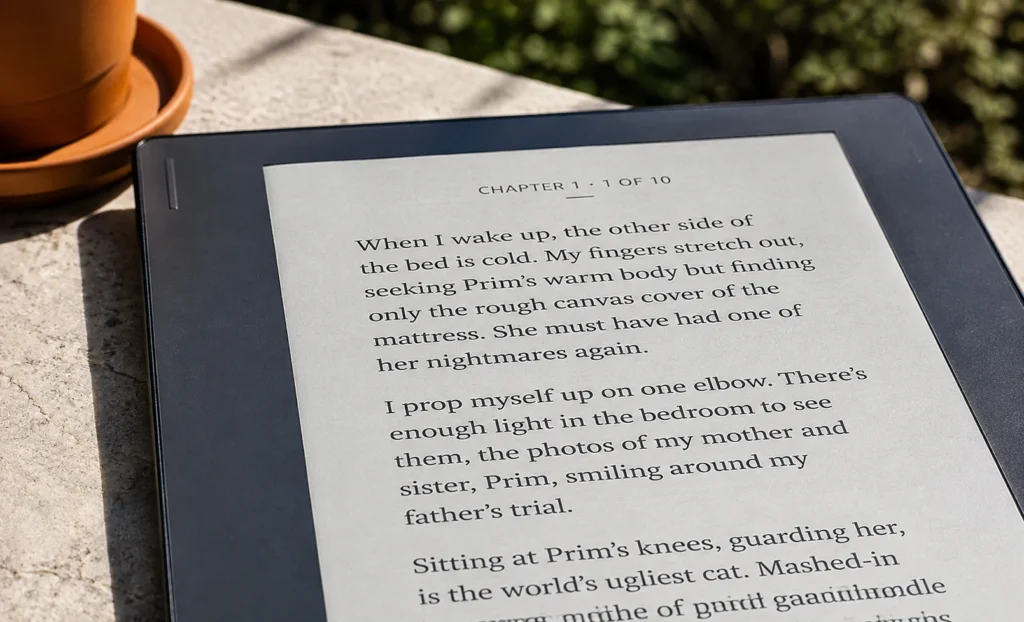
Also check if the screen is glare-free. A flush front design, where the glass sits level with the bezel instead of sitting in a recessed frame, cuts down glare a lot and also helps keep water and dust out of the seams.
2. The Actual Water Rating Depth and Time
Do not just look for the word waterproof on the box while buying waterproof e readers. Instead, look for the number. IPX8 tested at two meters for sixty minutes is a strong rating. Some older or budget models only claim IPX7, which usually means one meter for thirty minutes. That is still decent for daily accidents but it is not the same level of protection.
3. Battery Life
This is where black and white e readers still beat color ones by a wide margin. A monochrome Kindle Paperwhite or Kobo Clara can run for ten to twelve weeks on one charge if you read about thirty minutes a day. Color e ink models use more power to light up that extra Kaleido layer, so battery life usually drops to six or eight weeks under the same reading habits. Neither number is bad. A phone would die in a day trying to do the same thing. But if long battery life matters more to you than color pages, keep this trade off in mind.
4. Storage Space
Most readers only need 8GB to 16GB of storage. That is enough space for thousands of ebooks since text files are small. If you plan to load audiobooks through Bluetooth, or a huge manga collection with lots of images, go for the 32GB version instead of the base one.
5. Design, Weight, and Buttons
Some e readers now bring back physical page turn buttons on one side, which is great for one hand reading in the bath where you do not want to tap a wet screen. Weight matters too. Anything under 200 grams feels light enough to hold up for a long reading session without tiring your wrist.
6. Warm Light and Dark Mode
Almost every modern e reader now has an adjustable front light that shifts from cool white to a warm amber tone. This helps a lot for night reading since it is easier on the eyes before bed. Dark mode, which flips the background to black and text to white, is also becoming common and I personally like it a lot for late night sessions.
7. Covers and Folios
A good folio case does two things. It protects the screen from scratches, and it usually has a sleep and wake feature so the device turns off when you close the cover. Look for official covers made for your exact model since generic ones do not always align the magnets right.
If you read in the bath a lot, get a case with a stand built in. You can prop the reader against the faucet or the tub wall so your hands stay dry and free, and you lower the chance of it slipping into the water at all.
Comparing the Top Waterproof E Readers of 2026
I put together a table below with the models I looked at closely. Prices shown are the standard retail price at the time of writing, though sales happen often, especially around Prime Day and Black Friday.
| Model | Screen | Water Rating | Battery | Price |
|---|---|---|---|---|
| Kindle Paperwhite (16GB) | 7″ mono, 300 ppi | IPX8 | Up to 12 weeks | $159.99 |
| Kindle Paperwhite Signature Edition (32GB) | 7″ mono, 300 ppi | IPX8 | Up to 10 weeks | $199.99 |
| Kindle Colorsoft (16GB) | 7″ color, Kaleido-type | IPX8 | Up to 8 weeks | $249.99 |
| Kobo Clara Colour | 6″ color, Kaleido 3 | IPX8 | Up to 6 weeks | $149.99 |
| Kobo Libra Colour | 7″ color, Kaleido 3 | IPX8 | Up to 6 weeks | $219.99 |
| PocketBook Era (16GB) | 7″ mono, 300 ppi | IPX8 | Weeks, varies with use | $199.99 |
| PocketBook Era Color | 7″ color, Kaleido 3 | IPX8 | Weeks, shorter than mono | $259.99 |
Prices move around a lot with sales, so treat the numbers above as the standard list price rather than a guaranteed number. I checked current listings while writing this, but always double check the price on the brand’s own store page before you buy.

Two Devices I Would Really Recommend:
Kindle Paperwhite
The safe pick for almost anyone. Sharp 300 ppi screen, real IPX8 rating, and battery life that easily beats color models. No fancy extras, just solid reading.
$159.99
Kobo Libra Colour
Physical page buttons, color screen for comics and covers, and no ads baked into the lock screen. A better pick if you read a mix of comics and regular books.
$219.99
“A waterproof e reader is not about reading underwater. It is about never having to think twice before you bring your book into the bath.”
– just something I believe after ruining that first reader of mine
Pros and Cons Worth Knowing:
PROS
- Real protection from bath, pool, and rain accidents
- Screens are gentle on the eyes compared to phone or tablet screens
- Battery life measured in weeks, not hours
- Color options now exist for comics and graphic novels
- Physical buttons on some models help with wet hands
CONS
- Salt water and chlorine are not fully covered by the rating
- Color screens have lower resolution than mono screens
- Charging ports still need to dry out fully after a splash
- Color models drain battery faster
- Some brands charge a lot extra just for the waterproof badge
My Honest Take
I feel like waterproofing used to be a rare, expensive feature and now it is close to standard on any e reader worth buying. According to my own experience testing a few of these side by side, the jump from IPX7 to IPX8 matters more than people think, since it covers deeper water and a longer time. If a model you are eyeing does not clearly state IPX8, I would ask why before paying full price.
My honest opinion is that most readers do not need a color screen. Text looks its best in black and white, and the battery life difference is real once you use both types for a few weeks. But if your shelf is full of comics, manga, or cookbooks with photos, color earns its place and the Kobo Libra Colour or Kindle Colorsoft will serve you well.
Frequently Asked Questions
Can a waterproof e reader survive being fully submerged?
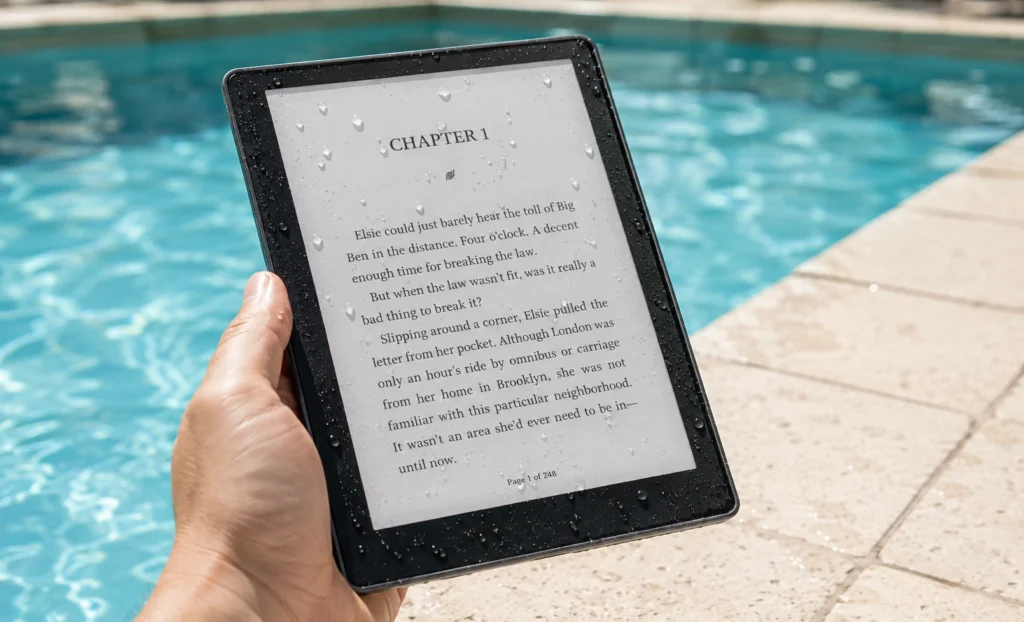
Yes, up to the tested limit. Most current models handle two meters of fresh water for up to sixty minutes under an IPX8 rating. It is meant for accidents, not for actual underwater use.
Does the warranty still cover water damage?
Usually yes for damage that falls within the tested rating, but always read the brand’s own water damage policy since terms differ between Amazon, Kobo, and PocketBook.
Are waterproof e readers safe to use in salt water or a pool?
A quick splash is fine, but the rating for salt water and chlorinated water is much shorter than for fresh water. Rinse the device with fresh water afterward and dry it before charging.
Is a color e ink screen worth the extra cost?
Only if you read comics, manga, or image heavy books often. For plain text novels, a black and white screen is sharper and lasts longer on a charge.
Do folio covers affect the water rating?
No, the water rating comes from the device itself. A cover just adds physical protection and does not change how deep or how long the device can handle water.
Explore More Reviews
BOOX Palma 2 Pro Review: Great Idea, But Is It Worth the Upgrade?
BOOX Note Air3 C: Full Review And Specifications
Best E Ink Android Tablet Guide 2026: Every Model Compared
Boox Note Air2 Full Specs, Buying Guide, Onyx Official Price
Supernote A5X Review: Lightest E Ink Notebook With Zero Subscription Fees
Amazon Kindle Scribe: Finally A Tablet That Writers Actually Want In 2026
Boox Note Air4 C: The 64GB Color E Ink Tablet Review
E-Ink Tablets Comparison: 6 Digital Notebooks Tested Head to Head
3 Best E Ink Tablets In 2026 Detailed Review
The Future of E-Ink Tablets: Revolutionizing Your Reading Experience
The reMarkable Paper Pure (reMarkable 3) Surprised Me in Ways I Was Not Expecting at All
Viwoods AI Paper Full Review 2026