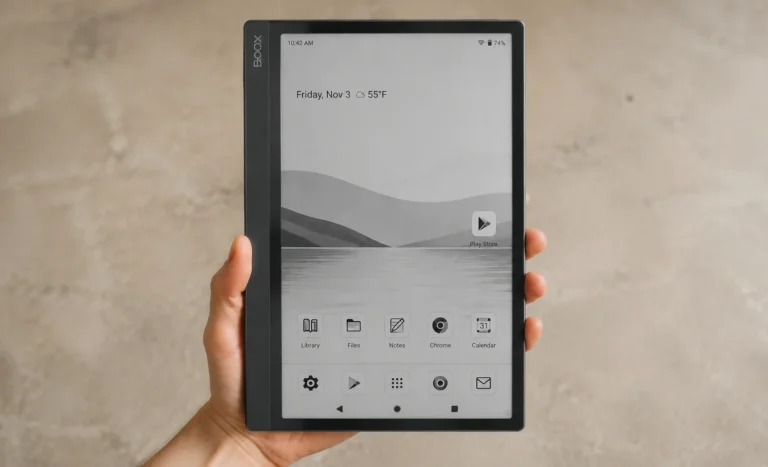
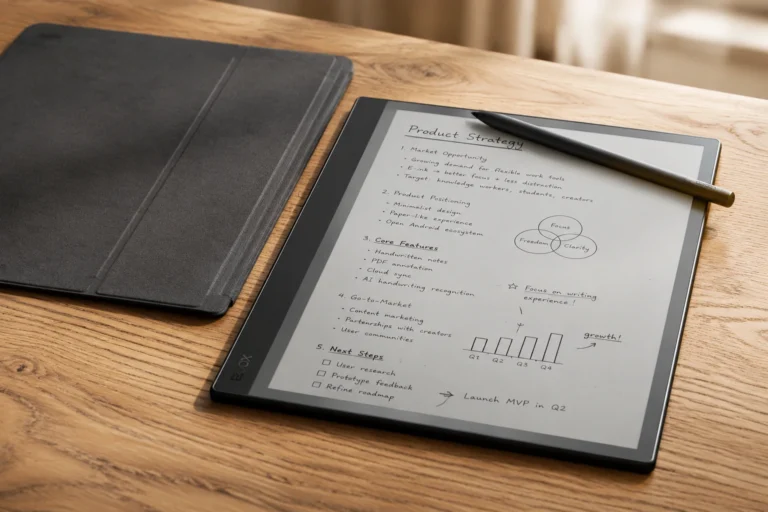
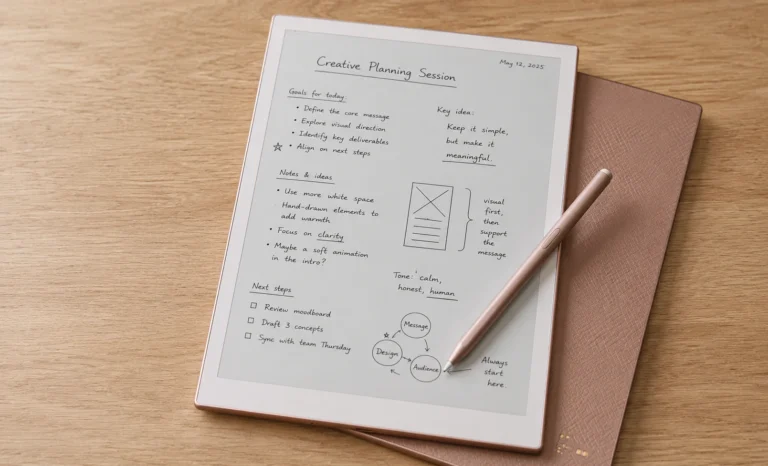
By the third week with the Boox Note Air4 C, something surprising happened. I stopped reaching for my iPad to check comic panels or look through a colored PDF.
Instead, I genuinely started using this tablet, even though its colors don’t compare to a glossy screen. It’s a curious observation to make about a device with a slower, muted e-paper display, but it’s my honest starting point for this review.
If you’re here looking for the Boox Note Air4 C, you likely know the basics. It’s a 10.3-inch color e-ink tablet running full Android. It sits in a crowded space between a distraction free writing tool and a device where you can install apps.
What many reviews overlook is what it’s actually like to use this tablet every day, beyond the specifications. That’s what this review will cover.
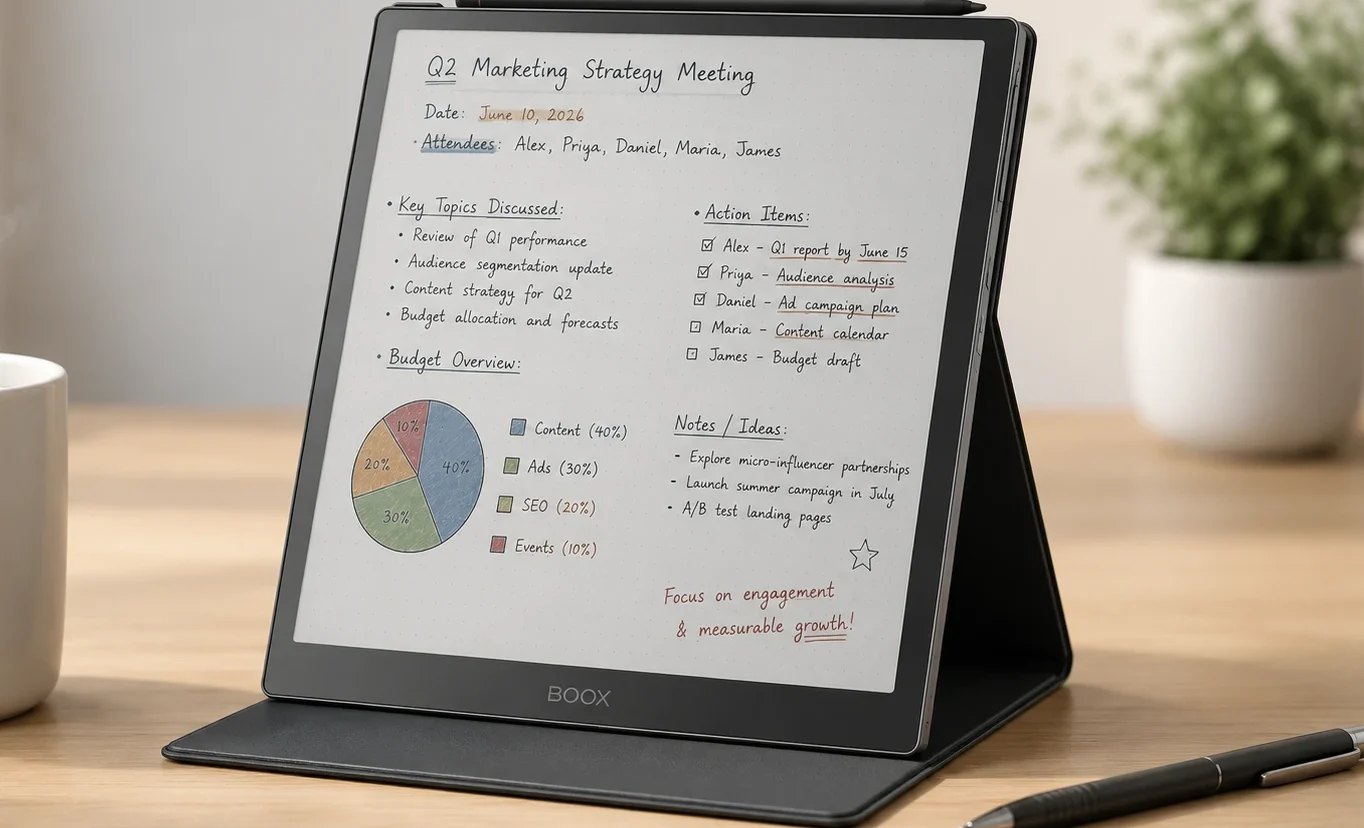
Note Air4 C
The Note Air4 C was released in October 2024. It is Onyx’s upgrade from the Note Air3 C. If you put the two side by side, you’d hardly notice any difference at first glance. They have the same chassis and footprint.
Most changes are internal, such as a faster processor, more memory, a newer version of Android, and several software tools that significantly improve usability beyond basic note-taking.
| Detail | Boox Note Air4 C |
|---|---|
| Screen | 10.3″ Kaleido 3 (Carta 1200), color e-paper |
| Resolution | 2480 x 1860, 300 PPI mono / 1240 x 930, 150 PPI color |
| Colors displayable | 4,096 |
| Processor | Qualcomm octa-core, roughly 2GHz |
| RAM / Storage | 6GB / 64GB, expandable to 2TB via microSD |
| Battery | 3,700mAh |
| Operating System | Android 13 with Google Play Store |
| Weight | Around 420g without the folio |
| Price | $499.99 to $529.99 depending on bundle and warehouse |
That covers the basics. Now, let’s discuss what it feels like to hold, write on, and use this tablet for more than a quick demo in a store.
Design and Build
The body is made of aluminum-magnesium alloy covered with a flush sheet of glass. The first time you hold it, it feels like it could belong in a higher price range.
There’s no creak or flex and you won’t find cheap plastic edges anywhere. The corners are gently rounded, and the glass fits level with the bezel which, despite being a small detail makes a huge difference in usability.
However, the design could use a bit more warmth. Compared to something like the reMarkable, it appears more like a brushed steel slab than a decorative object. This is just a personal preference, and many may actually appreciate the industrial look.
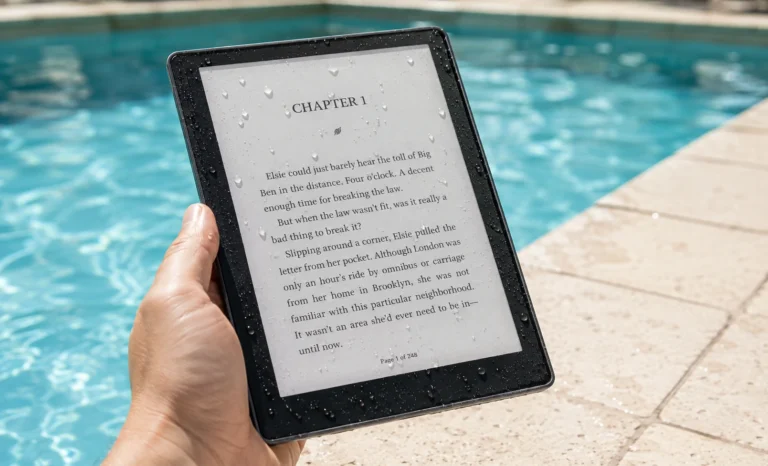
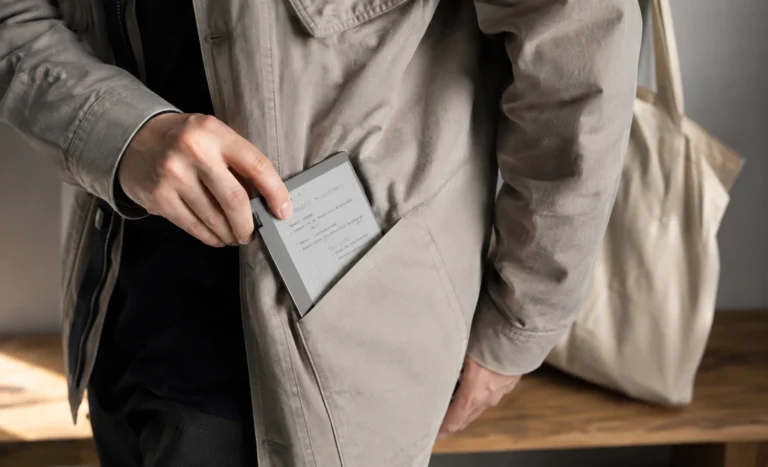
At 420 grams without the folio, it has a noticeable weight. It’s comfortable to hold during normal reading or writing sessions, but you’ll feel it in a bag or if you try to hold it one-handed for long periods. The magnetic folio adds some weight but also provides good protection, so most users keep it attached.
Something to know before buying
There’s no official keyboard folio for the Note Air4 C, unlike some other Boox models. If typing is important, you’ll need to pair a third-party Bluetooth keyboard instead of using a first-party accessory.
Display
This is the main reason to buy this tablet; the display deserves special attention. The Note Air4 C features E Ink’s Kaleido 3 panel built on a Carta 1200 base layer.
Onyx has tuned this generation for a lighter background and softer color rendering compared to the previous Note Air3 C.
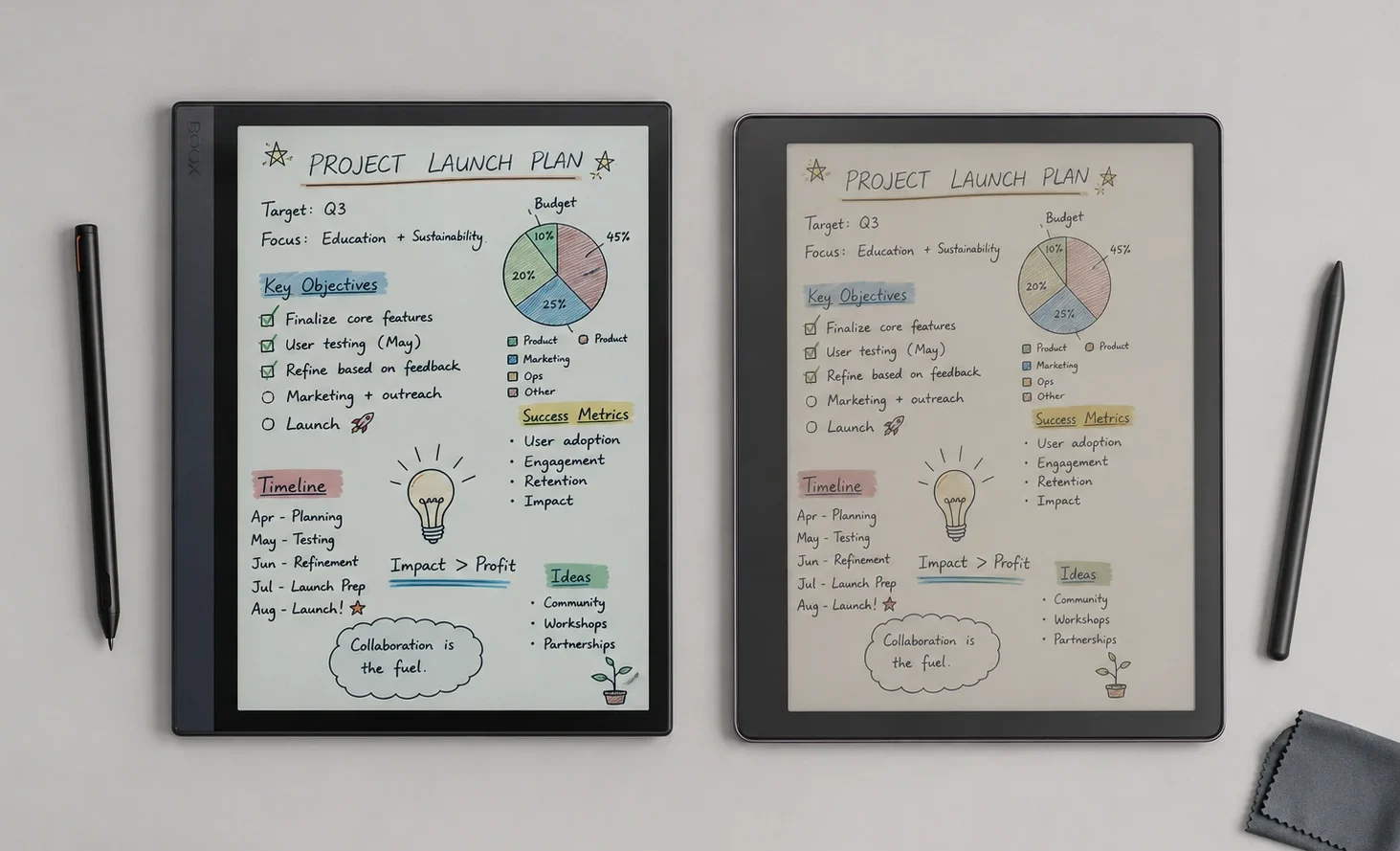
In practice, the colors on this screen are muted. They resemble faded highlighter shades rather than vibrant tablet colors. Reds are brick-like, blues appear dusty, and greens come off as sage rather than bright. If you expect iPad-level color saturation, you will be disappointed within minutes.
However, if you understand that color e-ink is its own visual style, you may find that the muted tones actually become part of the charm instead of a drawback.
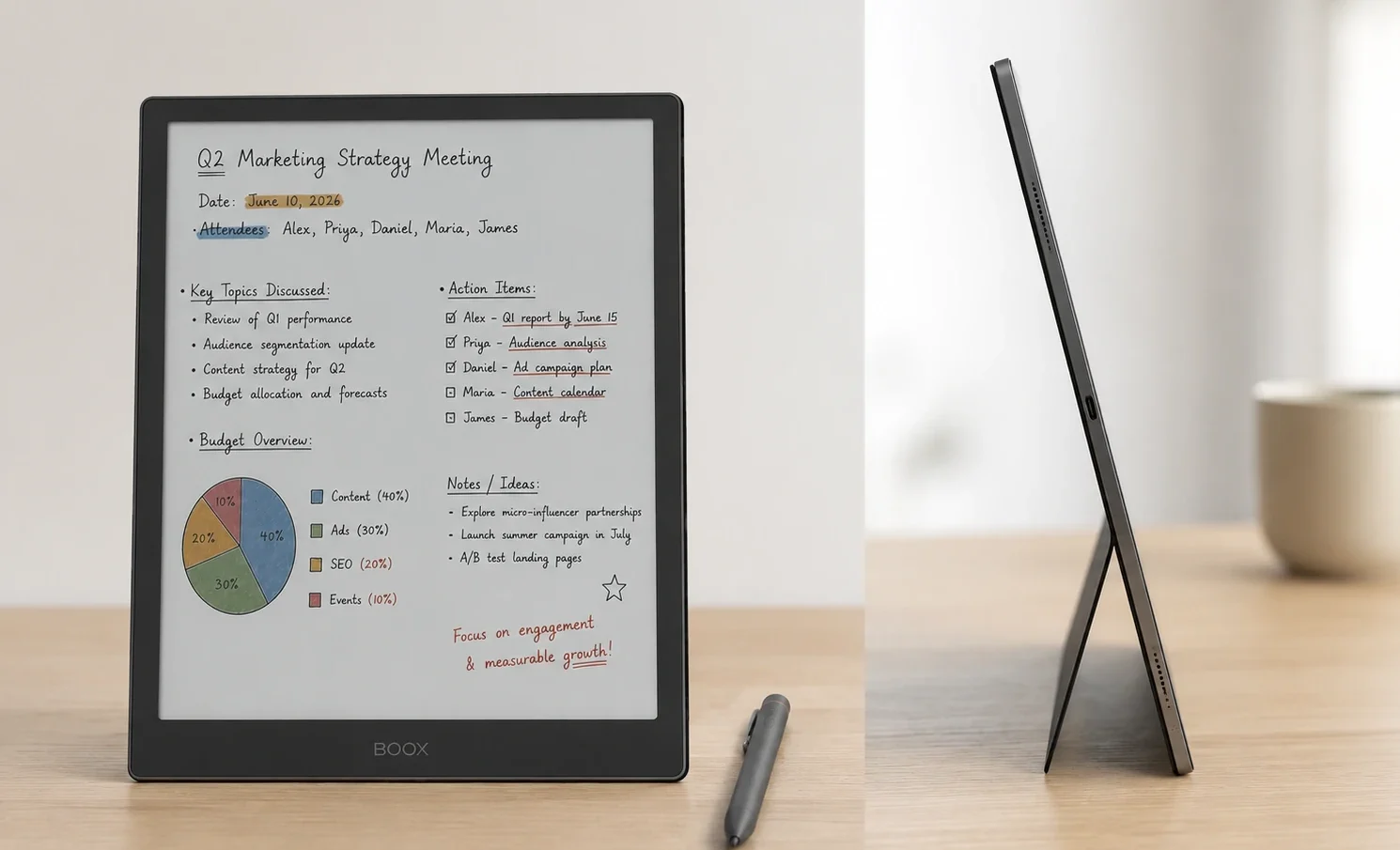
For black-and-white content, the resolution is sharp at 300 PPI same as Kindle Scribe and few others. In color mode, it drops to 150 PPI due to technical limits in how current color e-ink panels are made, but this isn’t a Boox-specific issue. Text remains clear at that resolution, though fine details in colored illustrations become softer.
The front light is another highlight. Onyx calls it ComfortGaze, allowing you to adjust both warmth and brightness independently. This feature matters more than you might think. Reading at 11 PM with a warm, dim light feels comfortable, similar to reading under a bedside lamp.
The first time I opened a comic on this screen, my honest reaction was somewhere between charmed and disappointed. It took about a week of use for the charm to fully win out.
A Tech Expert
Refresh Rate and BSR
Historically, color e-paper panels have been slow. Onyx addresses this with a proprietary system called BSR, or Boox Super Refresh, which runs on a dedicated graphics chip separate from the main processor.
It offers four refresh modes, from the sharpest, slowest HD setting to an Ultrafast mode designed for scrolling or light video playback.
My honest take is that it works, but it comes with a kind of Give & Take. Faster refresh modes can increase ghosting, leaving a faint shadow from the previous screen.
Onyx allows you to adjust refresh speed for each app, meaning you can set your ebook reader on Balanced and your browser on Fast, which genuinely helps. But don’t expect tablet-like smooth scrolling. This is still e-ink, and physics remains unchanged.
Enough Power for Daily Use
Moving from the Note Air3 C to this model brings a significantly faster octa-core Qualcomm chipset, paired with 6GB of RAM up from 4GB. This upgrade translates to quicker app launches, smoother multitasking between split-screen apps, and noticeably less lag when switching between a heavy PDF and note-taking.
Storage is 64GB, which is generous for e-ink tablets, and there’s a microSD slot for those needing up to 2TB. For most users annotating PDFs and taking notes, 64GB will likely outlast the device. For anyone building a large library of color comics or manga, the expansion slot quickly proves its value.
Battery Life
The 3,700mAh battery highlights the biggest weakness of Android-based e-ink devices compared to closed products like the reMarkable line. While a monochrome, app-free writing tablet can last two or three weeks on a single charge, the Note Air4 C, running full Android with background tasks and a color screen, typically lasts several days with mixed reading, writing, and light app use.
This isn’t a criticism unique to this tablet. It’s simply the result of choice.
Closed, minimalist e-ink tablets sacrifice functionality for battery life, while open Android e-ink tablets sacrifice battery life for additional features. If long-lasting battery life without a charge is essential for you, it’s worth considering this carefully before making a purchase.
Software
The main reason to choose this over a closed ecosystem device is that it runs Android 13 and gives you full access to Google Play. You can install Kindle, Libby, Notion, GoodNotes, OneNote, or almost any other app from the Play Store. This makes the tablet much more flexible than a reMarkable.
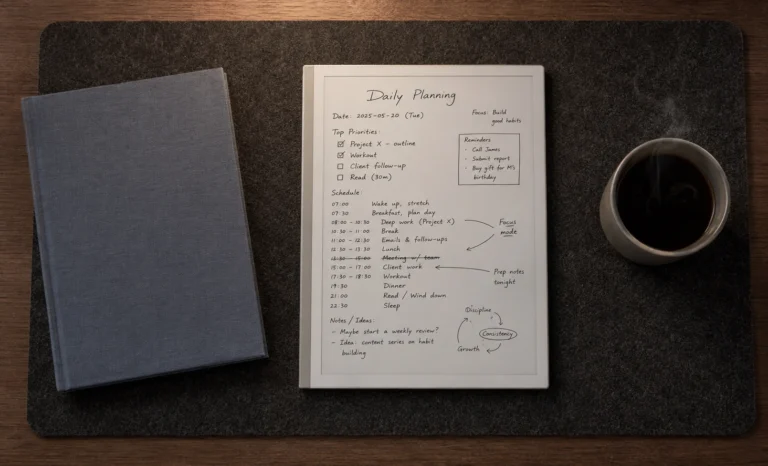
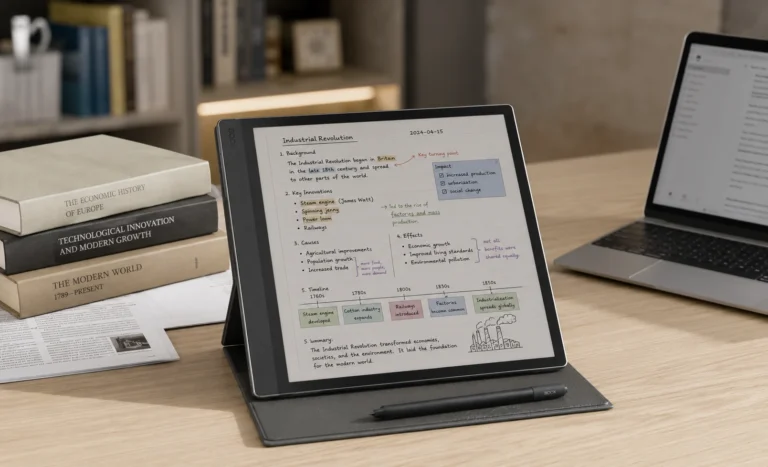
Boox’s own note-taking software has also matured a lot this generation. There’s a Shape tool for cleaning up drawn geometry, a Lasso tool for selecting and repositioning elements within a note, layered drawing support, and an AI-assisted Smart Scribe feature that helps turn rough sketches into cleaner shapes.
None of this feels bolted on. It feels like a team that’s been iterating on the same note app for years, and it shows.
The one thing I’d flag honestly: because it’s a full Android device, it’s also a device where you can install things you probably shouldn’t, streaming apps included, and it’s genuinely tempting to use an e-ink tablet for things it was never really designed for.
Whether that’s a feature or a distraction depends entirely on your self-discipline.
Folio & Color Options
The Note Air4 C itself ships in a single neutral tone, closer to a soft gunmetal gray than anything flashy, which keeps the focus on the screen rather than the shell. Where the color choice actually shows up is in the accessories. Onyx sells an official magnetic folio case separately, available in a handful of muted shades that match the device’s understated design language, and it snaps on with genuinely strong magnets rather than the flimsy kind that pop off in a bag.
There’s no official keyboard folio, as mentioned earlier, so anyone wanting a typing setup will need to pair a third-party Bluetooth keyboard rather than a dedicated first-party one.

- 【For 10.3 inch Boox Note Air 5 C /Note Air 4 C /Note Air 3 C E-reader】: Magnetic stand case designed for BOOX Tablet Not…
- 【Auto Sleep/Wake】 : automatically wakes or puts your BOOX Tablet Note Air 5 C/Note Air 4 C/Note Air 3 C to sleep when th…
- 【 Strong magnet adsorption】 Super strong magnetic protective cover, the protective cover is equipped with a powerful mag…
Let’s Talk Pricing
Retailers like Amazon and B&H generally list it at that same $529.99 point. Buying direct from Boox’s own store gets more interesting: choosing shipment from the Hong Kong warehouse instead of the US one can drop the price to roughly $499, but the checkout page itself will flag that you may be charged import duties depending on your location, which can eat into or entirely erase that saving.
Comparing It Against the Competition
| Spec | Boox Note Air4 C | Note Air3 C (predecessor) | Kindle Scribe Colorsoft |
|---|---|---|---|
| Screen | 10.3″ Kaleido 3 color | 10.3″ Kaleido 3 color | 11″ Colorsoft (oxide) |
| RAM | 6GB | 4GB | Roughly 4GB |
| OS | Android 13, open apps | Android 12, open apps | Kindle OS, closed |
| Battery | 3,700mAh | Around 3,700mAh (unlisted precisely) | Multi-week claim |
| Price | $499.99–$529.99 | Discontinued at launch pricing, now found secondhand | $429–$679.99 |
| Best for | Android flexibility with color e-ink | Budget-conscious secondhand buyers | Kindle library loyalists |

- Screen: 10.3″ Kaleido 3 (4,096 colors) glass screen with flat cover-lens. Resolution: B/W: 2480 x 1860 (300 ppi) Color: …
- CPU: Octa-core + BSR. RAM: 6GB ROM: 64GB Connectivity: Wi-Fi + BT 5.1. Front Light with CTM (Warm and Cold) G-sensor for…
- Document Formats: PDF, CAJ, DJVU, CBR, CBZ, EPUB, EPUB3, AZW3, MOBI, TXT, DOC, DOCX, FB2, CHM, RTF, HTML, ZIP, PRC, PPT,…
Boox Note Air4 C VS Kindle Scibe Colorsoftf
10.3″ Kaleido 3 · 64GB · $529.99
✅ Full Android app access
✅ Fingerprint sensor, expandable storage
❌ Battery measured in days
❌ No official keyboard folio
11″ Colorsoft · up to 64GB · from $429
✅ Instant access to Kindle library
✅ Faster page turns via oxide backplane
❌ Closed ecosystem, no Play Store
❌ Writing feel less textured than Boox
Pros and Cons, Laid Out Plainly
What genuinely works in its favor:
- Real Android with Google Play access, unlike almost every closed competitor
- Sharp 300 PPI monochrome text, with usable, if muted, 150 PPI color
- Expandable storage up to 2TB
- Fingerprint security and a genuinely premium metal-and-glass build
- Firmware support that Onyx has historically kept up for years past launch
What holds it back:
- Battery life that trails closed, single-purpose e-ink tablets by a wide margin
- Colors that will underwhelm anyone expecting LCD or OLED-level vibrancy
- No official keyboard accessory
- Ghosting increases noticeably at faster refresh settings.
- Pricing that shifts depending on warehouse and import taxes, so the sticker price isn’t always the final price
Who Should Actually Buy This
If your reading and note-taking life spans multiple apps and ecosystems, Kindle books here, Libby loans there, Notion notes somewhere else, the Note Air4 C is one of the only e-ink devices genuinely built to hold all of that in one place. If you specifically want vivid color, all-day battery life without a second thought, or a device that stays completely out of your way, this isn’t it, and I’d steer you toward a Kindle Scribe or a monochrome device instead.
Skip it if: you want the longest possible battery life or true-to-life color accuracy
Take Away
Three weeks in, my honest opinion is that this is one of the most genuinely useful e-ink tablets currently on the market, not because any single spec blows the competition away, but because the combination of open Android, decent color, and solid build quality solves a specific frustration that closed devices simply can’t touch.
It won’t replace an iPad for anything visually demanding, and it won’t out-battery a dedicated writing tablet. What it does is sit comfortably in the middle, and for a lot of readers, that middle ground is exactly where they’ve been wanting a device to exist.
Frequently Asked Questions
Is the Boox Note Air4 C worth the price in 2026?
For anyone who wants Android app flexibility combined with color e-ink, yes. If your priority is battery life or pure monochrome writing feel, a different device will likely serve you better for less money.
How does the Note Air4 C compare to the Note Air3 C?
The core screen technology is nearly identical, but the Note Air4 C brings a faster processor, more RAM (6GB versus 4GB), a newer version of Android, and improved note-taking software tools.
Does the Boox Note Air4 C have a keyboard folio?
No official first-party keyboard exists for this model. Owners typically pair a third-party Bluetooth keyboard if typing is part of their workflow.
How long does the battery actually last?
Expect several days of mixed use rather than weeks, since running full Android with background processes uses noticeably more power than closed, minimalist e-ink devices.
Can you install regular Android apps on it?
Yes. Full Google Play Store access means Kindle, Libby, Notion, GoodNotes, and most standard Android apps install and run normally, within the natural limits of an e-ink refresh rate.
Explore More Reviews
E-Ink Tablets Comparison: 6 Digital Notebooks Tested Head to Head
3 Best E Ink Tablets In 2026 Detailed Review
The Future of E-Ink Tablets: Revolutionizing Your Reading Experience
The reMarkable Paper Pure (reMarkable 3) Surprised Me in Ways I Was Not Expecting at All
Viwoods AI Paper Full Review 2026
Best 10 Inch E Ink Tablets Under $700 in 2026