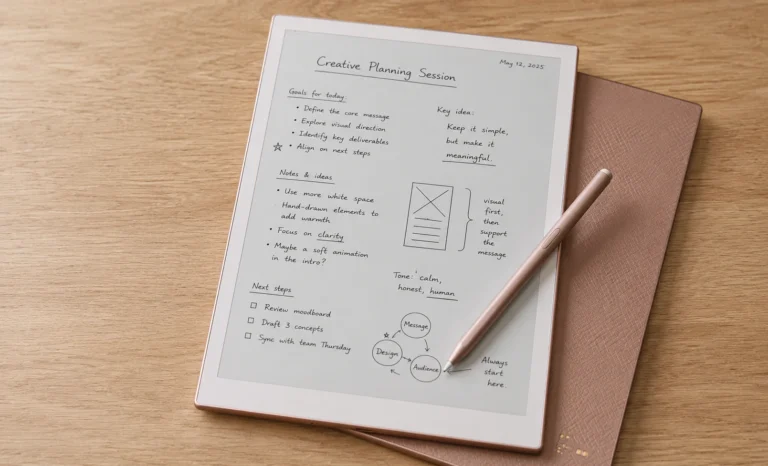
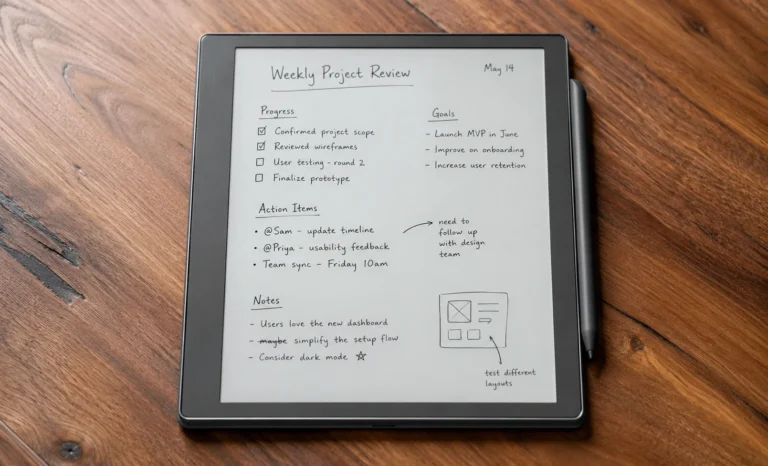
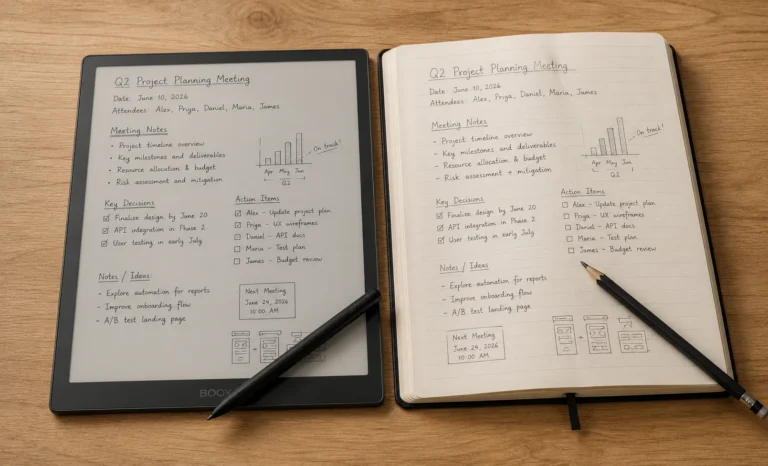
I did not expect a slab of plastic and E Ink to change how I plan my week, but the Supernote A5 X2 Manta did exactly that. I bought mine after three months of going back and forth between a reMarkable, a BOOX, and a stack of Moleskines that never got filled past page twelve. This is not a spec sheet copied from a press release. Everything here comes from actually charging it, dropping it once on a wooden floor (it survived, barely a scuff), and writing on it every single day for weeks. If you are searching for the real story on the Supernote A5 X2 Manta, price included, this is it.
QUICK INFO SNAPSHOT
| Display | 10.7 inch, flexible E Ink Carta 1300, 300 PPI |
| Resolution | 1920 x 2560 |
| Processor | RK3566 Quad Core, 1.8 GHz |
| RAM / Storage | 4 GB / 32 GB (expandable to 2 TB) |
| Battery | 3600 mAh, user replaceable |
| Weight | Approx 375 g (device with pen loop) |
| Official price | $505 USD (device only) |
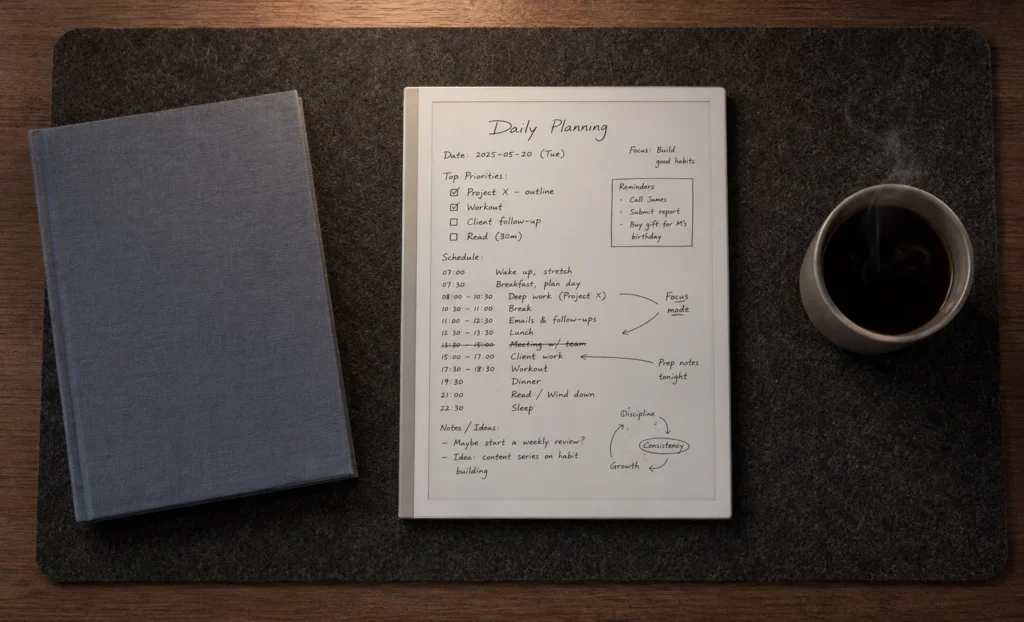
What Is Supernote A5 X2 Manta:
The Supernote A5 X2 Manta is the flagship writing tablet from Ratta, the company behind the whole Supernote lineup. It sits above the smaller A6 sized Nomad, and it is built for one job above all others, taking notes by hand and having them stay organized without turning into a graveyard of forgotten PDFs. The name comes from the shape of the device itself. Ratta designed the back panel with a subtle sloped curve near the edges, and someone on the team apparently thought it looked like a manta ray gliding through water. Once you notice it, you cannot unsee it.
Unlike a regular tablet, there is no app store waiting for you, no notifications sliding in from the top, and honestly, that silence is the entire point. I say this often to friends who ask me about it, the Supernote A5 X2 Manta is not trying to replace your iPad, it is trying to replace the pile of paper on your desk.
Design, Build Quality and That Manta Ray Beauty:
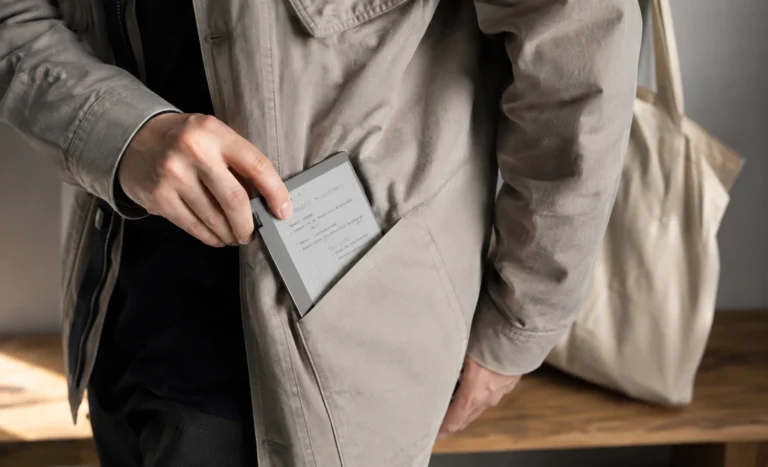
Picking up the Manta for the first time feels different from picking up a normal tablet. It measures 251.3 mm by 182.6 mm and tapers down to just 3.6 mm at its thinnest edges, with the body sitting around 6.0 mm overall.
On paper that sounds like a lot of numbers, but in the hand it translates to something that genuinely feels like holding a slim legal pad rather than a piece of electronics.
The chassis is a soft touch matte finish, not glossy plastic that shows every fingerprint. It comes in a single understated body color, a warm grey tone that photographs beautifully in natural light, and I mean that as someone who cares about how my desk setup looks. There is no logo screaming at you from the front. No camera bump. No speaker grille interrupting the lines. Just a clean, quiet rectangle with a power button and USB C port along one edge.
Extra Tip
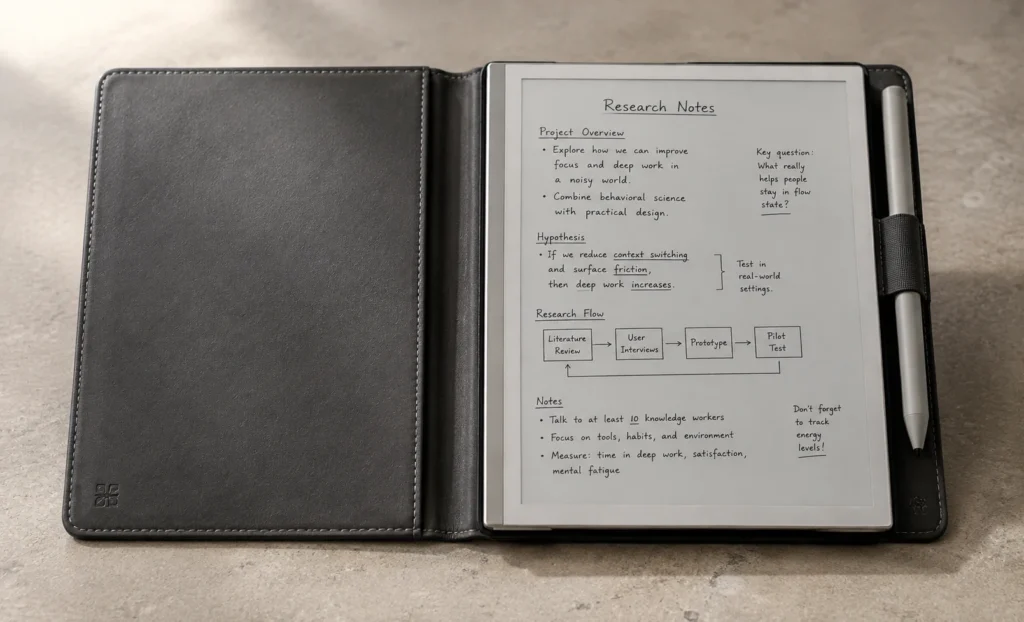
Because the Manta ships without a case, the very first accessory I bought alongside mine was the Half Folio. It is thin enough that it barely adds any bulk, and it protects the screen without hiding that manta ray shaped back panel you paid for.
What really sets the design apart from most other note taking tablets is what is underneath the surface. Ratta built the Manta to be modular. The battery is user replaceable, and so is the motherboard, with official teardown guides published for anyone who wants to do it themselves.
I have owned electronics that ended up in the landfill the moment the battery degraded, so knowing this device is designed to survive a battery swap in five years genuinely changes how I feel about the purchase.
The Display:
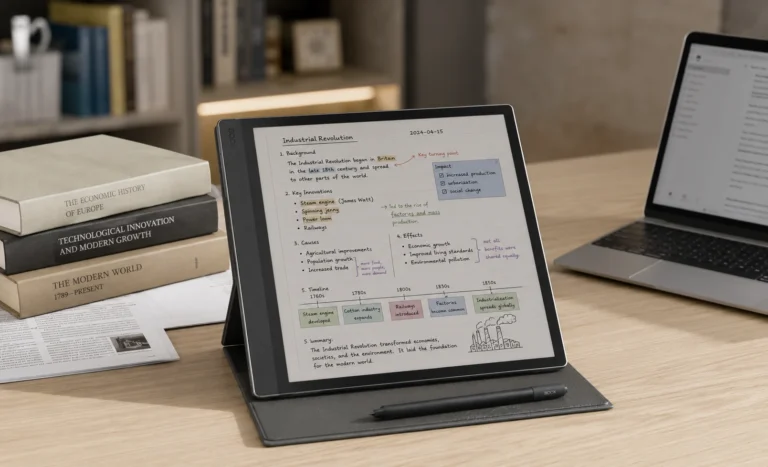
The screen is a 10.7 inch flexible E Ink Carta 1300 panel running at 1920 by 2560 pixels, which works out to roughly 300 PPI. Text renders sharp enough that even small handwriting stays legible when you zoom out to see a full page. Reading a PDF textbook on the Supernote A5 X2 Manta feels closer to reading an actual printed page than almost any tablet I have tried, color or otherwise.
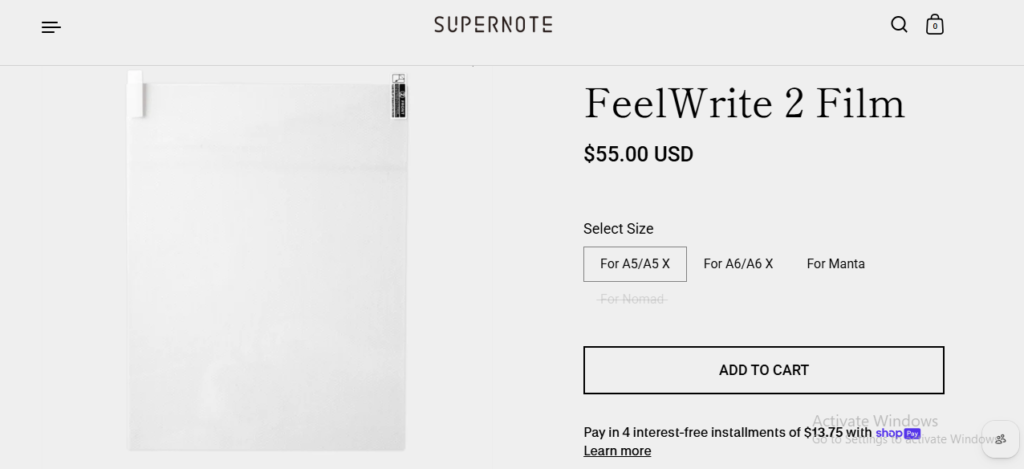
The panel is also flexible rather than rigid glass, which matters more than people realize. Drop resistance goes up, and the writing surface itself, called FeelWrite 2, is described by Ratta as self recovering.
In practice, this means the light indentation marks that build up on cheaper e ink screens after months of pen pressure tend to fade back out over time on the Manta.
⚠️ Important Caution
There is no frontlight and no backlight anywhere on this device. If you plan to journal in bed after the lamp is off, or take notes on a dim flight, you will be stuck relying on ambient light. This single decision is the most common complaint I have seen from other Manta owners, and I feel it too on late nights.
I want to be fair here though, because the absence of a frontlight is a deliberate tradeoff, not an oversight. Removing that extra layer keeps the screen thinner and, according to Ratta, keeps the paper like texture more authentic. For daytime use at a desk or by a window, I genuinely do not miss it.
Writing Experience: The Ceramic Nib That Never Wears Down
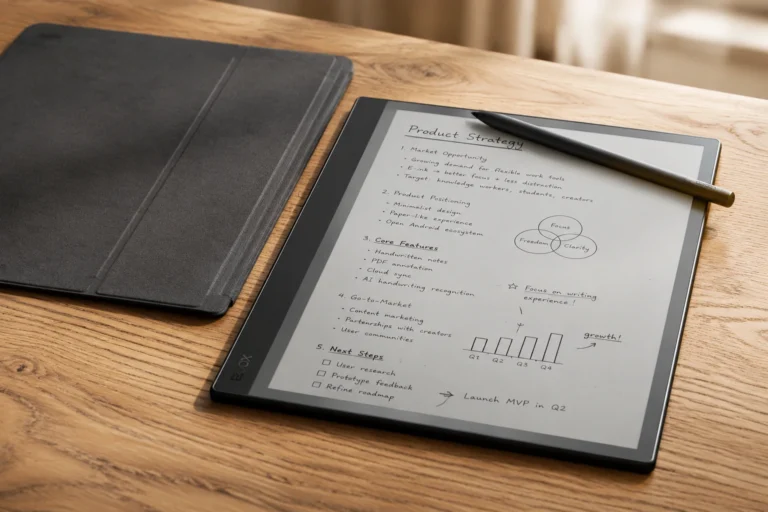
This is where the Supernote A5 X2 Manta earns its reputation. The stylus tip is ceramic rather than the plastic felt tips found on most competing pens, and Ratta calls it the NeverReplace Nib. After weeks of near daily writing, mine still glides exactly the way it did on day one. No scratchiness, no flattened tip, none of the small annoyances I dealt with on my previous tablet where I had to buy replacement nibs every couple of months.
“Writing on the Manta is the first time an e ink tablet has made me forget I am not using actual paper. I think that single sentence sums up the entire appeal.”
— my honest note to myself after week one of testing
The pen itself is sold separately and uses standard EMR technology, meaning most Wacom compatible pens from other brands will also work if you already own one. Ratta offers three official options which include the Standard pen, the Heart of Metal Pen 2 for a heavier metal body, and a LAMY branded version for people who like the feel of a proper fountain pen shape.
I settled on the Standard pen and honestly never felt like I was missing anything by not spending more.
Palm rejection worked reliably for me across the whole testing period, whether I was resting my whole hand flat on the screen or writing at an angle. I never once saw a stray mark appear from my palm brushing the surface, which is more than I can say for some cheaper tablets I have tested in the past.
Performance:
Under the hood sits a Rockchip RK3566 quad core processor clocked at 1.8 GHz, paired with 4 GB of RAM. Those numbers will not impress anyone shopping for a gaming tablet, but for what this device is meant to do, they are more than enough.
Page turns feel snappy, the lasso tool that lets you move handwritten elements around a page works without lag, and switching between notebooks rarely takes more than a second or two.
Battery Life and Charging:
The 3600 mAh battery is genuinely one of the best surprises of owning this tablet. E ink only draws power when the screen refreshes, so unlike an LCD tablet that drains constantly, the Manta can go a full week or more of regular note taking before it needs a charge.
During my testing, I had to actively try to run the battery down just to see how it performed at low percentages.
Charging happens over USB C 2.0, and a full charge from empty takes roughly ninety minutes. One thing worth noting clearly, this port does not support fast charging, so do not expect the fifteen minute top ups you might get on a modern phone. And because the battery is user replaceable, you are not locked into buying a whole new device once the cell naturally degrades after a few years of daily cycles.
Storage, Connectivity and File Support:
The Manta ships with 32 GB of internal storage, and while the operating system takes a small chunk of that for itself, most users will find it plenty for years of handwritten notes since .note files are lightweight. If you plan to store a large PDF library or scanned textbooks, there is a microSD slot supporting up to 2 TB of additional space, which is a huge amount of headroom.
Connectivity covers dual band WiFi at both 2.4 GHz and 5 GHz, along with Bluetooth 5.0 for pairing a physical keyboard. File format support is genuinely wide, covering native .note files, PDF, EPUB, Word documents, plain text, PNG, JPG, BMP, WebP, CBZ, FB2, and XPS, plus integration with the Kindle app for MOBI files.
In my experience annotating PDFs and reading EPUB novels both worked cleanly without conversion headaches.
Software and the Chauvet Operating System:
Chauvet, the custom Android 11 based system running the show, is deliberately stripped down. There is no default Google Play Store, no web browser you can open freely (you can only follow hyperlinks that already exist inside a PDF or note), and no social media notifications competing for your attention.
I know that sounds restrictive written out like that, but living with it daily, I found it refreshing rather than limiting.
Handwriting recognition supports more than sixty languages, which converts your scrawled handwriting into searchable, exportable text, and honestly the accuracy impressed me even with my messy cursive. Supernote Cloud and partner apps for macOS, Windows, iOS, and Android keep everything synced across devices, and there is no subscription fee attached to any of it, a detail I genuinely appreciate after being nickel and dimed by other software ecosystems.
Colors, Folios/Covers:
The Supernote A5 X2 Manta currently ships in a single body color, a soft warm grey that Ratta has kept consistent since launch, so do not expect a rainbow of finishes here the way you might see on a mainstream tablet. Where the customization really happens is in the accessories.
ACCESSORY BREAKDOWN
- Half Folio: Around 92 grams, protects the front screen while leaving the manta ray back panel visible
- Standard Pen: From about $65, ceramic nib, works instantly out of the box
- Heart of Metal Pen 2: From about $83, heavier metal body for a premium feel
- LAMY Safari Vista Pen: Around $99, styled like a traditional fountain pen
Pricing 2026:
Pricing on the Supernote A5 X2 Manta is one area where I see a lot of outdated numbers floating around online, so let me be precise. At launch in December 2024, the device sold for $459. As of 2026, the official price listed directly on Ratta’s own store has risen to $505 USD for the device alone, with no pen and no folio included in that base price. That is a detail worth knowing before you check out, since a lot of older articles still quote the launch price.
REALISTIC TOTAL COST
| Manta device only | $505 |
| Standard pen | +$65 |
| Half Folio cover | +$65 |
| Realistic full setup | ≈ $635 |
I genuinely think going in expecting to spend closer to $600 rather than the base $505 will save you from sticker shock at checkout. Supernote also runs a Trial Open Box program with discounted refurbished units, and student, teacher, military, and first responder discounts, so it is worth checking those pages if the full price feels steep.
Supernote A5 X2 Manta vs reMarkable Paper Pro:
The comparison I get asked about most is how the Manta stacks up against the reMarkable Paper Pro, so here is a side by side based on my own hands on time with both.
If color note taking is a priority, the reMarkable Paper Pro pulls ahead. But for pure writing feel, long term repairability, and not paying a monthly fee just to unlock features, I lean toward the Supernote A5 X2 Manta every time.
Pros and Cons:
What I Loved
- Ceramic nib that genuinely never needs replacing
- Repairable battery and motherboard, built to last years
- Excellent battery life, easily a week or more
- No subscription fees anywhere
- Sharp 300 PPI display for reading and writing
What Bothered Me
- No frontlight, unusable in the dark
- Pen and folio sold separately, real cost is higher
- Closed ecosystem, no official app store
- Monochrome only, no color option
- No fast charging support
Should You Buy the Supernote A5 X2 Manta?
Based on weeks of real use, I would point this device toward students annotating dense PDF textbooks, professionals who take heavy meeting notes, and anyone who genuinely writes by hand daily and wants that habit to stay organized digitally.
If you mostly want to read novels and skim social media on a tablet, this is the wrong purchase entirely, and I would say that honestly even though it costs me nothing to recommend it either way.
My Final Verdict:
After weeks with the Supernote A5 X2 Manta, my honest take is this. It is not the cheapest option, and it is not trying to be everything at once. It is a focused, beautifully built writing tool that respects your attention instead of fighting for it. If that sounds like what you have been missing, I do not think you will regret it.
FAQs
Is the Supernote A5 X2 Manta worth the price in 2026?
Based on my own testing, yes for the right buyer. If you write by hand daily and value repairability over flashy extras, the value holds up even at $505.
Does the Supernote A5 X2 Manta come with a pen included?
No, the pen is sold separately starting around $65 for the Standard pen. Budget for it before checkout.
Can I use any stylus with the Manta, or only Supernote pens?
It uses standard EMR technology, so most Wacom compatible pens from other brands will also work, though official Supernote pens are tuned for the best feel.
Does the Supernote A5 X2 Manta have a frontlight for reading in the dark?
No, it has no frontlight or backlight at all. This is one of the biggest tradeoffs to know before buying.
How long does the battery actually last on daily use?
In my testing, a single charge comfortably lasted well over a week of regular daily note taking, thanks to the 3600 mAh battery and how little power E Ink draws.
Explore More Reviews
BOOX Note Air3 C: Full Review And Specifications
Best E Ink Android Tablet Guide 2026: Every Model Compared
Boox Note Air2 Full Specs, Buying Guide, Onyx Official Price
Supernote A5X Review: Lightest E Ink Notebook With Zero Subscription Fees
Amazon Kindle Scribe: Finally A Tablet That Writers Actually Want In 2026
Boox Note Air4 C: The 64GB Color E Ink Tablet Review
E-Ink Tablets Comparison: 6 Digital Notebooks Tested Head to Head
3 Best E Ink Tablets In 2026 Detailed Review
The Future of E-Ink Tablets: Revolutionizing Your Reading Experience
The reMarkable Paper Pure (reMarkable 3) Surprised Me in Ways I Was Not Expecting at All
Viwoods AI Paper Full Review 2026