I picked up the BOOX Palma 2 Pro because I wanted to read more and scroll less. That sounds like a cliche line every e-reader review starts with. But it is true, and it is the reason this device sits in my pocket now instead of my phone on most days. I have used it for weeks. I read books on it. I take quick notes on it. I even scanned a few documents with the camera. This review comes from that time, not from a spec sheet or a press release. If you want the real price, the real screen quality, and an honest opinion on the BOOX Palma 2 Pro, keep reading.
QUICK INFO SNAPSHOT
| Display | 6.13 inch, Kaleido 3 color E Ink |
| Resolution | 1648 x 824, up to 300 PPI |
| Processor | Qualcomm Octa Core, ~2 GHz |
| RAM / Storage | 8 GB / 128 GB (expandable to 2 TB) |
| Battery | 3950 mAh |
| Weight | Approx 173 g |
| Official price | $399.99 USD |
What The BOOX Palma 2 Pro Actually Is
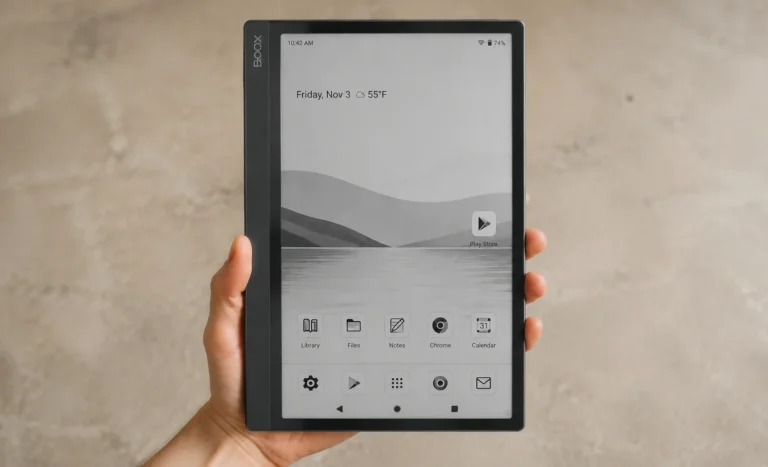
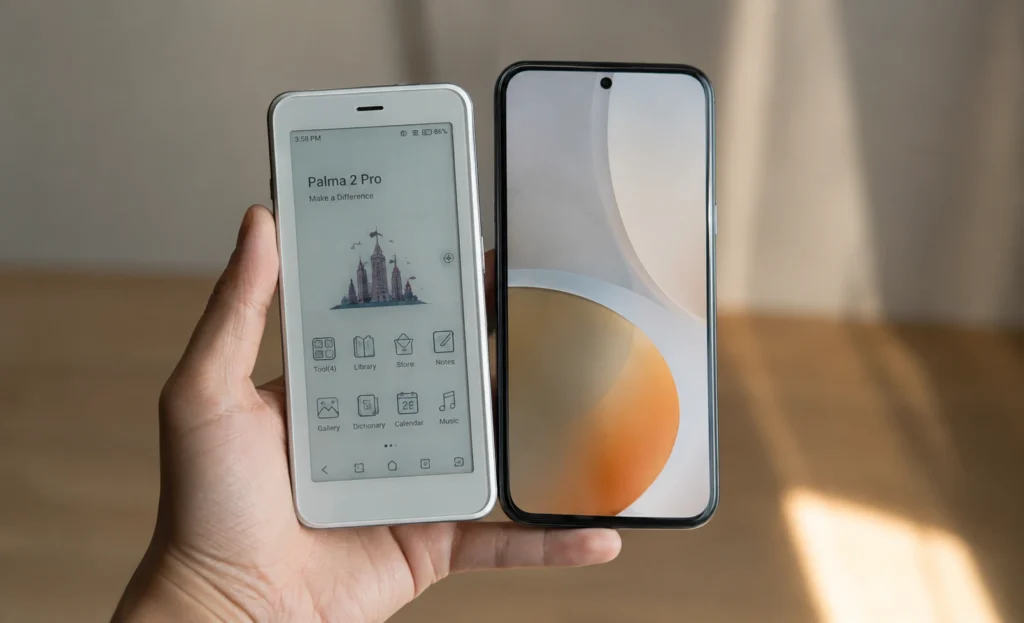
The Palma 2 Pro is the newest device in BOOX’s Palma line. It looks like a phone. It feels like a phone in your hand. But it does not make calls or send texts the normal way. It runs Android 15 with the Google Play Store built in. It has a color E Ink screen. It supports a stylus for the first time in this size class. It also has 5G data support through a hybrid SIM slot.
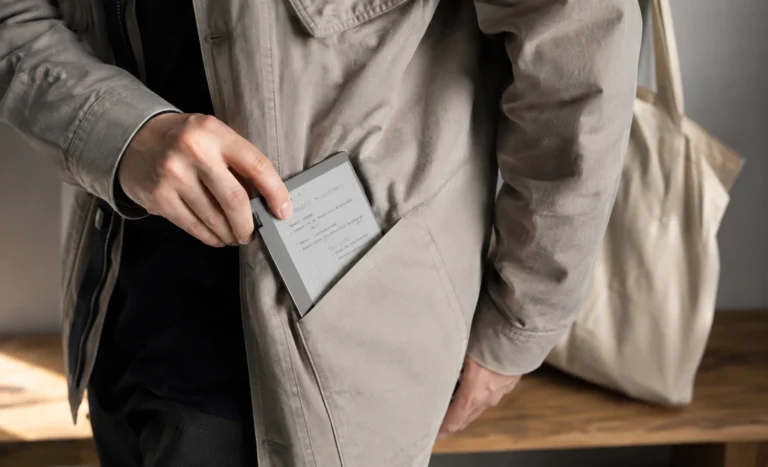
I think the easiest way to explain this device is this. It is built for people who want their phone’s convenience without their phone’s constant pull. You still get apps. You still get a browser. You still get email. But the screen forces you to slow down, and that is the whole point.
Design:
The BOOX Palma 2 Pro weighs about 173 grams. That is lighter than most modern phones. It has a 6.13 inch screen, which puts it right in the size range of a normal smartphone. The body is thicker than a phone though. E Ink screens need more depth than a slim OLED panel. You notice this the first time you pick it up. It feels chunky compared to your phone, but it also feels solid, not cheap.
BOOX sells the Palma 2 Pro in two colors. Black and White. Both use a matte finish that resists fingerprints fairly well. I tested the Black version, and I liked how it did not attract smudges the way a glossy phone case does.
💡 Extra Tip
Since this device looks and feels like a phone, it is easy to forget the screen is glass, not plastic. I put mine in a case within the first day, and I would tell anyone buying one to do the same right away.
The build includes a fingerprint sensor built into the power button. It unlocks the device fast. It also has a water repellent design, which protects against light rain or a splash from a spilled drink. I want to be clear here though. It is not waterproof. Do not drop it in a pool and expect it to survive.
Display:
This is the biggest change from the older Palma 2. The BOOX Palma 2 Pro uses a Kaleido 3 color E Ink panel. Resolution comes in at 1648 by 824, and that hits close to 300 PPI in black and white mode. Color mode runs at a lower effective sharpness, closer to 150 PPI, since color E Ink layers a filter on top of the normal panel.
⚠️ Important Caution
Color E Ink screens trade some sharpness for color. Plain text looks a bit softer here than on a black and white only e reader. If crisp text matters more to you than color, the standard Palma 2 may suit you better.
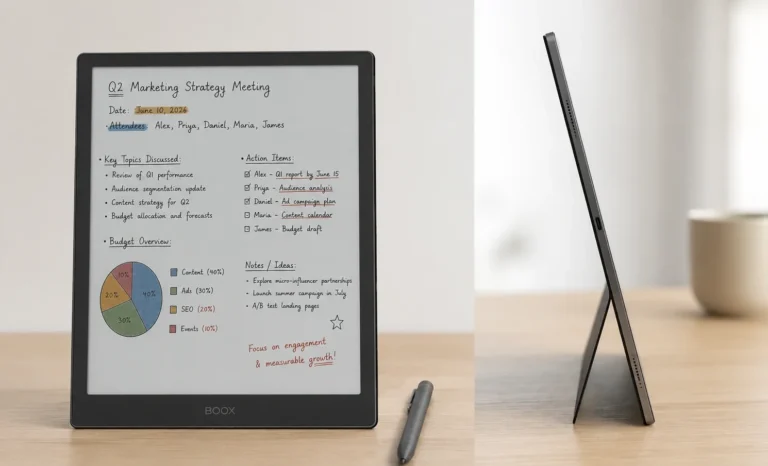
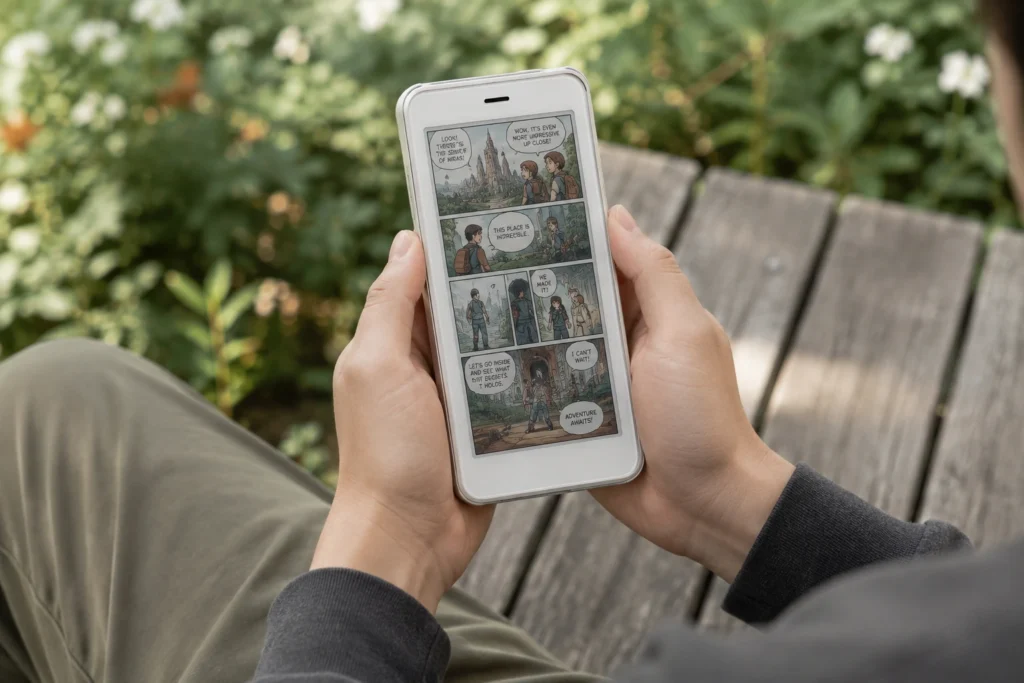
Reading comics and color PDFs on this screen felt genuinely fun. Colors look muted compared to a phone screen, more like a printed page than a bright display. Text in plain black and white mode still looks sharp and clean. A dual tone front light sits behind the panel, and you can adjust both warmth and brightness. Without that front light, white areas look more grey than white, so I kept mine on most of the time, even during the day.
Writing Experience With The InkSense Plus Stylus:
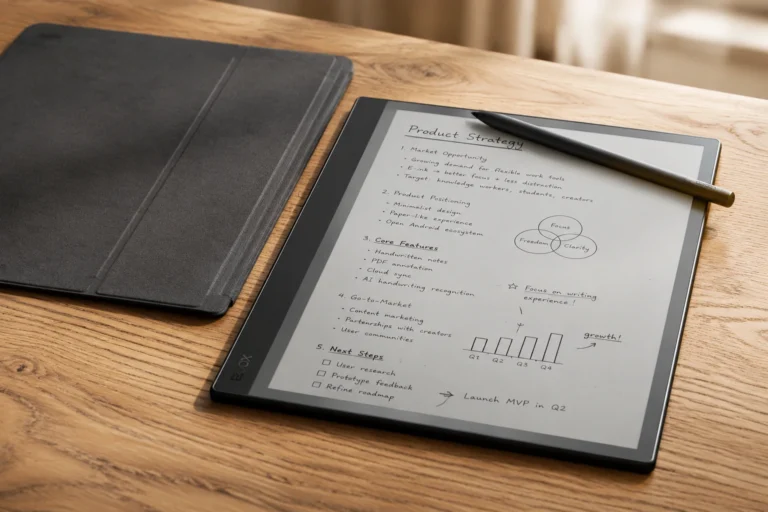
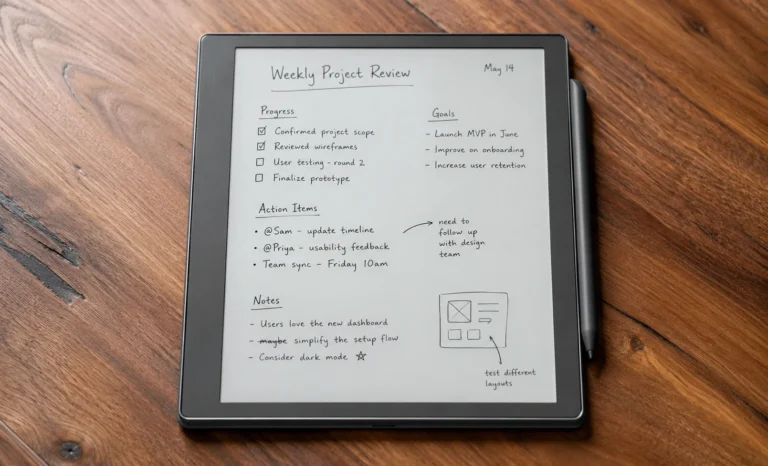
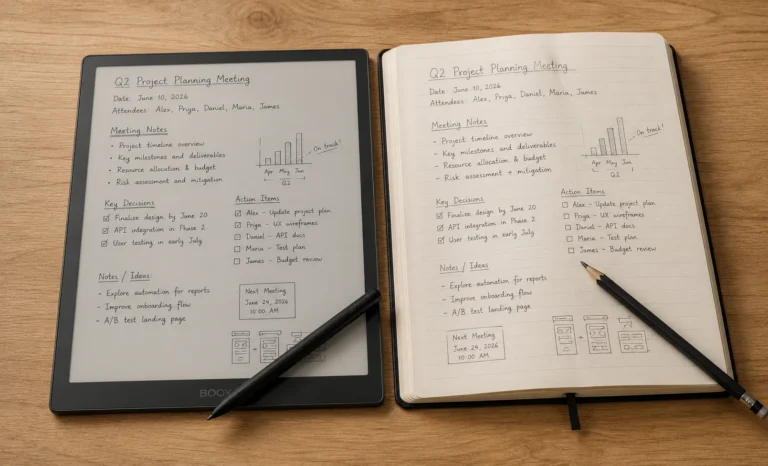
The Palma 2 Pro supports a stylus called InkSense Plus, and it is sold separately from the device. This pen uses UPI 2.0 technology rather than the EMR technology found on most dedicated note taking tablets. In plain terms, this means the writing feel is decent but not as refined as something like a Supernote or a reMarkable.
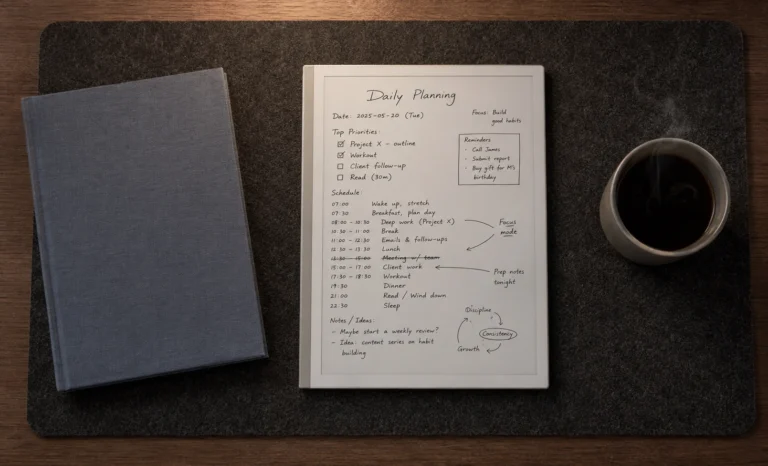
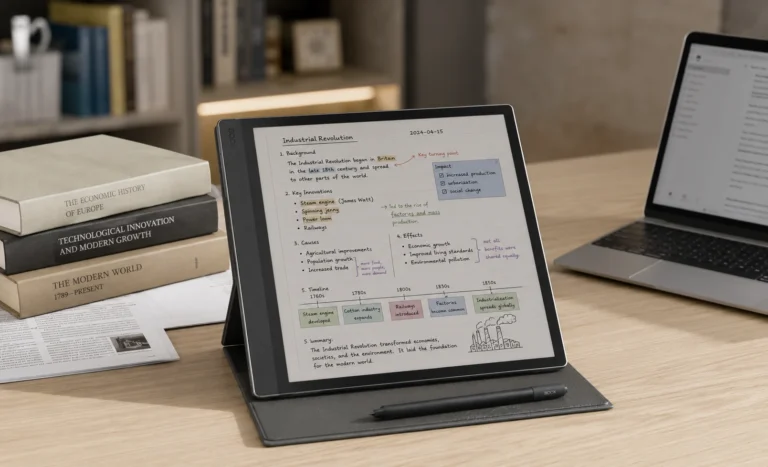
I found the pen useful for quick notes, short annotations, and marking up PDFs. I would not call it a full replacement for a proper note taking tablet, and honestly, I do not think BOOX is trying to sell it as one. The pen connects through USB C rather than Bluetooth, and it charges on its own. Pressure sensitivity covers 4096 levels, which is plenty for casual sketching and note taking.
Performance And Everyday Speed:
Under the hood, the Palma 2 Pro runs a Qualcomm octa core processor clocked around 2 GHz, paired with 8 GB of RAM and 128 GB of storage. These numbers are genuinely strong for an E Ink device. Most competitors in this size class run with far less RAM. This extra headroom shows up in daily use. Apps open fast. Switching between reading apps and the browser feels smooth for E Ink standards.
💡 Extra Tip
Switch refresh modes based on what you are doing. I use HD mode for reading books, and I switch to Fast mode when browsing the web or scrolling through a long app list.
BOOX includes its own refresh technology called BSR, short for BOOX Super Refresh. It lets you pick different screen modes depending on what you are doing. A slower, sharper mode works well for reading. A faster mode with more ghosting works better for scrolling through a website or using an app.
Battery Life And Charging:
The battery sits at 3950 mAh, which is a large cell for a device this size. In my testing, I got several days of regular reading and light app use before needing a charge. Turning on 5G data and keeping the front light bright both drain the battery faster, so your results will vary depending on how you use it.
Charging goes through USB C. I did not see any official fast charging rating listed by BOOX, so plan for a normal charge speed rather than a rapid top up. Since E Ink only draws real power when the screen refreshes, this device still lasts far longer between charges than any normal phone with a similar battery size.
Storage, Connectivity And File Support:
Storage starts at 128 GB, and a microSD slot lets you add up to 2 TB more. That is a huge amount of room for ebooks, comics, and scanned documents. Connectivity covers WiFi, Bluetooth 5.1, and a hybrid SIM slot supporting 2G through 5G networks for mobile data.
File format support is wide. It covers PDF, CAJ, DJVU, CBR, CBZ, EPUB, EPUB3, AZW3, MOBI, TXT, DOC, DOCX, FB2, CHM, RTF, HTML, ZIP, PRC, PPT, and PPTX. This list covers nearly every format I throw at an e reader, from novels to work documents to comic archives.
The Camera: A Small But Useful Extra
One feature that surprised me is the 16 megapixel rear camera with an LED flash. This is not meant for regular photography. It exists mainly for scanning documents on the go. I used it a few times to capture receipts and a printed handout, and the built in scanning tool cleaned up the image well enough to read clearly later.
Software:
Unlike some closed E Ink devices, the Palma 2 Pro runs a genuinely open version of Android 15 with the Google Play Store built in. This means you can install nearly any reading app, plus email, messaging apps, and even light browsing tools. BOOX’s own NeoBrowser handles general web browsing reasonably well for an E Ink screen.
I think this open approach is the real reason people reach for the Palma line over other pocket e readers. You are not locked into one ecosystem. If you already use the Kindle app, Kobo app, or a specific comic reader, you can just install it here the same way you would on a regular Android phone.
Colors, Cases And Covers:
ACCESSORY BREAKDOWN
- Body colors: Black and White, both matte finish
- Magnetic Protective Case: Around $21.99, doubles as a kickstand
- InkSense Plus Stylus: Sold separately, uses UPI 2.0 tech, not EMR
- SIM support: Hybrid slot, data only, no calls or texts
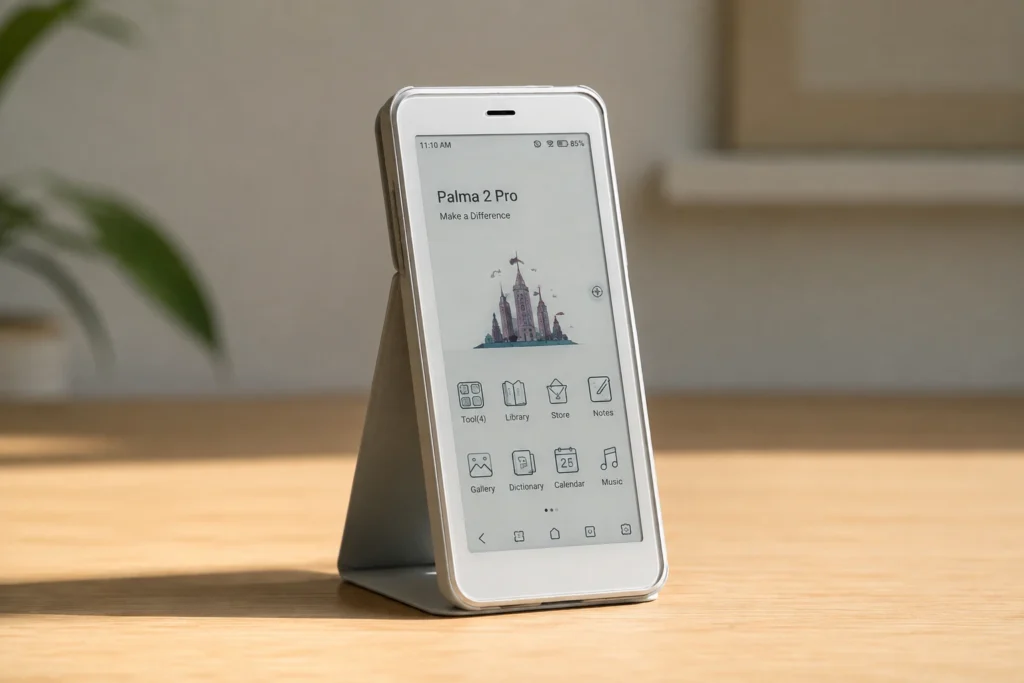
I ended up buying the magnetic protective case shortly after my Palma 2 Pro arrived. It flips open like a small wallet, and folding the back creates a simple kickstand for watching video or reading hands free. Given how thin and glass heavy the front feels, I would treat this case as a near required purchase, not an optional extra.
Correct Pricing:
Pricing is where I want to be careful, since I have seen a lot of mixed numbers online for this device. As of 2026, the official BOOX store lists the Palma 2 Pro at $399.99 USD. Some early pre order listings showed a lower price around $379.99, but that promotional window has closed, and the current standard price is $399.99.
REALISTIC TOTAL COST
| Palma 2 Pro device | $399.99 |
| Magnetic case | +$21.99 |
| Realistic basic setup | ≈ $422 |
My honest advice is to budget closer to $430 once you add a case, since the pen is genuinely optional depending on how much you plan to write by hand. If note taking matters a lot to you, add the InkSense Plus stylus too, and expect a full setup closer to $460 or more.
BOOX Palma 2 Pro vs BOOX Palma 2:
A lot of buyers get stuck choosing between these two, so here is the honest side by side based on using both.
| Feature | BOOX Palma 2 Pro | BOOX Palma 2 |
|---|---|---|
| Display | Kaleido 3 color, 300 PPI | Carta 1200, black and white, 300 PPI |
| RAM / Storage | 8 GB / 128 GB | 6 GB / 128 GB |
| Stylus support | Yes, InkSense Plus (sold separately) | No |
| Mobile data | Yes, 5G hybrid SIM | No |
| Base price | $399.99 | $299.99 |
If color, stylus support, and mobile data matter to you, the Palma 2 Pro is worth the extra cost. If you only care about reading black and white text and want to save money, the standard Palma 2 still does that job well, and honestly, plain text looks a bit sharper on it since it skips the color filter layer entirely.
Pros And Cons
What I Loved
- Genuinely pocketable, lighter than most phones
- Strong specs for an E Ink device, 8 GB RAM feels smooth
- Full Google Play access, no closed ecosystem
- 5G data keeps it connected without WiFi
- Camera works well for quick document scans
What Bothered Me
- Expensive for an e reader at $399.99
- Color screen looks dim without the front light on
- Stylus sold separately and not full EMR tech
- No real phone call function despite 5G support
- Thicker body than a normal smartphone
Based on my weeks of daily use, I would point this out to readers who want to cut down on phone scrolling without losing app access completely. I would also point it at commuters who want a pocketable device for books, comics, and the occasional document scan. If you need serious note-taking with a natural pen feel, look at a dedicated writing tablet instead, since the stylus here is a nice bonus, not the main event.
My Final Verdict
After weeks of daily use, here is my honest take on the BOOX Palma 2 Pro. It is not perfect, and it is not cheap. But it does something few other devices manage. It gives your reading habit a real home, away from your phone, without cutting you off from the apps you actually need. For the right person, that trade is worth the price.
Frequently Asked Questions
Is the BOOX Palma 2 Pro worth buying in 2026?
Based on my own testing, yes, if you want a pocketable device that cuts down on phone distractions but still runs real apps. The price is high for an e reader, so weigh that against how much you will actually use the extra features.
Does the BOOX Palma 2 Pro make phone calls?
No. It supports data only through its hybrid SIM slot. You can use apps like WhatsApp for calls, but there is no traditional phone function.
Does the stylus come included with the device?
No. The InkSense Plus stylus is sold separately. Budget extra if you plan to take notes by hand.
What is the difference between the Palma 2 Pro and the regular Palma 2?
The Palma 2 Pro adds a color screen, stylus support, 5G data, more RAM, and a newer version of Android. The standard Palma 2 stays black and white and costs less.
How long does the battery last on the Palma 2 Pro?
In my testing, the 3950 mAh battery lasted several days of normal reading and light app use before it needed a charge.
Does the BOOX Palma 2 Pro have a front light?
Yes. It has a dual tone front light you can adjust for warmth and brightness, which helps a lot since the color screen looks dim without it.
Is storage expandable on the Palma 2 Pro?
Yes. It ships with 128 GB built in, and a microSD slot lets you add up to 2 TB more.
Explore More Reviews
BOOX Note Air3 C: Full Review And Specifications
Best E Ink Android Tablet Guide 2026: Every Model Compared
Boox Note Air2 Full Specs, Buying Guide, Onyx Official Price
Supernote A5X Review: Lightest E Ink Notebook With Zero Subscription Fees
Amazon Kindle Scribe: Finally A Tablet That Writers Actually Want In 2026
Boox Note Air4 C: The 64GB Color E Ink Tablet Review
E-Ink Tablets Comparison: 6 Digital Notebooks Tested Head to Head
3 Best E Ink Tablets In 2026 Detailed Review
The Future of E-Ink Tablets: Revolutionizing Your Reading Experience
The reMarkable Paper Pure (reMarkable 3) Surprised Me in Ways I Was Not Expecting at All
Viwoods AI Paper Full Review 2026