The original Kindle Scribe launched in 2022 as Amazon’s first serious attempt at a writing tablet, and the reaction from long time Kindle users was genuinely mixed in a way that was never quite captured in the headline scores most reviews assigned it.
The reading side was exactly what people expected from Amazon. The writing side felt like a feature added to justify a higher price rather than a capability built around how writers actually think and work.
Amazon has been updating the Scribe steadily since then through software changes and a full hardware refresh in 2026, and the current lineup sits in a meaningfully different position than where it started. The current version of Kindle Scribe is not trying to beat the reMarkable Paper Pure at writing. It is not trying to match BOOX for flexibility.
What it is doing is something more specific and arguably more useful for a very large number of people: it is building the best possible experience for someone who reads a lot, annotates regularly, and wants to take handwritten notes on the same device where their entire reading life already lives.
Whether that person is you is the question this article is designed to answer.
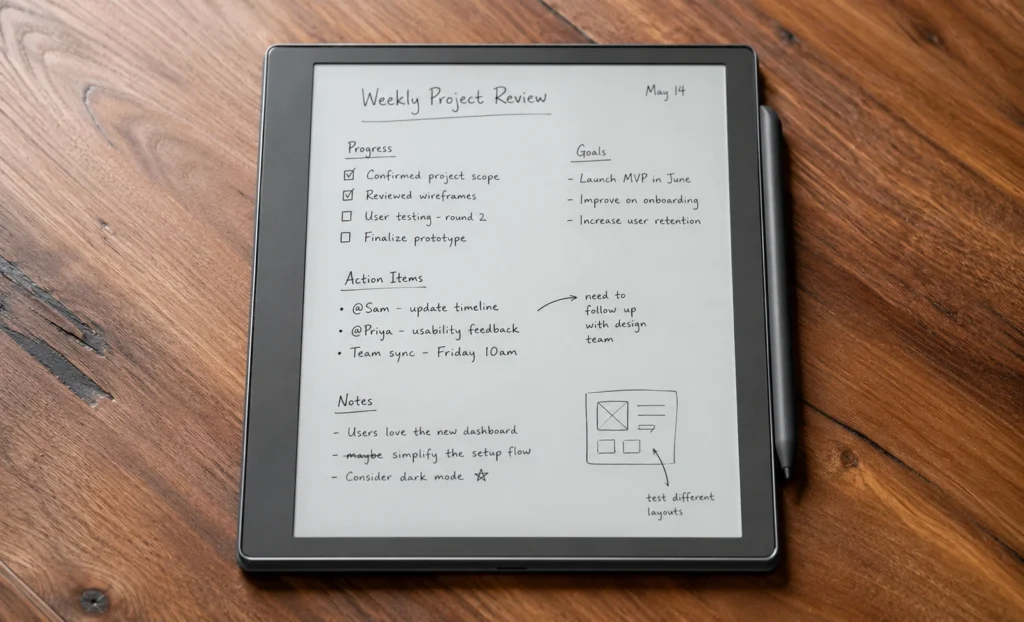
Kindle Scribe Current Functions
Before getting into the specifics of display quality, the writing feel and pricing, it is worth being clear about something that most Kindle Scribe reviews dance around rather than state directly.
The Kindle Scribe is a reading device with writing capabilities and not a writing device with reading capabilities. That distinction sounds like a difference but it fundamentally shapes every decision Amazon made in designing this product and it also shapes whether the device fits your life or sits in your drawer after the first month.
The software is built around the Kindle reading experience first. The library, bookmarks, annotations and WhisperSync that keep your reading position consistent across every device on your Amazon account.
All of that is the core of what this device is.
The writing tools sit on top of that foundation. They are good writing tools.. The design hierarchy is clear from the moment you pick it up and the home screen shows your reading library rather than a blank notebook page.
If that hierarchy matches how you actually spend your time with a device like this, then the Kindle Scribe makes a lot of sense.
If you came here primarily because you want to write notes, sketch ideas and annotate documents without reading involved, a reMarkable Paper Pure or a BOOX Go 10.3 will serve you better.
Design and Physical Feel
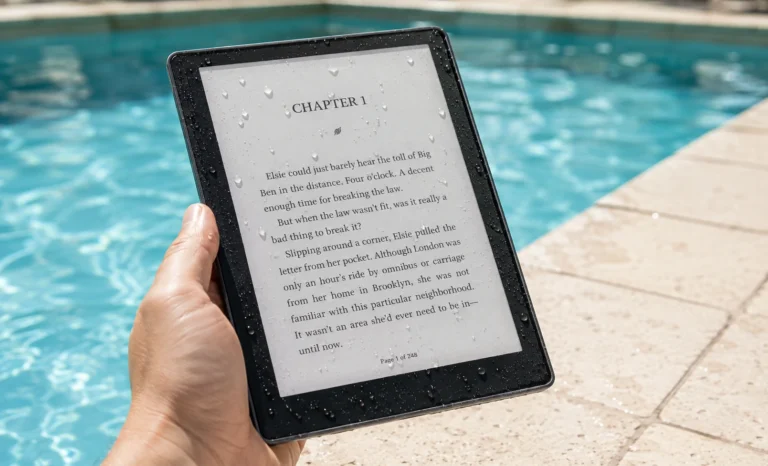
The Kindle Scribe is 5.4mm thick. Weighs around 400 grams across the standard models. When I picked it up, my first thought was that it did not feel like a product designed to stand out in a store. It feels like something designed to disappear while you are using it which I feel is a hard engineering goal.
- The front face is a surface with the display filling most of it and thin bezels at the top and sides.
- The bottom bezel is slightly wider which gives your hand a resting place when reading in portrait mode without accidentally triggering anything on screen.
- The aluminium body feels dense and mature in your hand like a made product rather than a cheap one.
- The magnetic pen docks on the edge of the device and stays there without any effort. It aligns automatically when you bring it close to the edge and the magnetic hold is strong enough that the pen does not shift during use.
- The pen has a shortcut button, on its barrel that can be configured to switch between note-taking modes without putting the pen down which’s a small efficiency that makes a difference.
The device comes in a tone that looks like dark grey or soft charcoal under most lighting conditions. There is no silver or white consumer electronics colour option, which suits the devices understated personality. It does not look like a gadget. It looks like a tool a reader would own.
Full Specifications
The Display
When you look at a 10.3 inch screen and then move to an 11 inch screen, it does not seem like a change.. When you hold the device at a normal reading distance and open a PDF that was hard to read on a smaller screen, then you will see the difference.
The extra screen space does not just add a little room. It changes how an A4 or US Letter page looks on the screen. On a 10.3 inch E Ink screen you have to zoom in a lot to read a PDF page comfortably or reflow the text which messes up the layout. On the Kindle Scribe’s 11 inch display a standard document page fits on the screen perfectly. You can see the column margins and footnotes are easy to read.
Illustrations are in their proper place.
The 300 PPI resolution means you do not see pixels when you read at a normal distance. The text looks smooth without the staircase effect on letters that older E Ink screens had. Small font sizes, like those used in footnotes are clear and do not break down into visible pixels.
* The Carta 1300 panel used in the 2026 Scribe produces a background that looks genuine and not grey or cream like earlier E Ink screens.
* The adjustable front light starts at an amber tone and can shift to a cooler white making it easier to read at different times of day.
I have spent a lot of time evaluating the display. My observation is that the 11 inch size is not just a little bigger. It makes the Kindle Scribe a different kind of reading device from others with screens. For people who only read novels the difference may not be huge..
For those who read documents, textbooks, research papers or non-fiction, the difference is significant.
Writing Experience And Feel
Writing on the Kindle Scribe feels different from writing on a reMarkable. The reMarkable Paper Pures surface has a texture that creates friction between the pen tip and the screen making it feel like writing with graphite on paper. The Kindle Scribes surface is smoother making it feel like using a marker on a whiteboard.
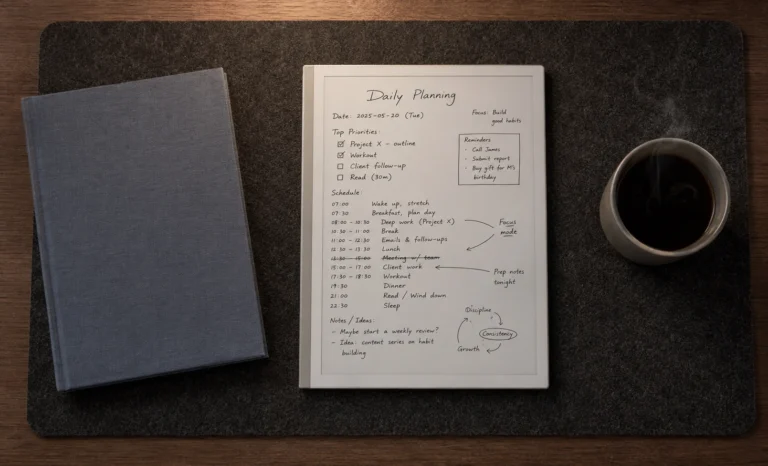
* The Kindle Scribe does well in integrating writing and reading. When you open a Kindle book and take notes those notes live inside the book with your typed annotations, highlights and bookmarks.
* The notes are exported when you export the notebook and are searchable through the interface, as your typed notes.
The pen never needs charging. This is a deal. The Kindle Scribe uses a stylus technology so the pen is always ready to use. You do not have to check the battery level or worry about it running out of power mid-session.
Handwritten notes can be exported as PDF or Word documents through the companion app or by email. This covers most practical export scenarios without requiring additional software. The handwriting recognition runs on export and produces text that is accurate enough for notes with reasonably clear handwriting.
“Ask This Book”: The AI Feature That Could Change How You Read
Amazon said in 2026 that the Kindle Scribe will get a feature called Ask This Book through a software update expected this year. This feature lets readers type or write questions about the book they are reading. The device then gives answers from the book’s content and not from the internet.
I honestly thought this was a deal when I first heard. Asking an AI assistant about a book is different from asking a system that knows what you are reading. It’s like getting a summary versus getting an answer that knows what you’ve already read including the page and chapter.
Pricing
There are three models of the Kindle Scribe.
- The No Front Light model costs $429.99. It’s for people who read in places and want the Scribe experience at a low price. The storage is 16GB, which’s okay for most ebook libraries but tight for people who use many documents.
- The Standard model costs $499.99. It has a light 32GB storage and full writing capability. This is the choice for most buyers. The front light is important if you read in the evenings or in lighting.
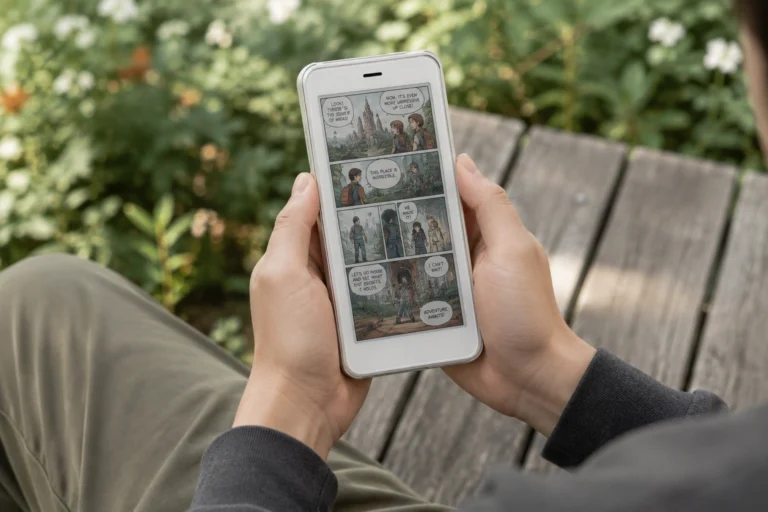
- The Colorsoft model costs $629.99. It’s for people who read books, comics or documents with color. The display shows colors like printing on paper which’s good for books that use color.
The Ecosystem Advantage
The Kindle Scribe has an advantage over writing tablets. It’s not in any specification list but it is important. If you have bought books on Amazon, your library is more than a list of titles. It has your reading progress, highlights, notes and what you finished or abandoned. This history goes to the Kindle Scribe when you set it up like on your phone or computer.
This is what WhisperSync means. You stop reading on your phone. Open the Scribe at home and it opens to the same page. You highlight something on the Scribe. Look it up on your computer and the highlight is there. Your reading experience is continuous, across devices.
I do not think any other E Ink tablet offers this for an existing Kindle library. The reMarkable Paper Pure can’t install the Kindle app. The BOOX Go 10.3 can install the Kindle app. It is not a native reading experience.
The Kindle Scribe does not ask you to change how you read. It asks your reading to upgrade the surface it happens on.
Standard vs Colorsoft
The Colorsofts Kaleido 3 display has a colour filter layer on top of the black and white E Ink panel. This filter helps show colours from books and documents but makes plain black and white text a bit softer. If you only read text-based novels and documents the Standards black and white display looks a bit sharper. But if you read illustrated non-fiction textbooks with colour charts, comics or documents where coloursre important the Colorsoft is worth it.
A simple truth I would spill is if you’ve ever wished a page in your reading library showed the colours, get the Colorsoft. If you can’t remember the time colours would have made a difference, stick with the Standard and use the $130 for something else.
Covers & Folios
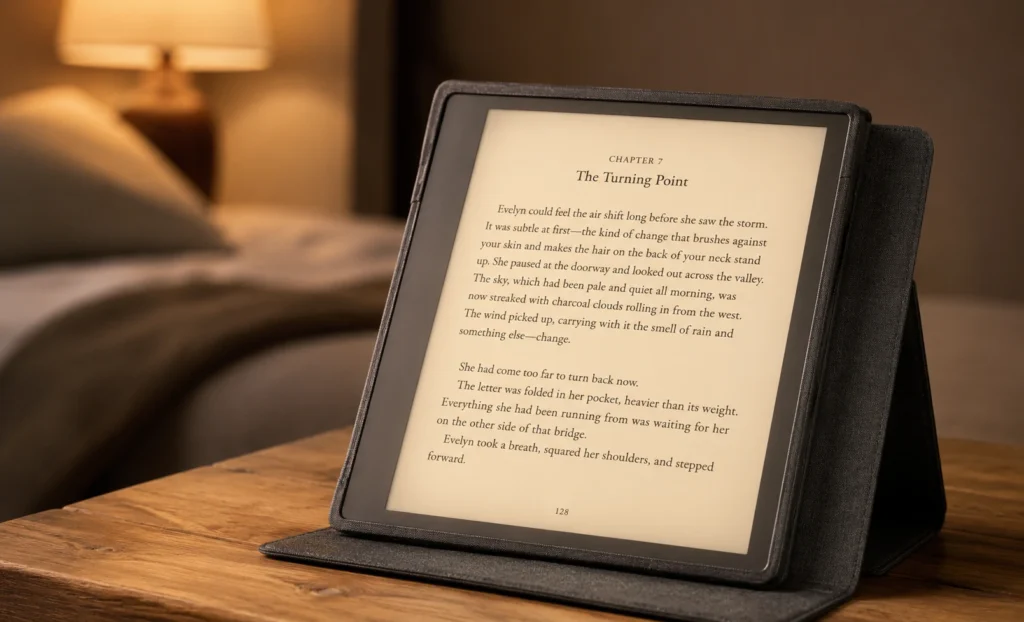
Amazon sells a range of official fabric and leather covers for the Kindle Scribe lineup, all designed with a magnetic attachment system that wakes the device when the cover opens and puts it to sleep when closed.
- The fabric covers come in grey, navy and green. These are pretty common.
- The leather ones are black or a nice brown. This brown looks good with the devices parts.
- The pen goes into a loop on the cover. This keeps it safe when you travel. You do not have to worry about it getting lost in your bag.
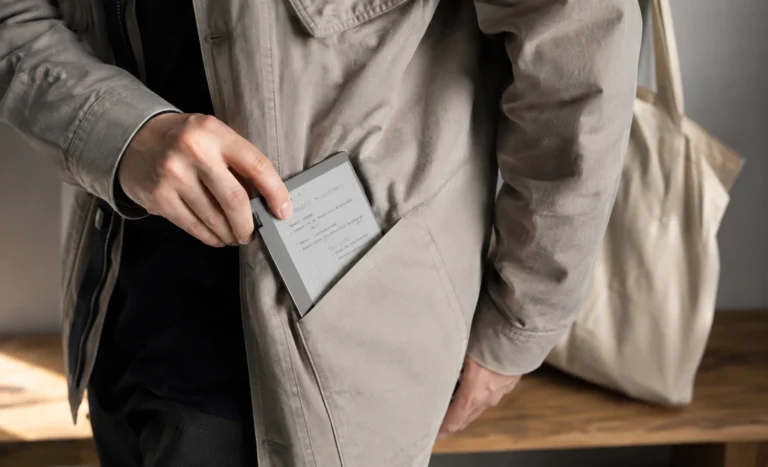
- The Kindle Scribe is 11 inches. So it does not fit in your pocket.
- It is like an A5 notebook. You need to put it in your bag.
- If you sit in one place like on a train at a desk or, on a sofa this is not a problem.
- If you want to read when you are walking around a smaller Kindle is better.
Should You Buy Amazon Kindle Scribe?
- People with a Kindle library who want a reading surface and handwritten notes without changing ecosystems will love the Scribe. It’s an upgrade that requires no adjustment.
- Students who read through the Kindle Store and take notes will find the Scribe useful once the Ask This Book AI feature arrives. They can ask questions about textbook content without switching devices.
- Professionals who read documents and annotate with a pen will appreciate the pen integration if their documents can be sent to their Kindle account.
The Takeaway
The Kindle Scribe in 2026 is a complete product compared to than it was at launch. It is refined what was already there. Serves a specific person. That person reads a lot, has a library on Amazon and wants to annotate and take notes on a screen that doesn’t tire their eyes. For this person the Kindle Scribe is probably the device available.
The “Add This Book” AI feature is expected later in 2026 which will make the Scribe more capable as a study tool. The best price tier is the model at $499.99 with a front light and 32GB of storage. Adding a case costs around $540 to $555, which is a fair price for a well-made device like this.
Explore More Reviews
Boox Note Air4 C: The 64GB Color E Ink Tablet Review
E-Ink Tablets Comparison: 6 Digital Notebooks Tested Head to Head
3 Best E Ink Tablets In 2026 Detailed Review
The Future of E-Ink Tablets: Revolutionizing Your Reading Experience
The reMarkable Paper Pure (reMarkable 3) Surprised Me in Ways I Was Not Expecting at All
Viwoods AI Paper Full Review 2026