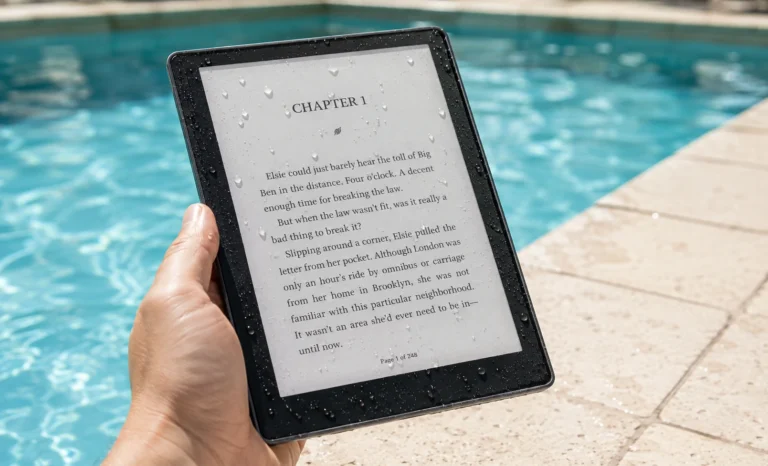
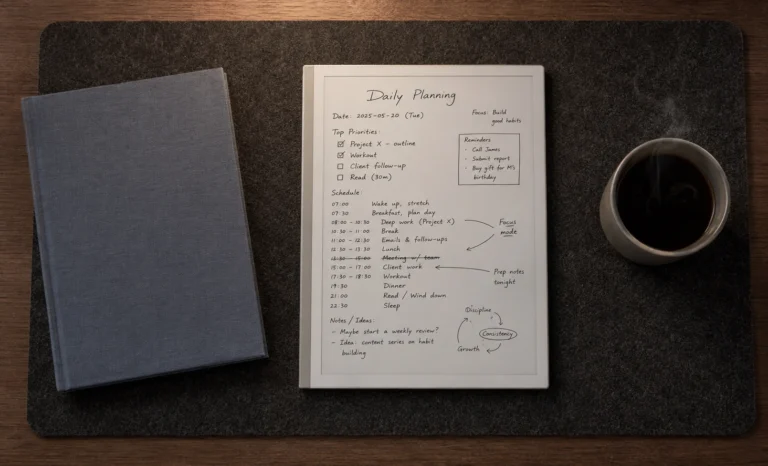
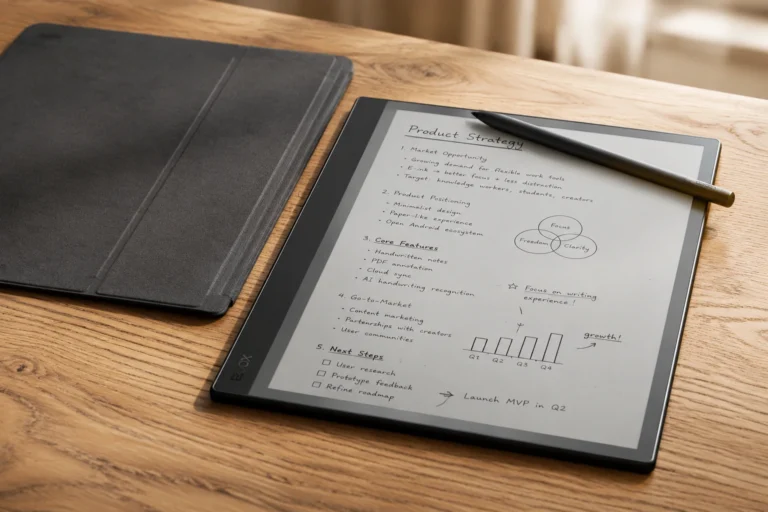
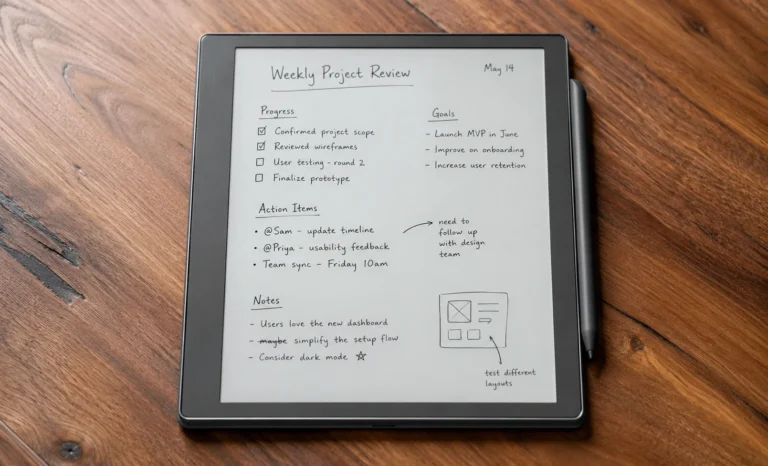
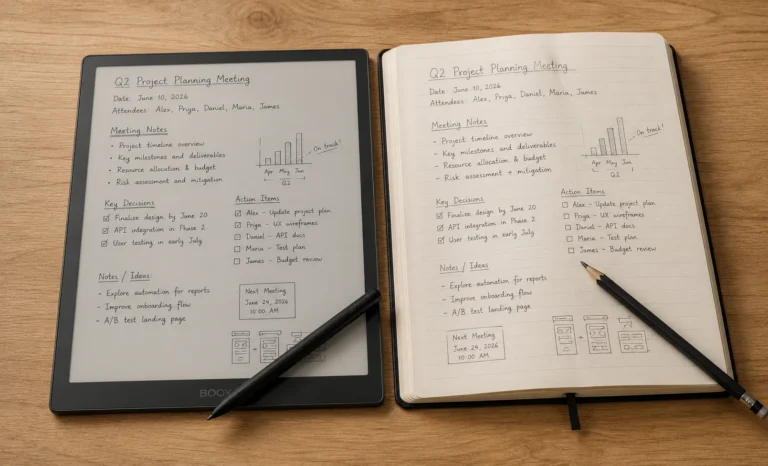
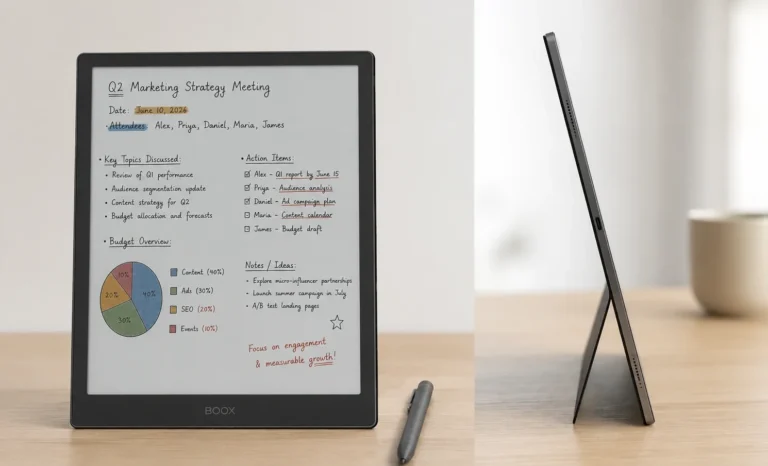
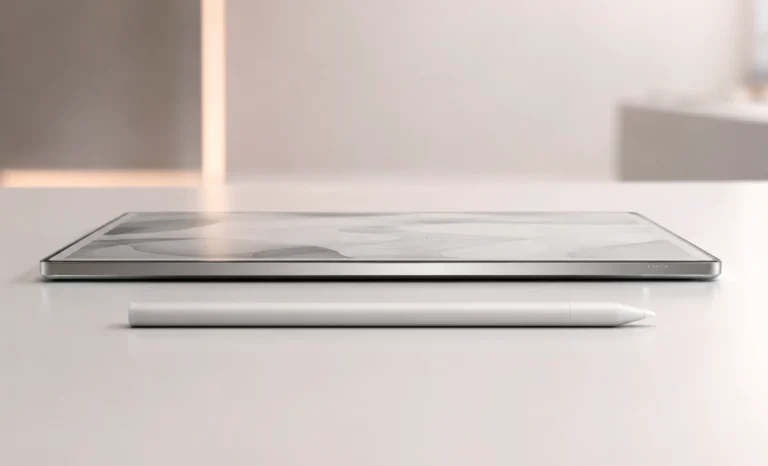
All E-Ink tablets are pretty similar. They all try to be thin and have a screen. They all want to have a lasting battery. They all try to feel like writing on paper. These are all things to think about when you are buying a tablet.. It seems like all the big companies are trying to make the same thing, just a little bit better than the other guys.
The Supernote A5X is different. The Ratta company that made it did not try to make just another tablet.
What Ratta made with the Supernote A5X is a writing tablet that is all about the things that are actually meaningful. The stylus tip is made of ceramic so it will not wear out. The software helps you keep all your notes together. The people who use the tablet can tell the company what they want to see. The tablet is light so it feels like you are holding a notebook.
I have been using the Supernote A5X for a time now and I wanted to tell others how does it feel to use it. What I found out is that it is actually a unique tablet. It is not perfect but it is special in the ways that count.
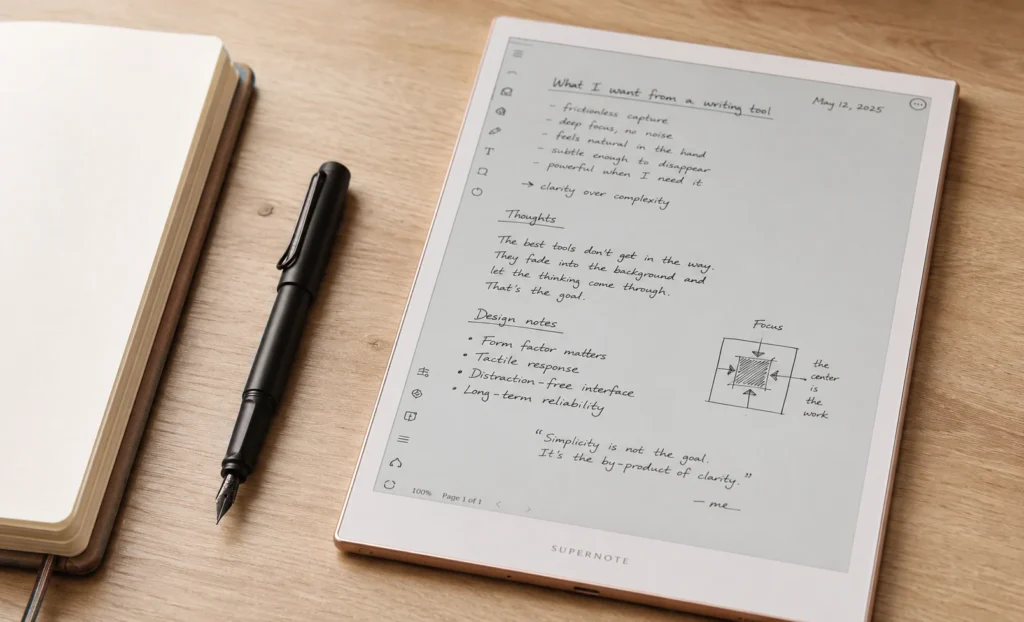
The Supernote Philosophy
The Supernote A5X is not about the specs. It is about what the company, Ratta was trying to do. They wanted to make a notebook that feels like a real notebook. They did not want to make a tablet that just happens to have a screen. They wanted to make something that people can use to think and write.
Design & Feel
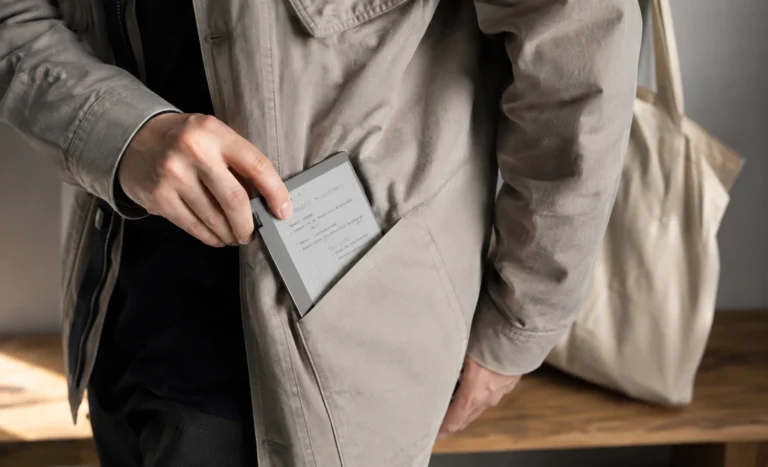
- The Supernote A5X is light. It weighs 296 grams. This is a deal because most tablets this size weigh a lot more. When you hold it in your hand for a time you can really feel the difference.
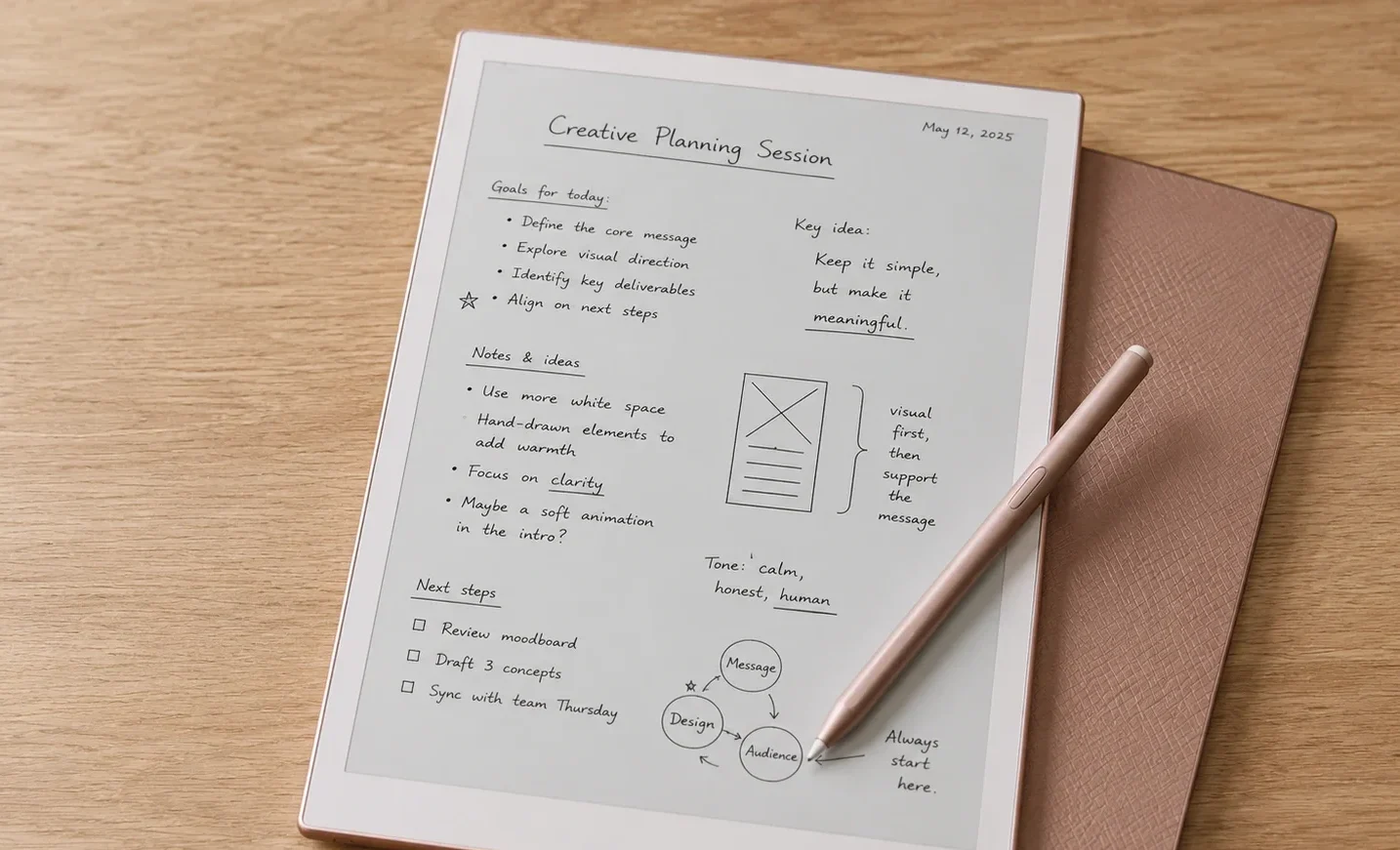
- The tablet is made to be useful not to look fancy. The back has a texture that helps you hold it. The front is simple and clean. There is a loop to hold the stylus so you do not lose it. This is a deal because most tablets do not have this.
- The Supernote A5X comes in two colors. One is a grey and the other is a special rose gold. The rose gold is really nice because it looks like a notebook, not a tablet.
The Display
The Supernote A5X display has 226 pixels per inch, which is lower than some other devices like the BOOX Go 10.3 and the Kindle Scribe, which have 300 pixels per inch.This difference is often highlighted in comparison charts, and it is important to discuss it honestly rather than ignore it.
When you look closely at the Supernote A5X display, you can see the individual pixels if you get very close to the screen. However, most users who read at a normal distance will not notice the pixels unless they are focusing on small text or fine details. What makes a noticeable difference in the overall experience is the FeelWrite matte film that Ratta added to the display.
This film does two things at the same time. It makes the surface slightly rougher, which improves the feel of the stylus when writing on it, and it makes the image on the screen look a little softer, which actually makes the pixels less noticeable when someone read it normally.
As a result, the Supernote A5X display does not look as sharp as some devices with higher pixel density when viewed up close. However, it feels more natural during long writing sessions and does not look significantly worse when reading at a normal distance. I am not going to pretend that the difference in pixels per inch does not matter. I will say that it matters less when you are using the device in everyday situations, and you can definitely consider buying it in that case.
The Supernote A5X does not have a built-in light, no matter which configuration you choose. This is a deliberate design choice by Ratta, showing that they believe the paper tablet experience is best suited for use in daylight.
For people who work at a desk with a light source or in well-lit environments, this is not a major issue. However, for those who read or write in low light conditions frequently, this can be a real limitation.
The Ceramic Stylus
The Ceramic Stylus is a major advantage of the Supernote A5X. It is the only feature of this device that you won’t find on any other device at this price. The Heart of Metal ceramic stylus is special because of the material it is made from.
Every other writing tablet, including the reMarkable Paper Pure, the BOOX Go 10.3, and the Kindle Scribe, uses a stylus tip made of felt or polymer. These materials work well when they are new, but they tend to wear out over time due to friction with the display surface. If you write frequently, you may need to replace the tip every few months. Replacement tips can cost anywhere between ten and twenty dollars, and these costs can add up over time.
The Heart of Metal stylus uses a different type of tip. Ceramic does not wear out as soft materials do, so the tip remains consistent over time. This means the writing experience on the Supernote A5X remains the same throughout its use and can save you money in the long run.
Writing on the Supernote A5X with the Heart of Metal pen is really satisfying. The ceramic tip feels good against the FeelWrite matte surface. It is similar to writing with a good pencil on cartridge paper. Some writers who have used devices, like the reMarkable say that the Supernote A5X feels warmer and a little more resistant but in a good way.
Chauvet OS: The Software
The Supernote A5X runs on Chauvet OS, a custom operating system developed based on Android by Ratta, which has been heavily modified.
As a result, the original Android system is not visible or accessible to the user during normal operation.
There is no Google Play Store, and no other app store is available on the device.
The A5X does not allow the installation of third-party apps. Instead, it provides a thoughtfully crafted collection of built-in tools designed specifically for the tasks the device was intended to perform. For users who understand this limitation and are comfortable with it, these native tools are actually much more capable than a simple description of a closed operating system might indicate.
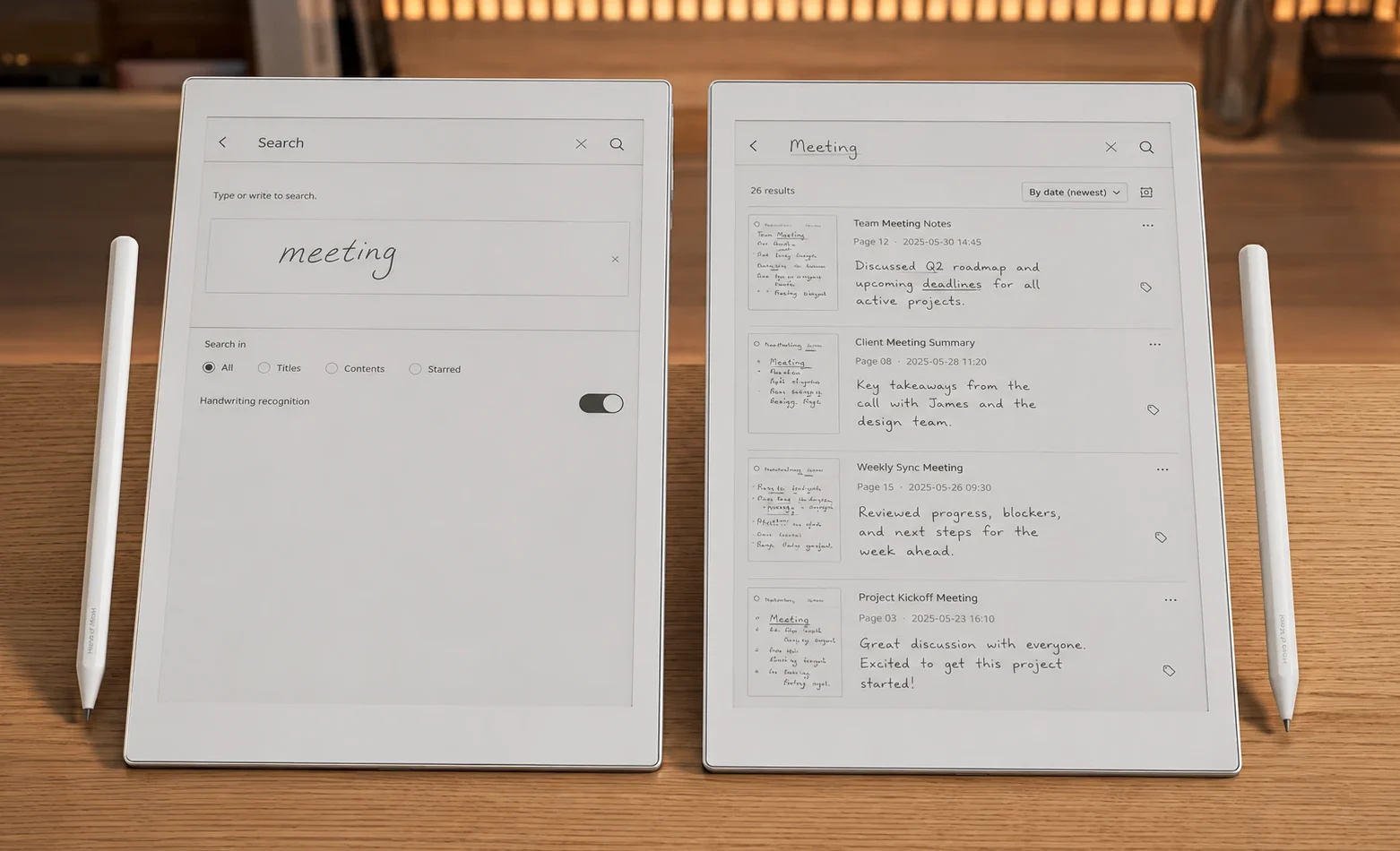
One of the most valuable features of the device is its handwriting search functionality.
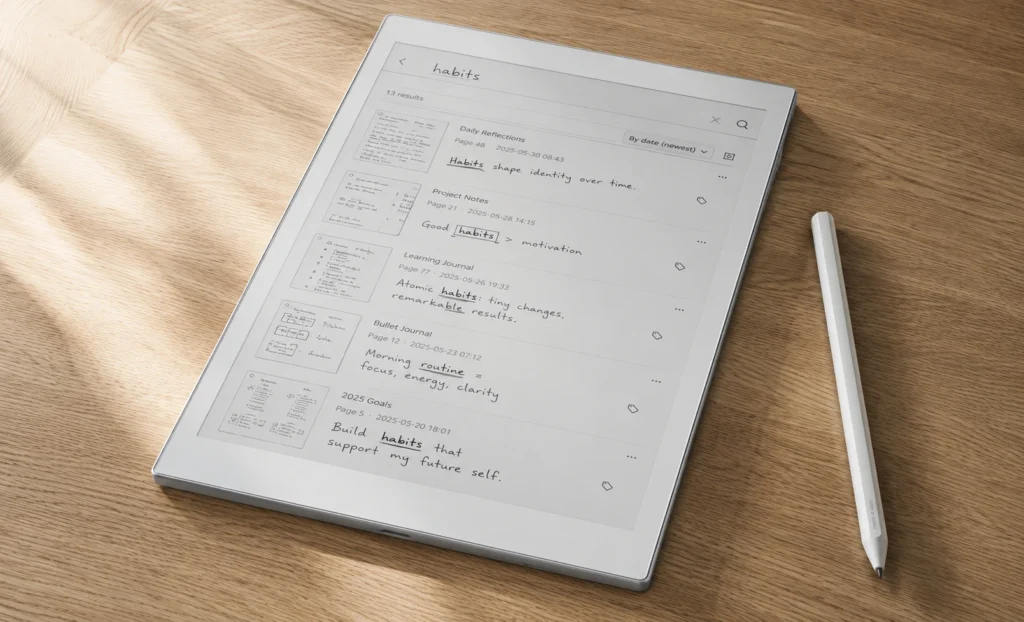
Every handwritten note in every notebook on the device can be searched for keywords from a single interface. For instance, when you search for a word or phrase, it shows all pages across all notebooks where that term appears in your handwriting, along with page previews to help you quickly find the right entry without having to open each one.
For individuals who keep notes across multiple notebooks over months or even years, this feature significantly changes how they access and manage their written records.
The note linking system allows specific pages in notebooks to connect to specific pages in other notebooks or documents. If you are reading a PDF and want to link a section of text to a note you created two weeks ago in a different context, the A5X can keep that connection as an easy-to-use navigable link, rather than requiring you to remember where each part of the content is stored separately.
For researchers, academics, or writers who work with interconnected materials, this is a feature that may not appear in comparison charts but has a significant impact on daily work.
The document support includes formats such as PDF, EPUB, MOBI, DOC, DOCX, and several other common types.
Annotation tools in these documents include various pen styles, highlighting options, and the ability to link annotated sections back to notebook pages. Export options provide standard PDF outputs that transfer smoothly to other devices.
Battery Life and the No-Subscription Model
The A5X offers a battery life that is suitable for about two weeks of regular daily use, though this can change depending on how you use the device.
If you’re writing a lot, the battery will drain faster compared to when you’re reading or leaving the device idle between uses. E Ink screens only use power when the display changes, so reading with infrequent page turns uses much less battery than writing with constant annotations and screen refreshes.
What stands out more in the long-term cost of the A5X is that there are no subscription fees for any of its features.
From the start, Ratta has made it clear that all features of the A5X are available without needing to pay ongoing fees.Functions like cloud synchronization, handwriting search, note linking, document annotation, and export tools are included with the purchase of the device.This is a real advantage compared to the reMarkable Paper Pure, which requires a Connect subscription to access full cloud sync, charging $3.99 per month or $39 per year.
Over three years of use, the reMarkable subscription adds between $117 and $144 to the total cost. The Supernote A5X adds nothing.
The A5X vs A5X2
Generation Comparison
A5X vs A5X2 (Manta) – Key Differences
| Feature | A5X | A5X2 (Manta) |
|---|---|---|
| Display PPI | 226 PPI | 300 PPI ✦ |
| Display Panel | Carta standard | Carta 1300 Mobius ✦ |
| Weight | 296g ✦ | ~375g |
| Replaceable Battery | No | Yes ✦ |
| MicroSD | Yes ✦ | Yes ✦ |
| Ceramic Stylus | Yes ✦ | Yes ✦ |
| Subscription | None ✦ | None ✦ |
| Entry Price | ~$399 ✦ (lower) | ~$459 + $59 pen |
Comparing with reMarkable Paper Pure
| Elements | Supernote A5X | reMarkable Paper Pure |
|---|---|---|
| Focus | Lightest, research-focused | Writing, closed ecosystem |
| Price | ~$399 (+$59 for stylus) | $399 (pen included, case separate) |
| Display | 226 PPI, 10.3″ | 226 PPI, 10.3″ |
| Weight | 296g, the lightest of the two | 360g |
| Nib | Ceramic, never wears down | Best-in-class pen feel and texture |
| Storage | MicroSD expandable up to 1TB | 32GB fixed, no expansion |
| Subscription | None, ever | Required for full sync |
| Front light | None | None |
| Google Play apps | Not supported | Not supported |
| Best for | Researchers and daily note-takers | Focused writers who want zero distraction |
Supernote A5X: Pros and Cons
| Genuine Strengths | Real Limitations |
|---|---|
| Lightest in its class at 296g | 226 PPI, lower than most competitors |
| Ceramic nib, zero maintenance ever | No front light at all |
| MicroSD expansion up to 1TB | Stylus sold separately |
| Handwriting search across all notebooks instantly | No Google Play or any third-party apps |
| Note linking between documents | No color display |
| No subscription, ever | Battery isn’t replaceable on the A5X model |
| FeelWrite film improves the writing feel | Limited Amazon stock in some regions |
| Rose gold color option available | Smaller brand presence than bigger names |
| 50-day return window | Slower software updates compared to Boox |
| Development shaped by community feedback | A5X2 is now the current flagship, this model is a step behind |
2026 Buying Guide
The A5X2 (Manta) is the current generation Supernote flagship at approximately $459 for the device plus $59 for the stylus. It improves on the A5X with a sharper 300 PPI Mobius display and a user-replaceable battery. If you are new to Supernote and budget allows, the A5X2 is the stronger long-term purchase. The A5X remains relevant for buyers who want the lightest possible chassis at 296g or the lower entry price.
PRICING: Supernote A5X
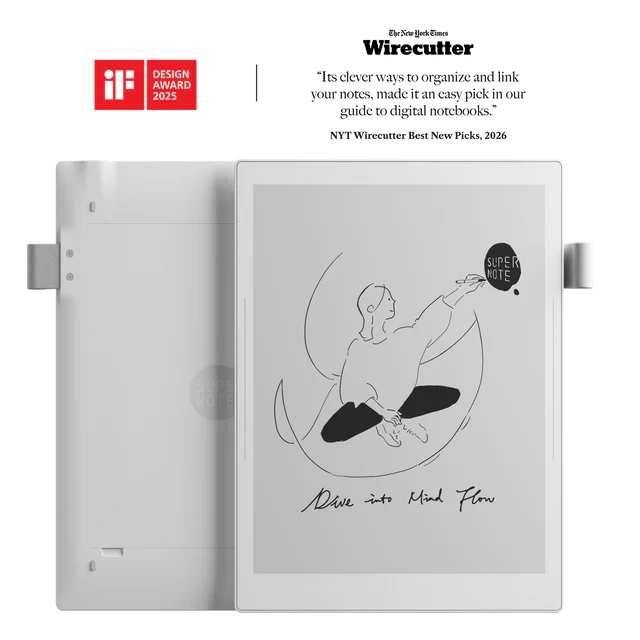
| Item | Price |
|---|---|
| A5X Device Only | ~$399 |
| Heart of Metal Ceramic Stylus | ~$59 |
| Full Setup (Device + Pen) | ~$458 total |
- Device only includes: the tablet and a USB-C cable. No stylus in the box.
- The stylus is sold separately. Ceramic nib, never needs replacing, attaches magnetically to the pen loop.
- No subscription is ever required for any feature on this device.
📍 Buy from: supernote.com (primary) · Amazon US (limited stock) · 50-day return policy
Queries
Is the Supernote A5X still worth buying in 2026 when the A5X2 exists?
For buyers on a tighter budget or those who specifically want the lightest possible E Ink tablet at 296 grams, the A5X remains a reasonable choice. For anyone approaching Supernote without a specific constraint driving the older model, the A5X2 (Manta) is the stronger long-term purchase with its 300 PPI display and user-replaceable battery at a higher price point of approximately $459 plus $59 for the stylus.
Does the Supernote A5X require a subscription for any features?
No. Every feature on the Supernote A5X, including handwriting search, note linking, cloud sync, document annotation, and file export, is available without any ongoing subscription fee. This is a deliberate and permanent policy from Ratta, not a promotional period. The contrast with reMarkable’s Connect subscription at $3.99 per month for full cloud functionality is meaningful over multi-year ownership.
Is the Supernote A5X stylus included in the box?
No. The Heart of Metal ceramic stylus is sold separately for approximately $59. The device price of around $399 does not include the pen. When budgeting for the complete A5X setup, the total entry cost is approximately $458. The A5X is also compatible with certain third-party EMR styluses if you already own one, though the ceramic nib of the Heart of Metal is the feature that makes the zero-maintenance writing case strongest.
How does the Supernote A5X compare to the reMarkable Paper Pure?
Both are closed-system monochrome E Ink tablets at similar price points with no front light. The A5X wins on weight at 296g versus 360g, expandable storage via microSD, no subscription requirement for full functionality, and a ceramic stylus nib that never wears. The reMarkable Paper Pure wins on display contrast, pen latency, and a more polished writing surface texture. The A5X’s note linking and handwriting search capabilities have no direct equivalent in the reMarkable software.
Can the Supernote A5X install third-party apps like Kindle or Obsidian?
No. The Chauvet OS on the A5X does not have an app store and cannot install third-party applications. The device is designed exclusively around its own native tools for notes and document management. If your workflow depends on connecting to Kindle, Kobo, Obsidian, Notion, or any other third-party app, the BOOX Go 10.3 with Android 15 and Google Play is the appropriate alternative in a similar price range.
Explore More Reviews
Amazon Kindle Scribe: Finally A Tablet That Writers Actually Want In 2026
Boox Note Air4 C: The 64GB Color E Ink Tablet Review
E-Ink Tablets Comparison: 6 Digital Notebooks Tested Head to Head
3 Best E Ink Tablets In 2026 Detailed Review
The Future of E-Ink Tablets: Revolutionizing Your Reading Experience
The reMarkable Paper Pure (reMarkable 3) Surprised Me in Ways I Was Not Expecting at All
Viwoods AI Paper Full Review 2026