I transitioned from a sealed, limited writing device to an E Ink Android tablet nearly a year ago, and I’ll always remember my initial night with it.
I was truly astonished to discover that I could simply open the Play Store and install Libby without completing any additional steps. This may seem trivial to be thrilled about, but if you’ve invested time in this area, you’ll understand how uncommon that level of freedom truly is.
Most e-paper devices confine you to a single system, a single app, a single method of operation. An E Ink Android tablet does not.
This guide exists because some friends of mine have frequently asked me the same question after seeing mine: which E Ink Android tablet should I actually purchase?
So for them and anyone reading this, all my findings from research and personal use are here. Be it comparison or individuality of the device, you are going to get everything neatly arranged rather than scattered across multiple partially addressed forum discussions.
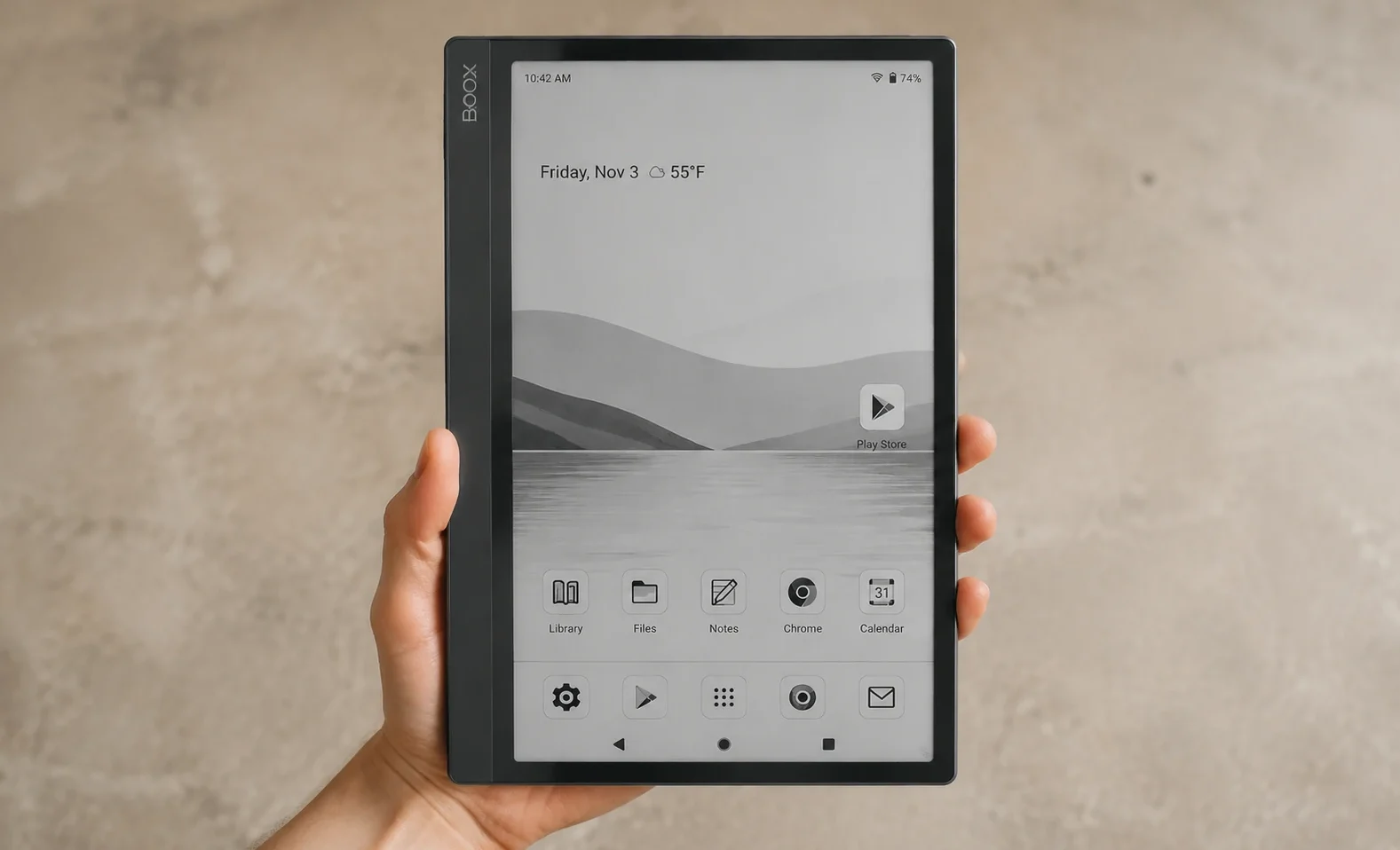
What Is an E Ink Android Tablet?
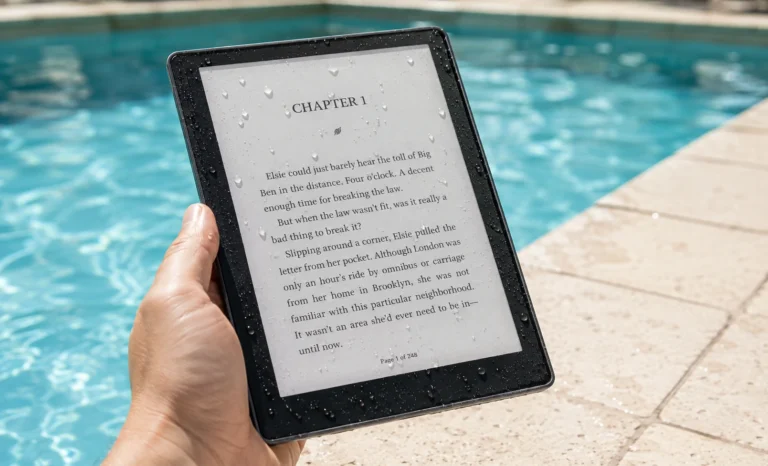
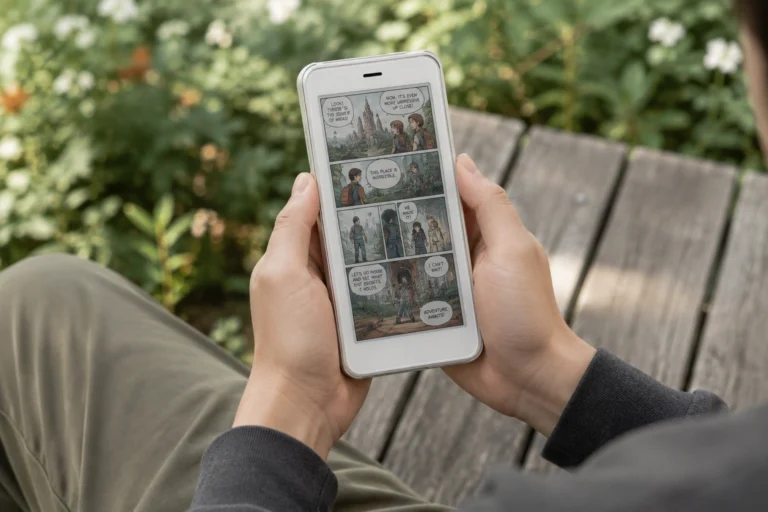
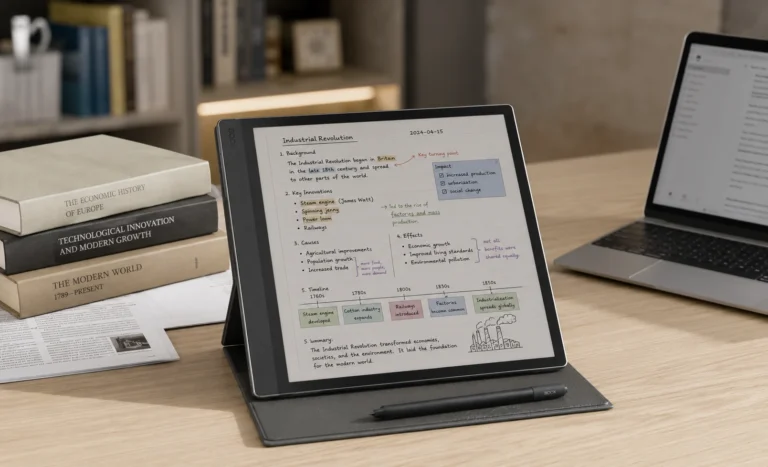
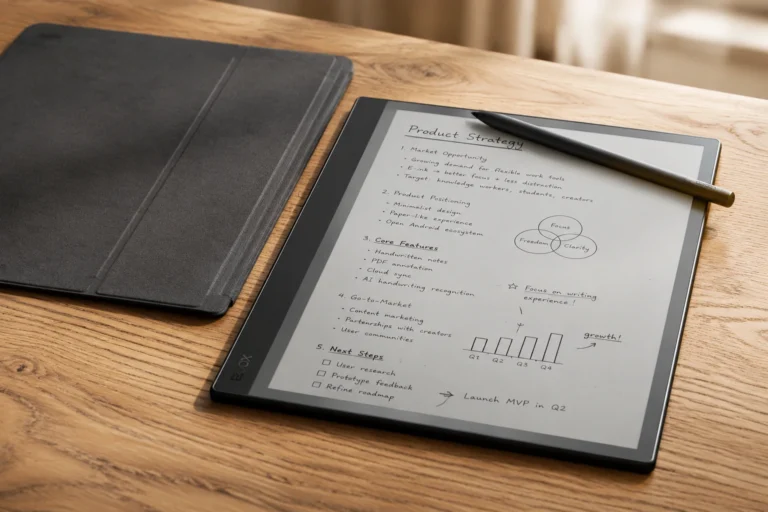
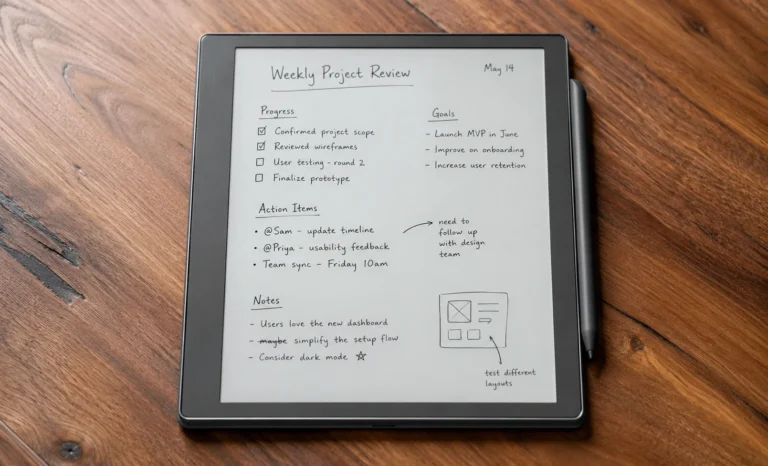
An E Ink Android tablet is a gadget equipped with an electronic-paper screen similar to the reflective, non-lit display seen in basic Kindles. But it operates a complete version of Android instead of a closed, proprietary OS. This allows access to the Google Play Store, genuine third-party applications, and eliminates the limitations encountered on a reMarkable or a typical Kindle.
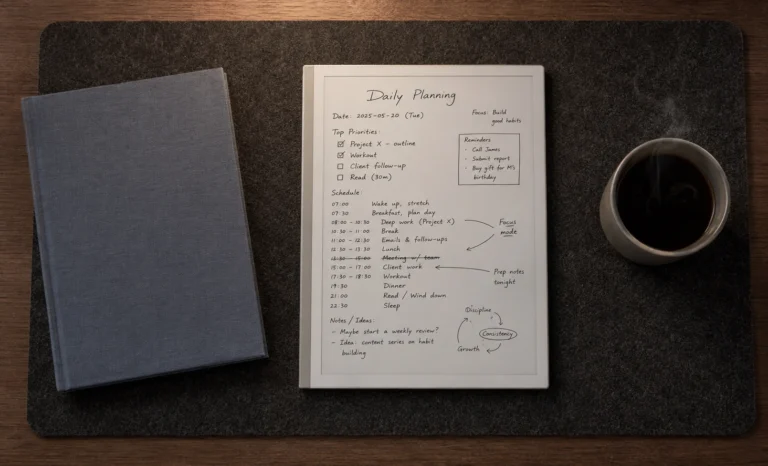
An E Ink Android tablet provides a paper-like screen with the flexibility of a genuine operating system, which is precisely the blend that closed devices such as reMarkable and Kindle deliberately steer clear of.
One aspect that caught me off guard when I began researching this was how this whole category is nearly a market dominated by one brand.
Onyx Boox produces most of the Android-based e-paper tablets currently available, with Bigme being the only other brand truly worth evaluating.
reMarkable and Supernote, two brands frequently mentioned in comparisons, technically don’t belong in this conversation because both operate on closed, proprietary software with no support for Android applications.
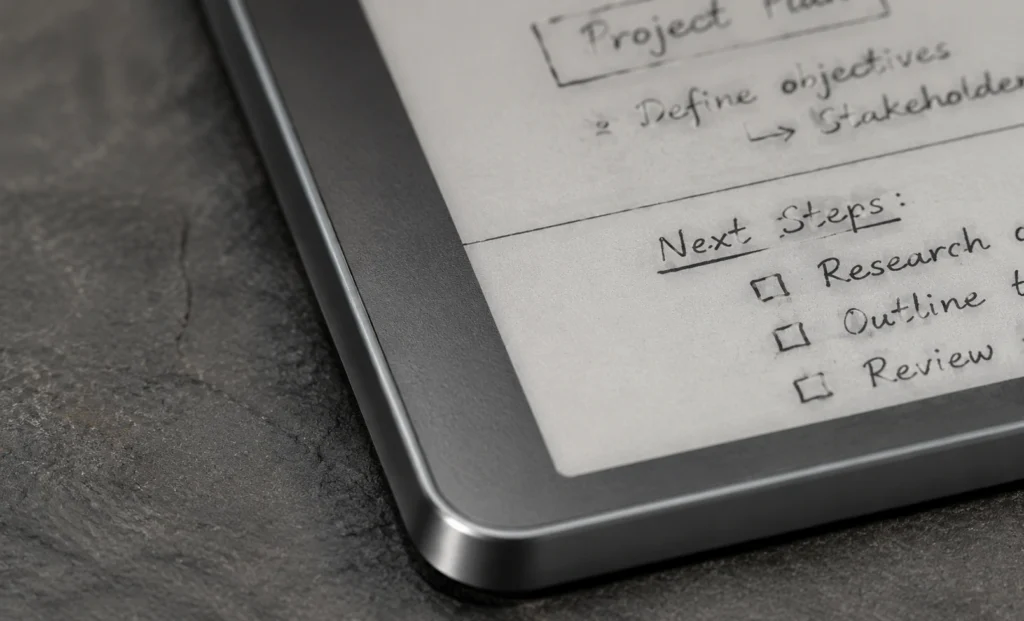
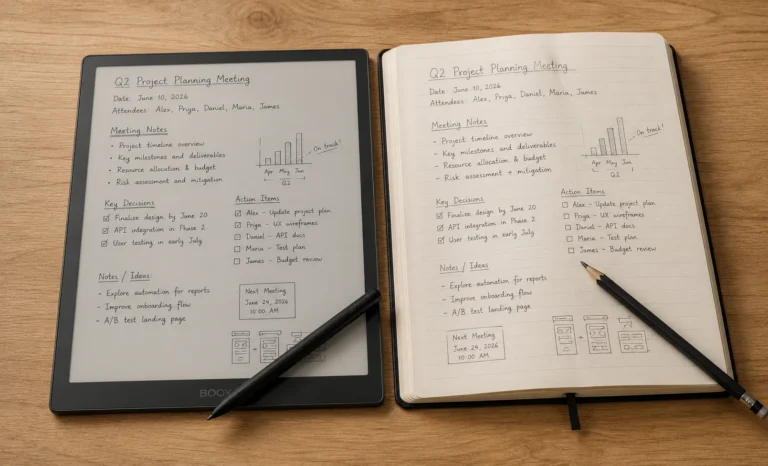
The truthful response is that closed devices are designed to perform a single task exceptionally well and writing without distractions, so for that, they intentionally exclude everything else.
That represents an authentic design philosophy, and for numerous individuals, it is the appropriate choice
The Full Lineup Of E Ink Android Tablet
| Model | Screen | Price (approx.) | Best For |
|---|---|---|---|
| Boox Go Color 7 | 7″ color | $250–$269 | Budget buyers, pocket-friendly reading |
| Boox Go 10.3 | 10.3″ mono | ~$400 | Best value, thin design, great writing feel |
| Boox Tab Mini C | 7.8″ color | ~$449 | Compact size with full color and Android |
| Boox Note Air5 C | 10.3″ color | ~$530 | Best overall, most versatile all-rounder |
| Boox Tab Ultra C Pro | 10.3″ color | ~$600 | Laptop-style productivity, rear camera |
| Boox Note Max | 13.3″ mono | $630–$829 | A4-size documents, academic and legal work |
| Boox Tab X C | 13.3″ color | ~$820 | Premium large-format color canvas |
| Bigme Galy A5 | 10″ color | ~$800 | Only credible non-Boox alternative |
Disclaimer: Prices shift constantly with bundles and regional pricing. Always confirm current numbers directly on the manufacturer’s own site before buying.
Boox Note Air5 C:
This is, in my opinion, the device that best represents what an e ink android tablet is supposed to be in 2026. It runs Android 15, which is genuinely notable since most e-paper hardware lags a generation or two behind phone software, and it pairs that with 6GB of RAM and a 2.4GHz octa-core processor that keeps app switching from feeling sluggish the way older Boox models sometimes did.
The color panel is the same Kaleido 3 family used across most of Onyx‘s current lineup, which means the same honest caveat applies here that applies everywhere in this category: colors are muted, not vibrant. Think faded, chalky tones rather than anything approaching a phone screen.
Once you accept that going in, the color adds real value for highlighting and light illustration work, even if it never becomes the reason you’d choose this over a tablet with a backlit screen.
What sold me on this one wasn’t the screen. It was the fact that I stopped thinking about which app I’d need to switch devices for.
Boox Go 10.3:
Skipping color entirely keeps the price meaningfully lower here, and honestly, the writing feel is the real headline. Using a Wacom EMR digitizer rather than the active stylus tech found on color models, the pen response on this device is genuinely excellent, close enough to reMarkable territory that it made me question why I’d paid more for color on my own device in the first place.
My personal feeling about the design is that Boox made a device that looks like it should cost more than it does, closer to what you’d expect from a reMarkable than from most E Ink tablets in this price range. It’s thin, it feels deliberate rather than mass-produced, and it doesn’t scream “tech gadget” the way some Android tablets do.
If color isn’t a genuine requirement for your workflow, the Go 10.3 delivers most of what the pricier Note Air5 C offers, at a meaningfully lower price, with arguably a better pure writing feel.
Boox Go Color 7:
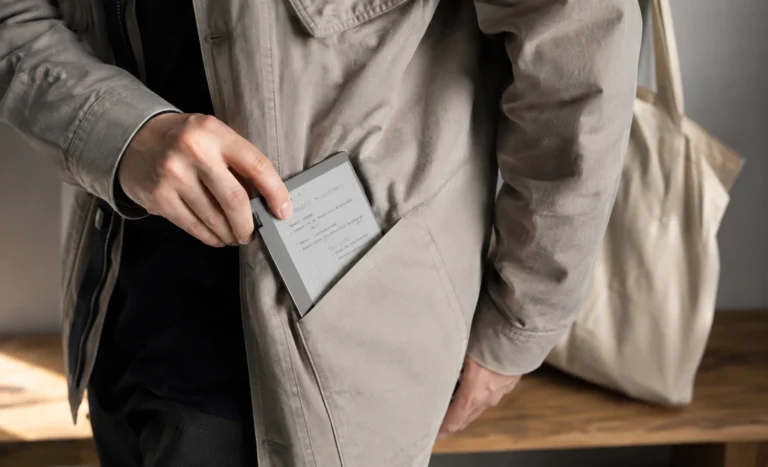
At roughly half the price of the Note Air5 C, this is where I’d point anyone whose budget, not their feature list, is the actual limiting factor. Full Android compatibility survives even at this price point, which genuinely impressed me, since a lot of budget e-paper devices strip out app support entirely to hit a lower number. The trade-off is screen real estate. Seven inches is comfortable for a novel or a quick note, cramped the moment you try to annotate a dense PDF.
Boox Note Max and Boox Tab X C:
If your work genuinely revolves around full-size academic papers, legal documents, or anything that suffers when shrunk to fit a 10-inch page, the 13.3-inch tier is where this category actually earns its premium pricing. The Note Max sticks to monochrome and displays a full A4 page without scaling, which matters more than it sounds if you’ve ever fought with a smaller screen to read a footnote. The Tab X C brings the same footprint in color, at 5.3mm thin, which is a genuinely impressive engineering feat for a screen this size.
A 13.3-inch e-paper tablet is not something you casually toss in a bag. It’s a desk device first and a portable one second. If your use case is mostly on the move, a 10.3-inch model will serve you far better day to day.
The One Non-Boox Option Worth Knowing About:
Bigme’s Galy A5 is, as far as I can tell from researching this category thoroughly, the only credible alternative to Boox that actually ships with full Android app support and a comparable color panel. Build quality sits a notch below Boox’s mid-range lineup, and the software skin feels less refined, more like a smaller team’s take on the same idea rather than a fully polished competitor.
I would frame this less as “better than Boox” and more as “worth knowing exists if you specifically don’t want to buy from the market leader for whatever reason.”
The Display:
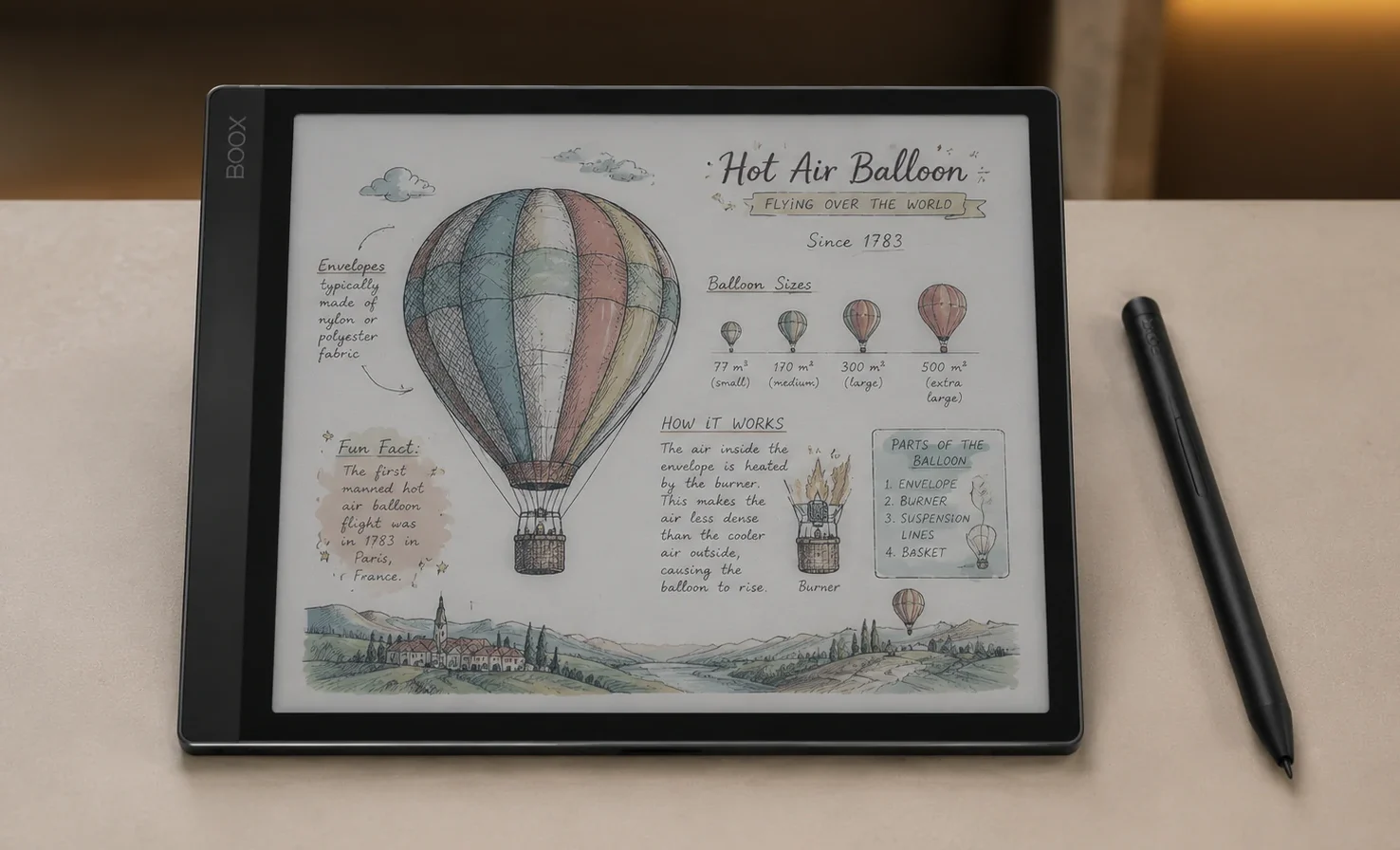
All the color E Ink Android tablets mentioned here utilize a variant of E Ink’s Kaleido 3 panel, and knowing how it functions will help prevent disappointment in the future. Monochrome resolution operates clearly, usually at approximately 300 PPI. Shifting to color mode results in a resolution that is essentially reduced by half, as the color filter layer overlays the existing grayscale pixels instead of introducing separate color pixels below.
Having said that, it is not a limitation of Boox in particular. It is just how the existing color e-paper technology is designed across the industry.
Refresh rate entails a comparable genuine compromise. Boox’s unique refresh system enhances page transitions and scrolling, albeit at the expense of heightened ghosting, the subtle trace of prior content remaining on the display. It is adequate for routine use but cannot completely overcome the limitations of e-paper physics.
If you’re hoping for phone-like smooth scrolling, adjust that expectation before making a purchase.
Battery Longevity:
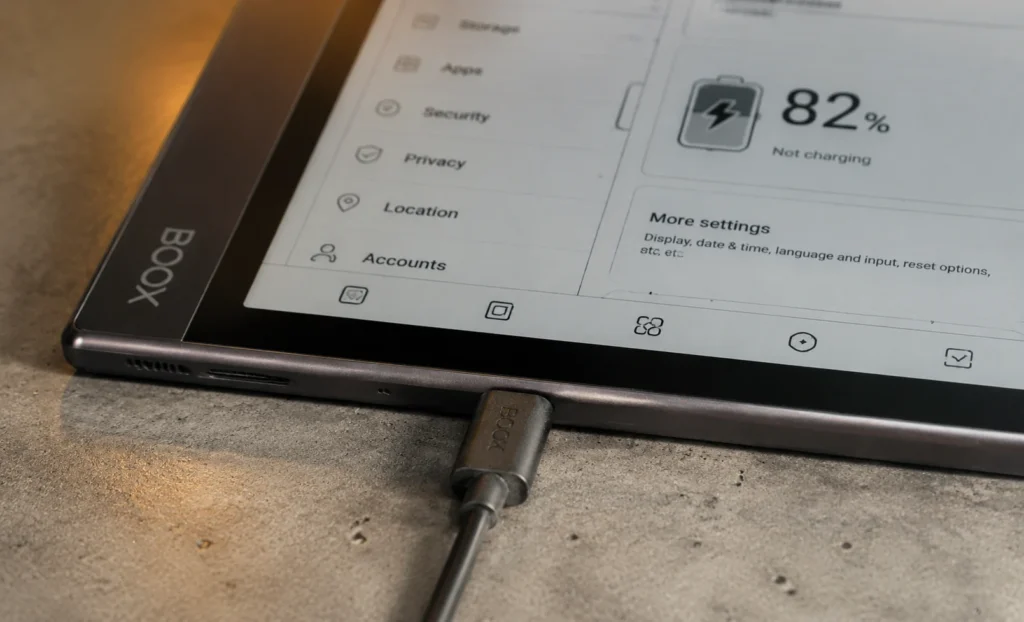
This is worth stating directly. A closed, single-function writing tablet may last two to three weeks on a single charge. On the other hand, devices running full Android with background processes and a color display typically last only a few days on most models in this category. That issue isn’t exclusive to a specific brand; it’s merely the cost of implementing a genuine operating system on hardware originally designed for minimal power consumption. That also means if having all-week battery life without any concerns is essential for you, you’ll find this whole category frustrating no matter which particular model you choose.
Price & Storage:
Purchasing directly from Boox’s official store can occasionally result in a better price if you opt for shipping from an international warehouse instead of a local one
Pros and Cons of the Whole Category:
Upsides of an E ink Android tablet:
- Full Google Play access, meaning any reading, note-taking, or productivity app you already use will install
- No forced ecosystem lock-in the way closed devices demand
- A genuinely wide range of screen sizes, from pocketable 7-inch models to full A4-size 13.3-inch tablets
- Expandable storage on most models, often up to 2TB via microSD
Downsides:
- Battery life measured in days rather than weeks, across nearly every model
- Muted, non-vibrant colors on every color panel currently available
- Onyx Boox’s near-monopoly means limited genuine competition or pricing pressure
- Ghosting increases noticeably the faster you push the refresh settings
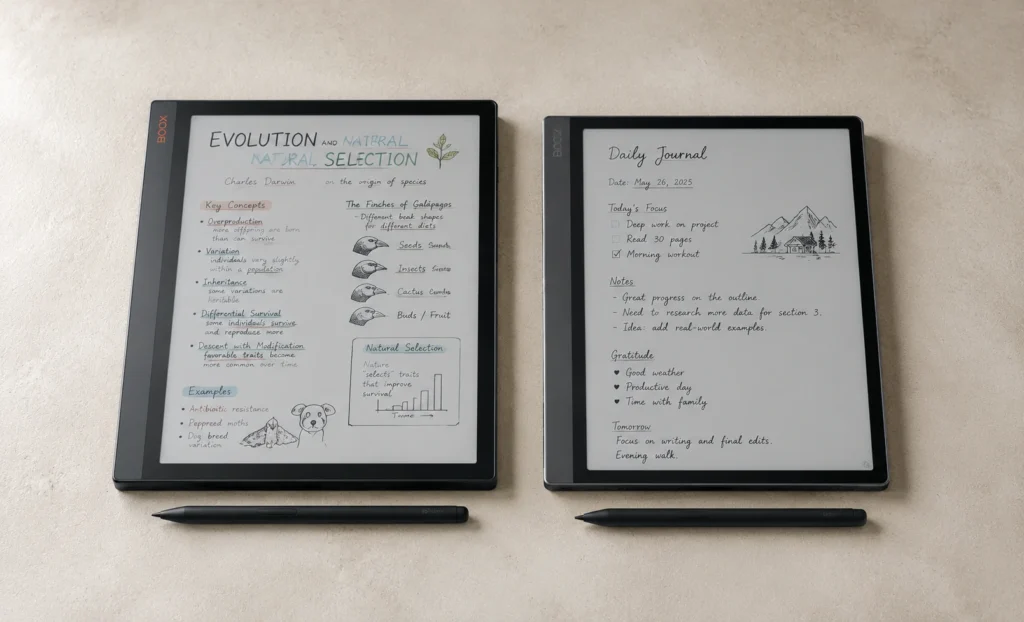
Boox Note Air5 C VS Boox Go 10.3
10.3″ Kaleido 3 · 6GB RAM · ~$530
✅ Android 15, newest software in the category
✅ Fingerprint sensor, warm frontlight, speakers
❌ Battery lasts days, not weeks
❌ Colors stay muted, never vibrant
10.3″ monochrome · Wacom EMR · ~$400
✅ Excellent writing feel for the price
✅ Thin, understated, desk-worthy design
❌ No color at all
❌ Fewer premium extras like a fingerprint sensor
The Takeaway:
Thoroughly investigating this segment instead of merely glancing at specifications provided me with a distinct viewpoint.
The e-ink Android tablet market in 2026 is predominantly a Boox market, with one legitimate contender present. This isn’t inherently negative, as Boox’s product range truly encompasses every size and price category that an average buyer might desire, but it’s important to recognize how concentrated this market really is.
So choose according to the size and price range that fits your real daily needs, rather than the model with the most impressive specifications, and you’ll have a device that justifies its presence in your bag instead of becoming an overpriced item in a drawer.
FAQs
What is the best e ink android tablet in 2026?
For most buyers, the Boox Note Air5 C offers the best overall balance of screen size, color support, and software polish. Budget-conscious buyers are better served by the Boox Go 10.3 or Go Color 7.
Do e ink android tablets support Google Play Store apps?
Yes, this is the defining feature of the category. Unlike closed devices such as reMarkable or Kindle, e ink android tablets run genuine Android with full Google Play access.
Why does Onyx Boox dominate this category so heavily?
Boox has simply built the widest model range and the most refined software in the space over several product generations. Bigme remains the only other brand shipping a genuinely comparable Android e-paper tablet.
How long does the battery actually last on these devices?
Expect a handful of days under mixed use rather than weeks, since running full Android with background processes draws noticeably more power than closed, single-purpose e-paper devices.
Are the colors on these tablets actually vibrant?
No, and it’s important to set that expectation correctly. Every current color e-paper panel produces muted, softened tones rather than anything close to a phone or LCD tablet screen.
Explore More Reviews
Boox Note Air2 Full Specs, Buying Guide, Onyx Official Price
Supernote A5X Review: Lightest E Ink Notebook With Zero Subscription Fees
Amazon Kindle Scribe: Finally A Tablet That Writers Actually Want In 2026
Boox Note Air4 C: The 64GB Color E Ink Tablet Review
E-Ink Tablets Comparison: 6 Digital Notebooks Tested Head to Head
3 Best E Ink Tablets In 2026 Detailed Review
The Future of E-Ink Tablets: Revolutionizing Your Reading Experience
The reMarkable Paper Pure (reMarkable 3) Surprised Me in Ways I Was Not Expecting at All
Viwoods AI Paper Full Review 2026